Cellwatch Frontier System Installation & User Manual
Section II – User Guide-87
Tests and Actions
DCM Data: This tool allows users to interrogate DCM devices individually to gather the most up-
to-date readings and information.
Ping Channels in Alarm: Use this feature to activate the LED and buzzer on DCM units
connected to channels in alarm.
Manual Ohmic Scans: This function allows users to initiate an ohmic value scan. The option to
scan the entire system or individual strings is available.
Resume Scan: This activates the scan routine again following a system stop due to fiber break or
maintenance.
Test Hardware Relays: Activate individual relays to verify proper configuration.
Test Fiber Optic Loop: Users can perform a fiber optic check. During this check, a pulse will be
transmitted through the fiber optic loop once per second. All DCMs that receive the signal will
beep, flash, and pass the signal to the next DCM until the signal is returned to the Frontier
module. This test can be used to troubleshoot a break in the fiber optic loop of a Frontier system
by using the DCM units to identify where the break has occurred in the loop.
View logs: Lists all log files that are available for download. Can be used to troubleshoot issues
and investigate events.
Scaling Factor: Click to set or clear ohmic value scaling factors on cells, straps or charger cables.
Device Restart: Click this button to restart the Frontier device.
Troubleshooting
This section will address the most common errors reported by the Frontier system and solutions for
each.
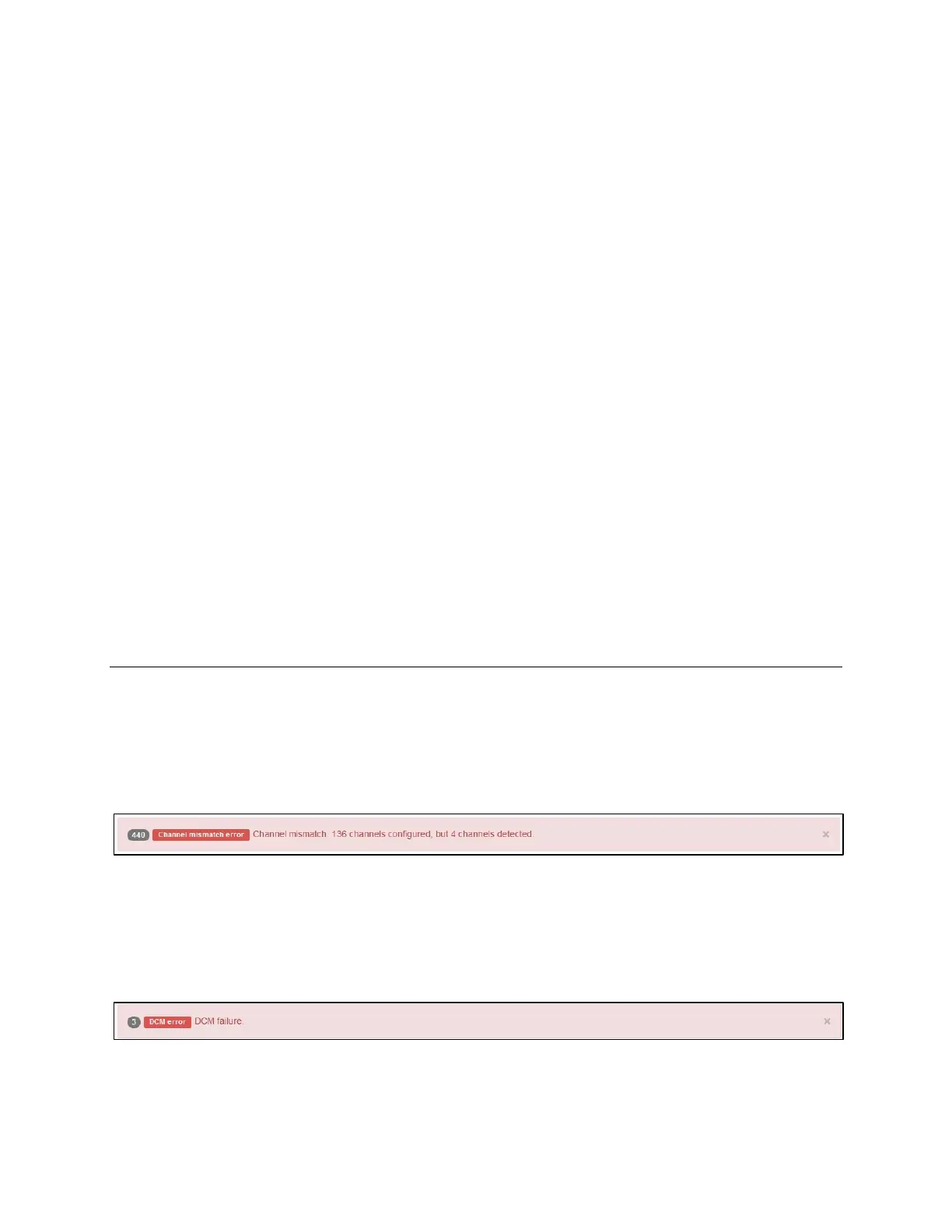
Channel Mismatch Error
DCM fiber loop is complete, but channels detected do not match the number of channels configured.
Resolution: Check the fiber loop. Likely a DCM was skipped when routing fiber. Also check the
configuration to ensure it is correct.
DCM Error
Indicates there is a break in the fiber loop.
Resolution: Check fiber loop using Test Fiber Optic Loop in Diagnostics. Likely a fiber connection isn’t
secure, or a DCM is not regenerating the fiber signal.



 To Next Page