Cellwatch Frontier System Installation & User Manual
Section II – User Guide-81
Current Alarms
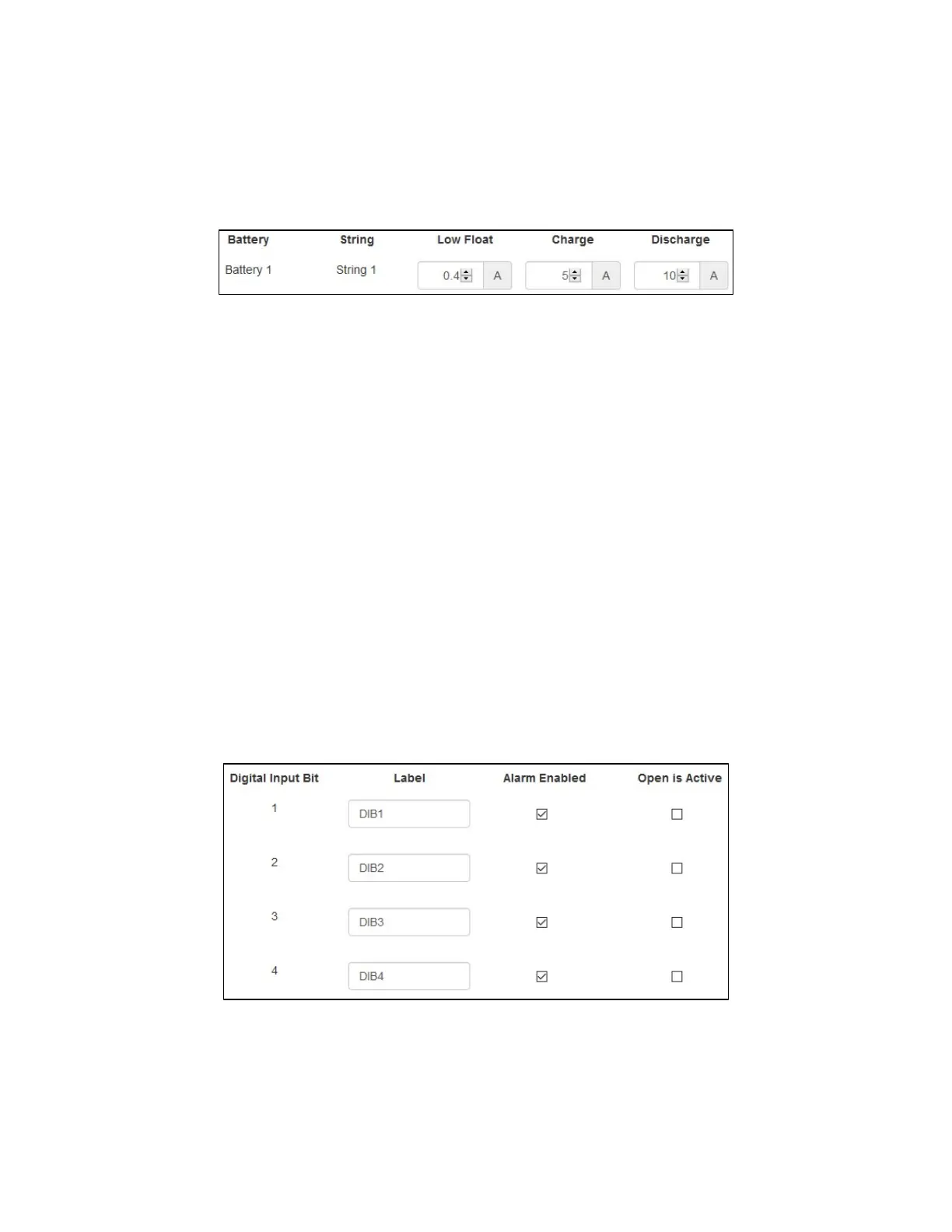
Users can configure thresholds for discharge alarms, recharge events, and low float alarms here. At least
one current transducer must be configured for a string in order for current alarm limit settings to be
available.
Low Float: This setting will enable Frontier to monitor for low float current, or a break in
continuity within the battery. This limit should be set above zero but significantly below the
normal float charge current. A typical low float limit is at least 20mA.
Charge: This setting allows users to monitor the recharge characteristics of the battery. This is
an optional non-alarming event but will allow Frontier to monitor the charge status of the
battery. This limit must be greater than the typical float current of the battery, but less than the
typical charge current of the battery, in order for recharge events to be properly detected. This
limit should be set between 2A and 5A depending on the float charge current of the charger.
Discharge: This setting allows users to monitor the battery for any discharge events. During a
discharge event, data readings are recorded at a high rate, allowing Frontier to plot the
discharge of the battery with high resolution upon completion of the event. This limit must be
set above the noise floor of the CT being used and must be less than typical discharge current
based on the expected load. For US Utilities where expected loads can be as low as 5A or as high
as 30A, a limit of 3A is recommended.
Digital Input Alarms
The Digital Input Alarms page allows configuring digital input bits (DIB) for integrating external
monitoring devices into the Frontier system.
Digital Input Bit: Each DIB as numbered on the back of the Frontier device.
Label: The label to display on the Home page for each DIB.
Alarm Enabled: Enable DIB to trigger alarm in Frontier.



 To Next Page