Cellwatch Frontier System Installation & User Manual
Section II – User Guide-82
Open is Active: Check this box if an open circuit condition is considered an active state. Uncheck
if closing the DIB to ground circuit is considered an active state.
SNMP
This page contains options for configuring SNMP on the Frontier system. For more information on
setting up SNMP, see the section titled Integration: SNMP.
DNP3
This page contains options for configuring DNP3 on the Frontier system. For more information on setting
up DNP3, see the section titled Integration: DNP3.
Software Activation
Optional features can be activated in this menu option. Additional features include AC ripple voltage
measurements and higher resolution ohmic and voltage measurements. Contact your vendor to
determine available features for activation. If DCMs with temperature probes are deployed, all optional
features are automatically activated.
Serial number: This is a randomly generated number, unique to each Frontier system. Provide
this number to NDSL to activate new features.
Activation code: This input field allows users to enter the activation code provided by NDSL to
unlock features in the Frontier interface. Activation codes are available by calling NDSL Technical
Support.
Upgrade Software
This setting allows the user to update the Frontier software. Only acceptable binary (.bin) files provided
by NDSL should be uploaded.
To update the software, click Select file and locate the appropriate .bin upgrade package on your PC or
networked drive. After choosing an upgrade package, press Upload.
Monitor the progress bar to ensure the file completes the upload process. Once it completes, the
button to Upgrade will be enabled. Press Upgrade.
The software will begin the upgrade process. Do not navigate away from the page while the Frontier
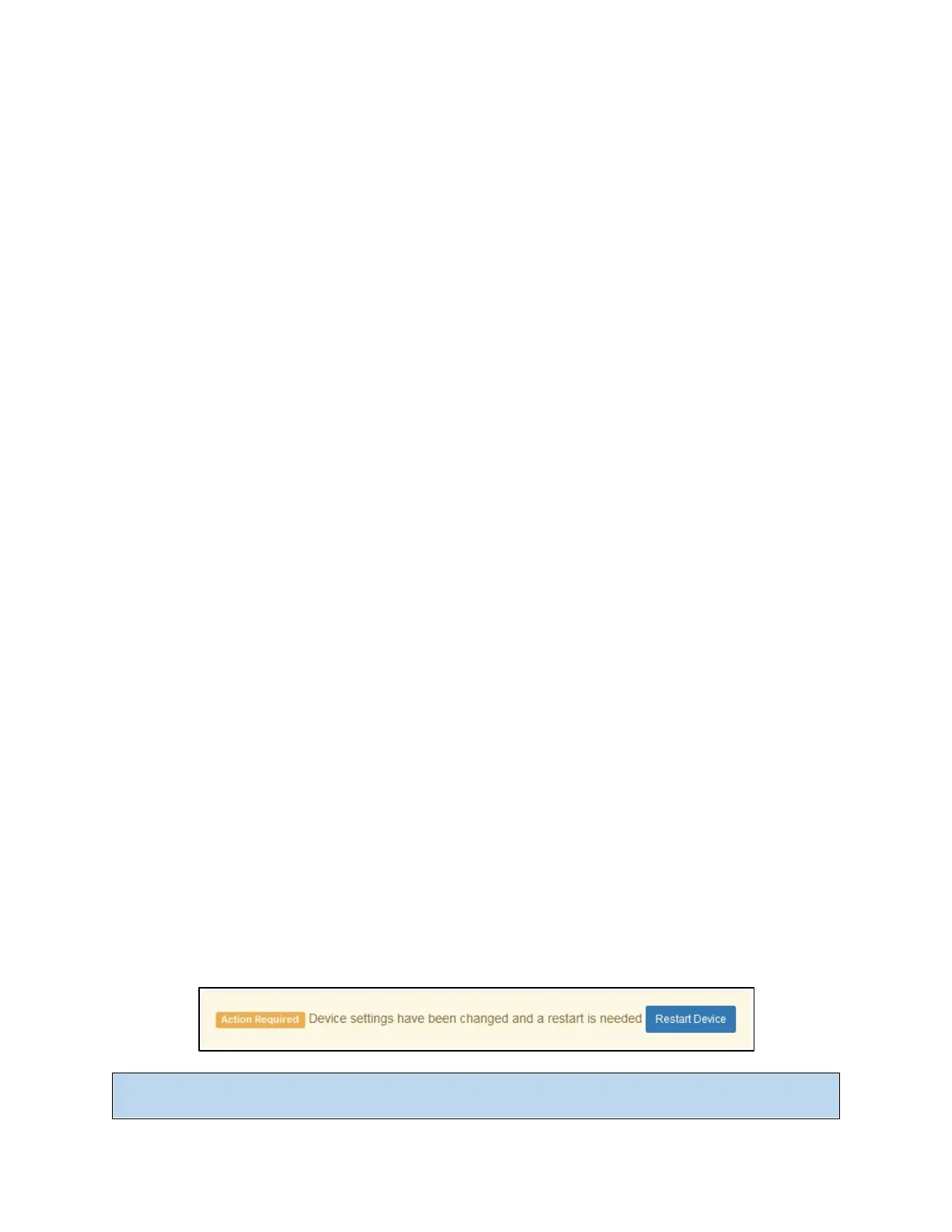
device is upgrading. Upon completion, the device will require a reboot. Press the Restart Device button
to reboot the Frontier system.
Note: Software upgrades will not occur if the Frontier system clock is not set correctly. Updates with a
release date beyond the Frontier system time and date will not install.



 To Next Page