Cellwatch Frontier System Installation & User Manual
Section III – Configuration Build and Hardware Integration Guide-92
Introduction
This guide will explain in detail the Battery Design walkthrough to build the configuration file and setting
parameters for the hardware portions of the Frontier system.
Building a Battery Configuration
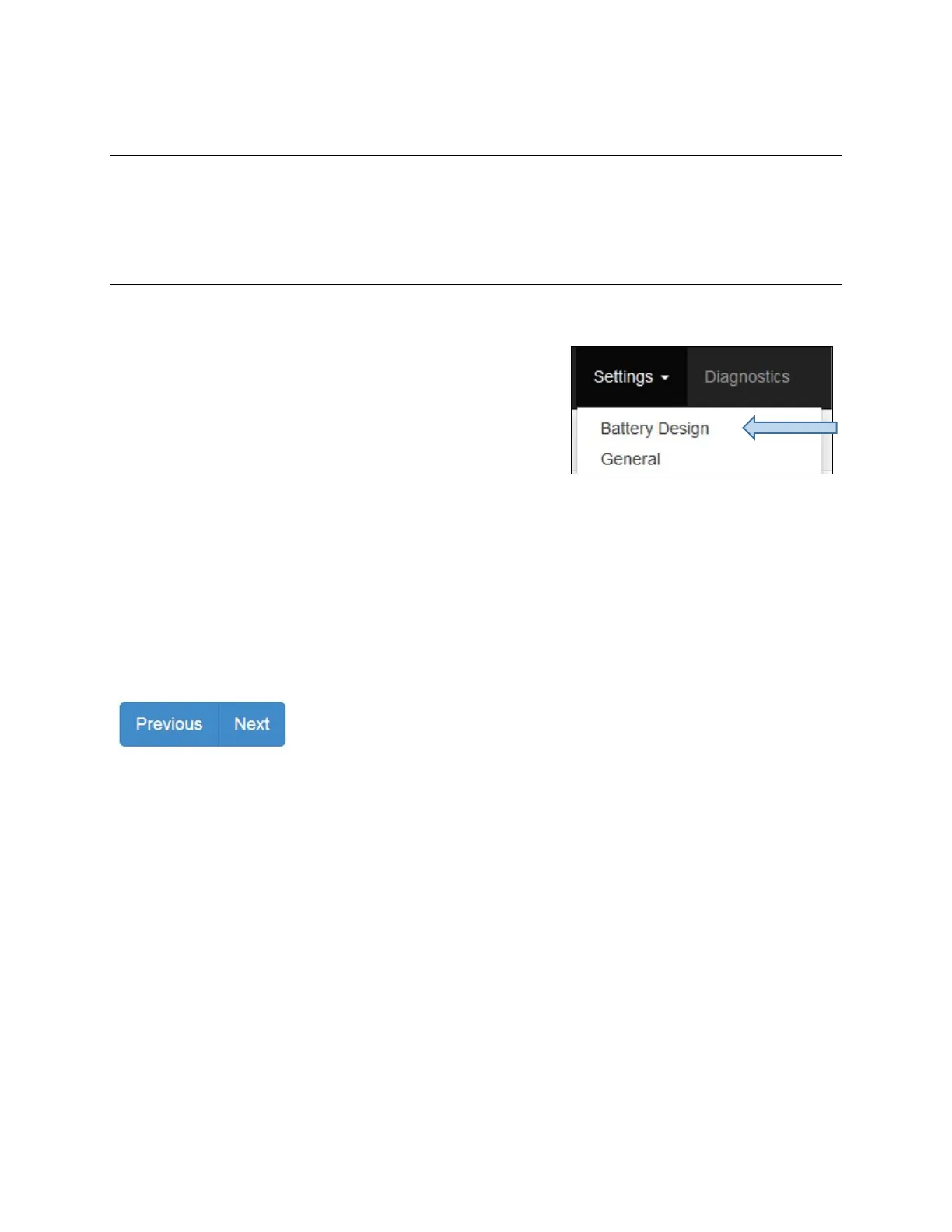
The Battery Design wizard is accessible under the Settings menu in the Navigation Bar.
The user will be presented with three options when building a
battery configuration. If this is a new installation, select Start
new configuration to build a battery configuration for the first
time. For adding or removing hardware, or changing aspects of
an existing installation, select Edit configuration.
For examples of common battery configurations, continue to the Configuration Build Examples section
below following the functional explanations.
To restore a previously saved battery configuration, click Upload configuration file. Select the battery
configuration file, continue with the wizard to make any needed modifications, and click Save at the
end. The Battery Design wizard displays an error if the selected file is not a valid battery configuration
file. The battery configuration can be saved to a file for later restoration by selecting Download your
current hardware configuration file here.
Use the Previous and Next buttons to navigate backwards and forwards
through the pages of the Battery Design walkthrough. Using the Back
button on the browser interface will leave Battery Design and go to the
previous page.
Hardware
The battery configuration is built by answering questions pertaining to the number of probes installed,
whether straps will be measured separate from cells, and which digital input bits (DIB) are being used
for this system.
A simple set of questions defines the parameters for the configuration file. These questions help define
the expected number of hardware components, how they are arranged, and proposed usage in the
system.
Which wiring pattern is being used?
Frontier has the ability to measure inter-cell straps or links separately from cells. This allows for ohmic
value analysis and trending that isolates and monitors the changes of the cell and the straps
independently. Select the Cells and Straps option if the DCM hardware is installed to measure straps
separately and ensure the appropriate number of DCMs have been acquired. Choose Cells only if this is



 To Next Page