Cellwatch Frontier System Installation & User Manual
Section II – User Guide-71
Download CSV: Users can export the displayed data into a comma-separated values (CSV) file.
Hide all: Users can disable all selected cells to clear the graph.
Reports
The Frontier device can generate a battery report on the state of the system, including battery
manufacturer and model, installation date, and the latest voltage, ohmic value, and temperature
measurements for each cell and strap. These reports allow the user to print and export information
about both the battery and the Frontier unit.
Battery Report
This report contains information pertinent to commissioning a system or recording “snapshot”
information about the system. This report can be used to compliment the visual inspection of a
scheduled battery maintenance and to record the battery health at the time it is executed.
Each battery report that is generated will include commissioning data which is completed by the
installer or operator on the Commissioning Data page under the Settings menu. In addition, the battery
report includes:
String measurements: including string voltage, string current, and alarm limits associated with
each
Temperature probe measurements and alarm limits
Cell and strap ohmic values and alarm limits
Cell voltages and alarm limits
Electrolyte status of each FED unit
Serial numbers of Frontier hardware
Exporting a Battery Report
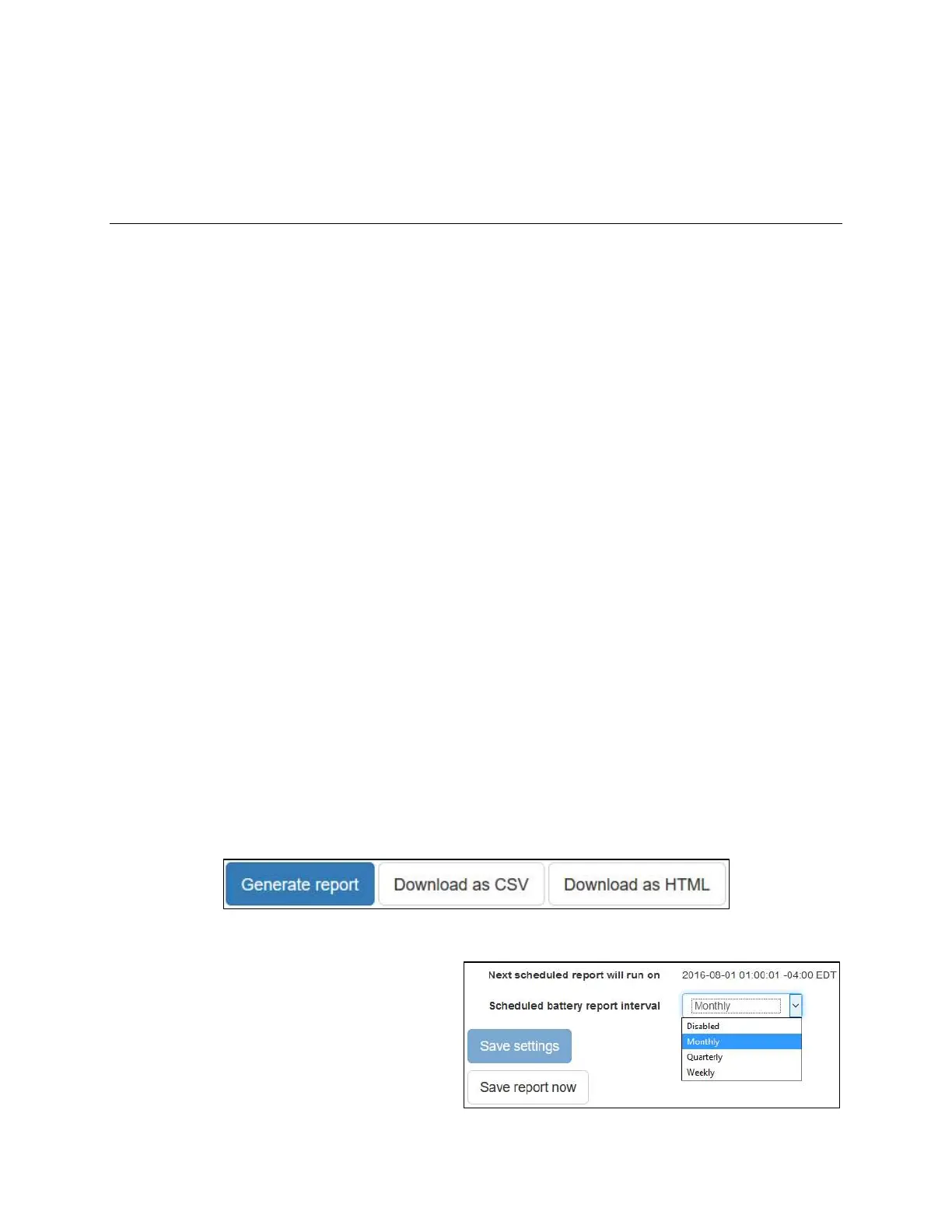
Battery reports can be exported using the buttons at the top of View Battery Report page, located
under the Reports menu. The user has the option to download a comma-separated values (CSV) file or
to save the HTML page to their desktop for later viewing.
Scheduled Battery Reports
Battery reports can be scheduled to
automatically generate at a specified interval.
The user has the option to schedule a battery
report weekly, monthly, or quarterly. If a
scheduled battery report interval is selected,
the time and date of the next scheduled report



 To Next Page