Cellwatch Frontier System Installation & User Manual
Section I – Installation Guide-58
introduce errors in communication. Always use parts that are included in the kit to ensure the system
operates properly.
FED Interface Module
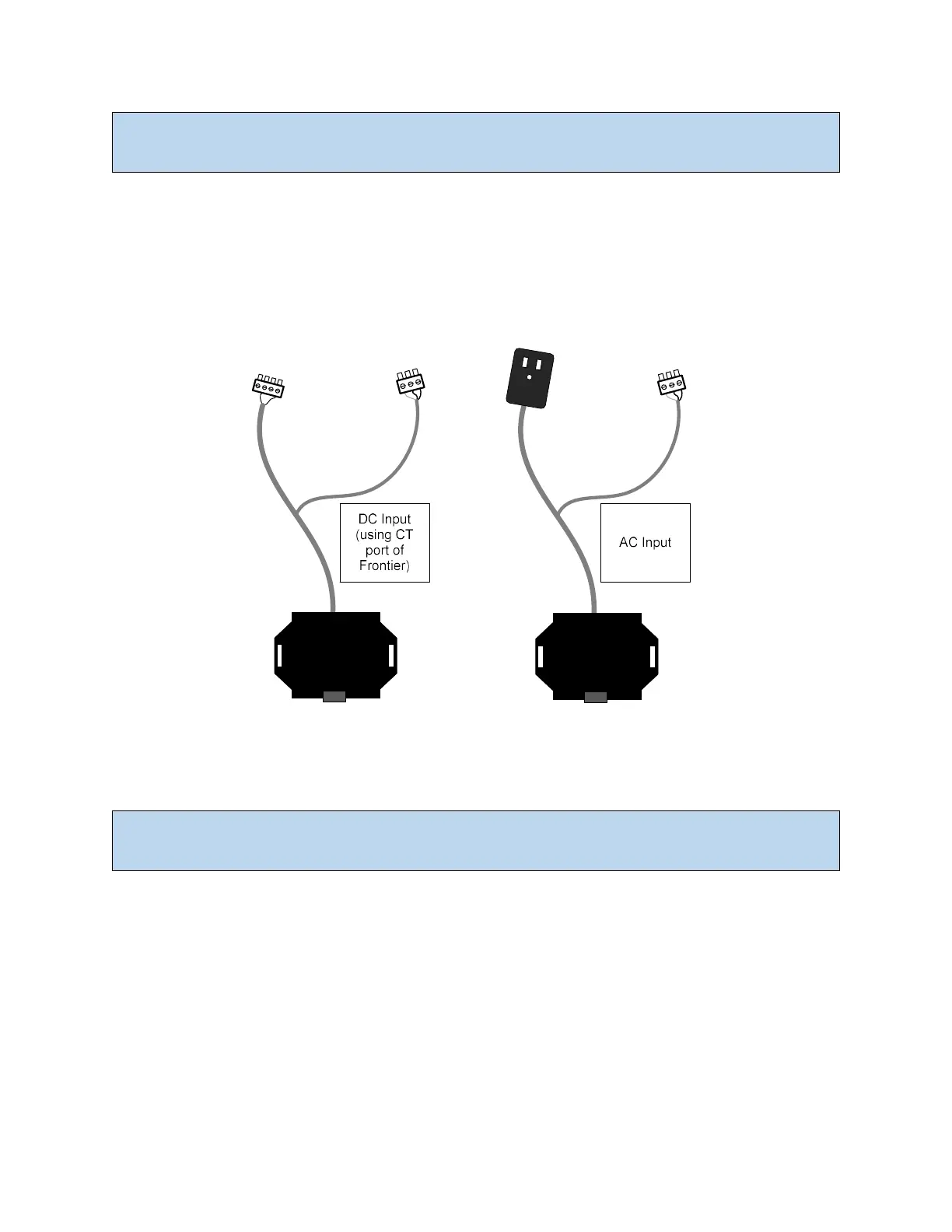
Communication and power to each FED is provided by the Interface Module. The Interface Module
connects to the IN port of the first FED unit in the series. The first FED will typically be mounted to the
first cell or container in the string. Communications and power are carried to the rest of the FED units in
series.
The Interface Module allows for AC or DC power input (see above). For DC input, the Interface Module is
wired to an unused CT port on the Frontier device in order to obtain 24V. For AC input, the Interface
Module comes with an AC/DC adapter which can be plugged into a UPS outlet.
Note: If the Interface Module is plugged into a standard wall outlet that is not a UPS-backed power
feed, the FED units will be unable to monitor electrolyte levels during a power loss event.



 To Next Page