EasyManua.ls Logo

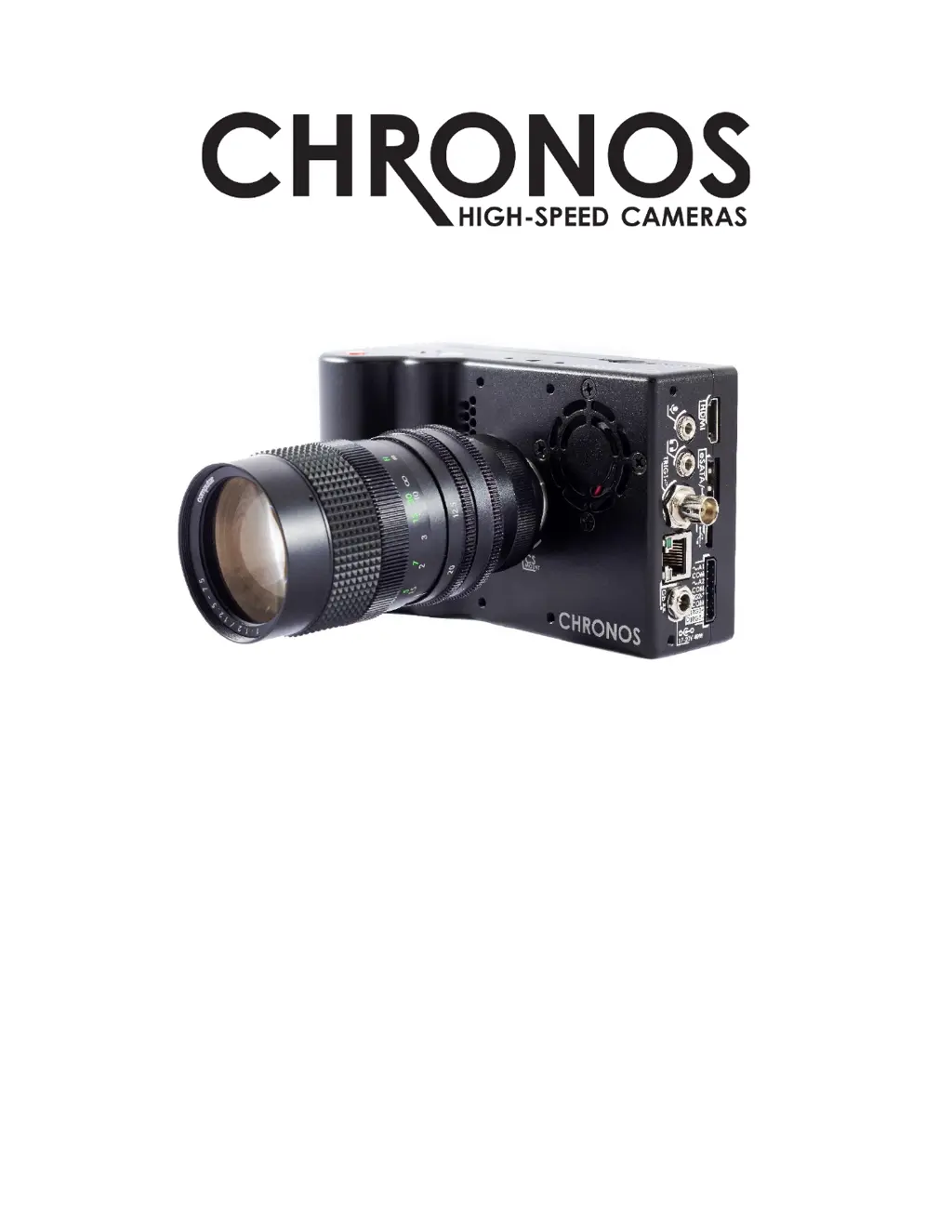
Chronos 1.4 - User Manual

Chronos 1.4
103 pages
Print Icon
To Next Page IconTo Next Page
Loading...
USER MANUAL
CHRONOS 1.4 & CHRONOS 2.1-HD
Software Version 0.5.1
RE-PDEV-10007 Rev 1.0

Table of Contents

Questions and Answers

  • H
    harold08Sep 8, 2025
    How to fix Chronos Digital Camera showing a black or still image?
    • N
      Nina ArroyoSep 8, 2025
      If your Chronos Digital Camera is displaying a black or still image, the trigger mode may be set to ‘Exposure Trigger’ or ‘Shutter Gating’ without an external signal being received. If you don't intend to use these modes, go to Trigger/IO Settings and switch back to Record End Trigger for normal operation. If you wish to use one of these modes, check that you have the correct input selected, or connect a signal generator and send a signal of frequency equal to the desired frame rate.
  • B
    briannawilliamsSep 7, 2025
    How to fix a blurry image on Chronos 1.4 Digital Camera?
    • J
      Julia HughesSep 7, 2025
      If you're experiencing an extremely blurry image with your Chronos Digital Camera and can't achieve proper focus, the issue might be due to an incorrect lens adapter being installed. Check whether your lens is a CS or C mount to determine the appropriate adapter to use.
  • A
    Amy PonceAug 22, 2025
    How to fix Chronos 1.4 Digital Camera that won't power on?
    • D
      donna08Aug 22, 2025
      If your Chronos Digital Camera won't turn on, first ensure it has power by inserting a charged battery or connecting it to a mains power source. If it still doesn't power on, try removing the battery and AC adapter for 10 seconds, then reconnect and try again. Also, verify that the AC adapter is providing between 17 and 20V DC with a positive tip.
  • D
    Daniel EllisonSep 4, 2025
    Why Chronos 1.4 won’t power on?
    • K
      Kevin HendersonSep 4, 2025
      Your Chronos Digital Camera might not be powering on due to several reasons. First, ensure that the camera has power by inserting a battery or connecting it to the mains power. If that doesn't work, the camera might have crashed; remove the battery and AC adapter for 10 seconds, then reconnect and try powering it on again. Finally, check that the AC adapter is providing between 17V and 20V DC with a positive tip.
  • P
    powellsherrySep 3, 2025
    Why is a negative ghost image visible on my Chronos 1.4 Digital Camera?
    • C
      Chad RoblesSep 3, 2025
      If you're seeing a negative ghost image over the normal image on your Chronos Digital Camera, it's likely because the black cal was done without the lens cap on or with the aperture open. Perform the black cal again, ensuring you close the aperture fully or cover the lens.
  • G
    Grant LewisSep 1, 2025
    Why is there a black ring around the image on my Chronos 1.4?
    • T
      Travis BrownSep 2, 2025
      If you see a black ring around the image in your Chronos Digital Camera, it's likely because the lens is too small for the sensor. This is called vignetting. To eliminate it, change to a different lens.
  • C
    christopher67Aug 31, 2025
    Why is the image extremely blurry on my Chronos 1.4 Digital Camera?
    • M
      moorealexanderAug 31, 2025
      If you're getting an extremely blurry image with your Chronos Digital Camera, and can't achieve proper focus, it might be due to an incorrect lens adapter being installed. Check whether your lens is a CS or C mount to determine the proper adapter to use.
  • H
    haasjasonAug 30, 2025
    Why doesn't the lens maintain consistent focus while zooming on my Chronos 1.4 Digital Camera?
    • T
      Tyler MillerAug 30, 2025
      If the lens on your Chronos Digital Camera doesn't maintain consistent focus while zooming, it could be due to a misadjusted backfocus. Try readjusting the backfocus. Also, some lenses do not maintain focus during zoom. Focus needs to be adjusted after zooming.
  • K
    kevindoyleAug 29, 2025
    Why are there horizontal or vertical lines in the video of my Chronos 1.4?
    • S
      Stephen BaileyAug 29, 2025
      If you're seeing horizontal or vertical lines in the video from your Chronos Digital Camera, especially at resolutions below 1280 pixels, it's likely because a black cal was not performed after changing the shutter speed. Make sure to perform a black cal after every shutter speed or resolution change.
  • N
    Nicholas DawsonAug 27, 2025
    How to fix slightly wrong focus on Chronos 1.4?
    • M
      Matthew MarksAug 27, 2025
      If the focus on your Chronos Digital Camera is slightly off, and proper focus seems out of range, it could be due to a misadjusted backfocus. Try readjusting the backfocus. It may also be due to the lens limitation. Some lenses are slightly soft at fully wide aperture. Close aperture slightly and retry. Try f/2 or smaller.

Summary

Introduction and Support

Welcome and Manual Overview

Introduces the Chronos camera and guides users through the manual's structure and purpose.

Support and Resources

Provides essential contact details, website links, and user forum for customer support and technical assistance.

Getting Started: Unboxing and First Look

Unboxing and Included Items

Details on unpacking the camera and listing all standard included accessories.

Camera Hardware Overview

Overview of the camera's physical layout, buttons, screen, and ports.

Initial Camera Setup and Configuration

Essential Setup Procedures

Guides through disabling shipping mode, lens installation, and powering on the camera.

Power Management and Battery Charging

Instructions for powering the camera down and charging the battery.

Core Configuration: Resolution, Calibration, and White Balance

Covers setting resolution, frame rate, performing black calibration, and white balance.

Camera Operation: Recording and Playback

Recording Fundamentals and Modes

Explains recording modes, ring buffer concept, and live recording.

Triggering and Synchronization

Details on using triggers, I/O settings, and synchronizing the camera.

Playback and Saving Footage

How to review captured footage and save it to storage.

Advanced Features and Technical Information

Network and Web Interface

Setting up network connectivity and accessing the camera via web control.

Software Interface and Functions

Detailed explanation of camera software menus, controls, and specific functions.

Hardware, Specifications, and Annexes

Covers hardware overview, lens compatibility, technical specifications, maintenance, and troubleshooting.

Chronos 1.4 Specifications

General IconGeneral
Sensor TypeCMOS
Resolution1280x1024
StorageSD card
Display5" LCD
BatteryLi-ion
ConnectivityUSB, HDMI, Ethernet
Memory8GB

Related product manuals