EasyManua.ls Logo

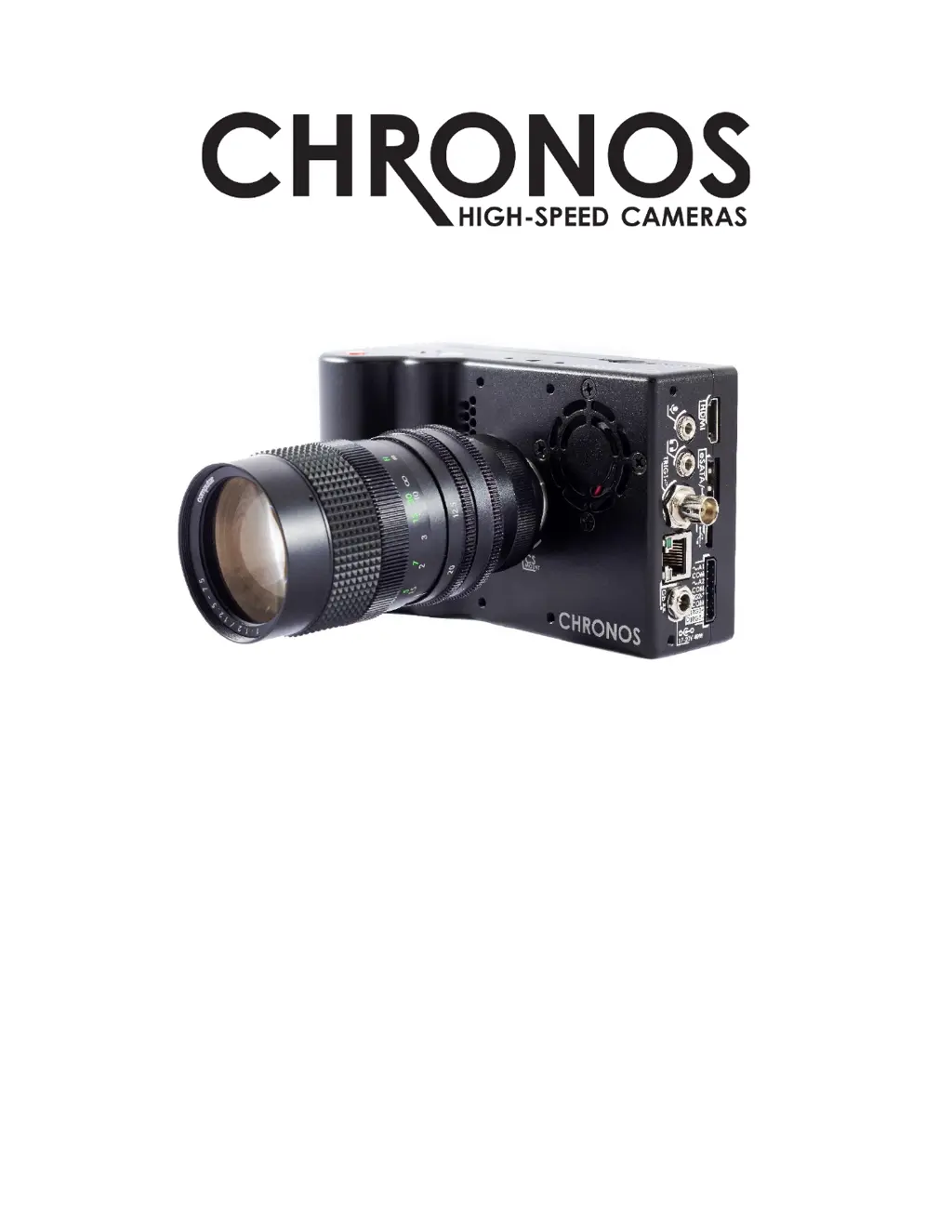
Chronos 1.4 - User Manual

Chronos 1.4
103 pages
Print Icon
To Next Page IconTo Next Page
Loading...
USER MANUAL
CHRONOS 1.4 & CHRONOS 2.1-HD
Software Version 0.5.1
RE-PDEV-10007 Rev 1.0

Table of Contents

Questions and Answers

  • O
    oblanchardAug 26, 2025
    Why does the battery indicator drop very fast on my Chronos 1.4?
    • P
      pedro10Aug 27, 2025
      If the battery indicator on your Chronos Digital Camera is dropping very quickly, it likely means you have a low-quality or failing battery. The suggested solution is to replace the battery.
  • M
    Michelle FieldsAug 25, 2025
    Why is the power status indicator flashing red/green continuously on my Chronos 1.4 Digital Camera?
    • D
      Douglas BurchAug 26, 2025
      If the power status indicator on your Chronos Digital Camera is continuously flashing red and green, it could indicate that the power controller is in recovery mode. Try turning the camera off, then removing the battery and disconnecting the AC adapter for 10 seconds. When reconnecting the power or inserting the battery, make sure you are not pressing the power button until after the LED flashing stops.
  • M
    Mr. David TorresAug 23, 2025
    What to do if Chronos 1.4 Digital Camera battery won't charge?
    • W
      westkarenAug 23, 2025
      If the battery of your Chronos Digital Camera isn't charging, try these steps: First, unplug the AC adapter from the camera and then plug it back in. Also, double-check that the AC adapter is providing the correct voltage, which should be between 17 and 20V DC with a positive tip.

Summary

Introduction and Support

Welcome and Manual Overview

Introduces the Chronos camera and guides users through the manual's structure and purpose.

Support and Resources

Provides essential contact details, website links, and user forum for customer support and technical assistance.

Getting Started: Unboxing and First Look

Unboxing and Included Items

Details on unpacking the camera and listing all standard included accessories.

Camera Hardware Overview

Overview of the camera's physical layout, buttons, screen, and ports.

Initial Camera Setup and Configuration

Essential Setup Procedures

Guides through disabling shipping mode, lens installation, and powering on the camera.

Power Management and Battery Charging

Instructions for powering the camera down and charging the battery.

Core Configuration: Resolution, Calibration, and White Balance

Covers setting resolution, frame rate, performing black calibration, and white balance.

Camera Operation: Recording and Playback

Recording Fundamentals and Modes

Explains recording modes, ring buffer concept, and live recording.

Triggering and Synchronization

Details on using triggers, I/O settings, and synchronizing the camera.

Playback and Saving Footage

How to review captured footage and save it to storage.

Advanced Features and Technical Information

Network and Web Interface

Setting up network connectivity and accessing the camera via web control.

Software Interface and Functions

Detailed explanation of camera software menus, controls, and specific functions.

Hardware, Specifications, and Annexes

Covers hardware overview, lens compatibility, technical specifications, maintenance, and troubleshooting.

Chronos 1.4 Specifications

General IconGeneral
Sensor TypeCMOS
Resolution1280x1024
StorageSD card
Display5" LCD
BatteryLi-ion
ConnectivityUSB, HDMI, Ethernet
Memory8GB

Related product manuals