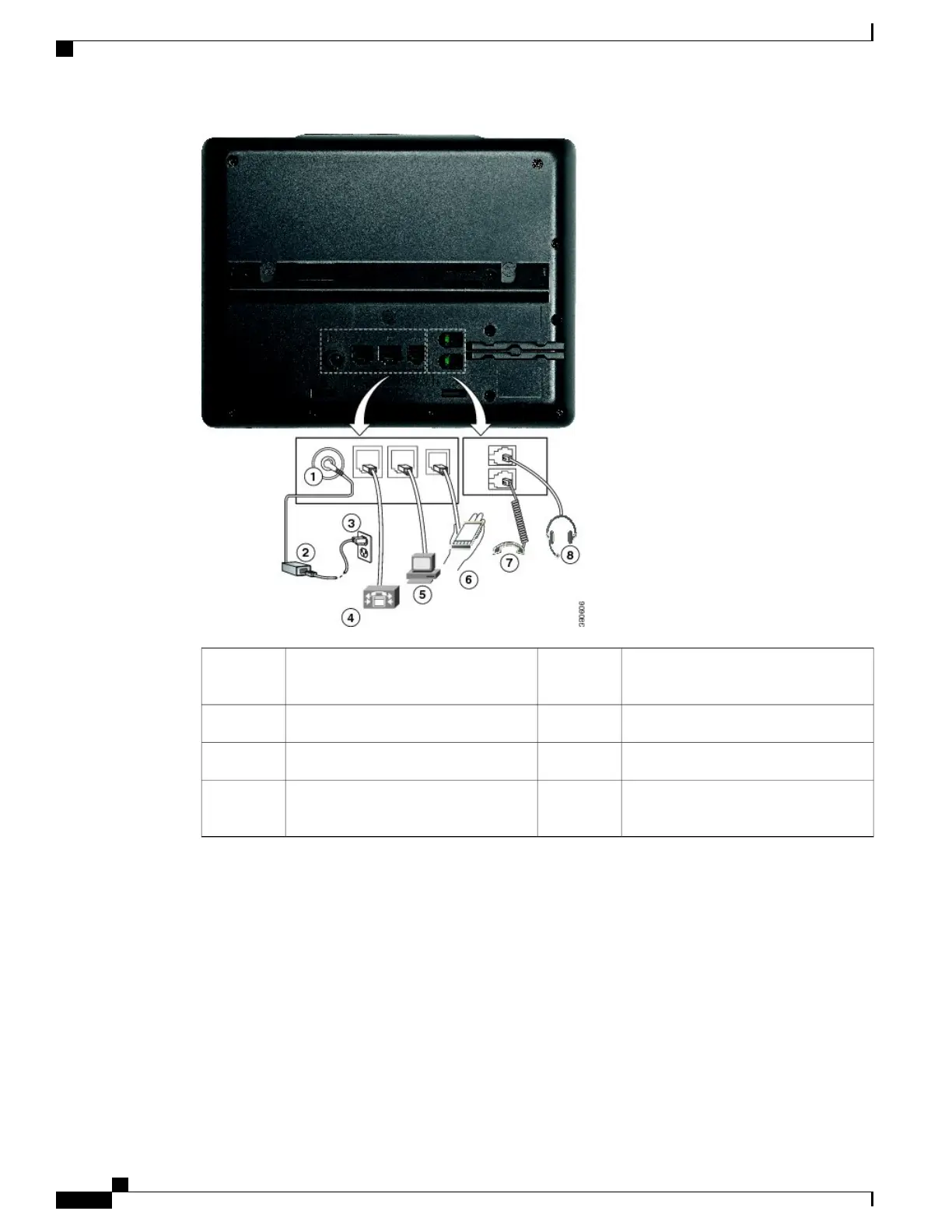
Access port (10/100 PC) connection
(optional).
5DC adaptor port (DC48V) (optional).1
Auxiliary port (optional).6AC-to-DC power supply (optional).2
Handset connection.7AC power wall plug (optional).3
Analog headset connection (optional).8Network port (10/100 SW) connection.
IEEE 802.3af power enabled.
4
Buttons and Hardware
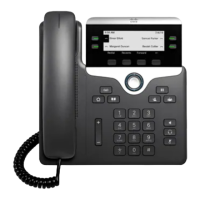
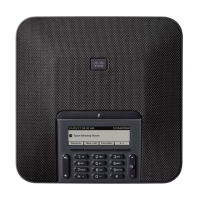
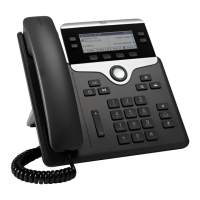
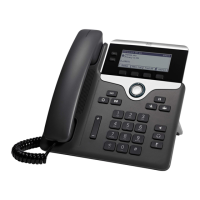
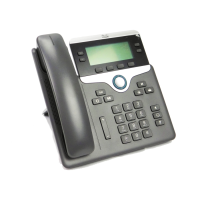
The Cisco IP Phone 7800 Series has distinct hardware types:
•
Cisco IP Phone 7811 No buttons on either side of the screen
•
Cisco IP Phone 7821 Two buttons on the left side of the screen
•
Cisco IP Phone 7841 Two buttons on either side of the screen
•
Cisco IP Phone 7861 16 buttons at the right edge of the phone
Cisco IP Phone 7800 Series Administration Guide for Cisco Unified Communications Manager
22
Buttons and Hardware


 To Next Page
 Loading...