User Guide | FreeSpeak II™ Base station version
10.1 Loading configurations
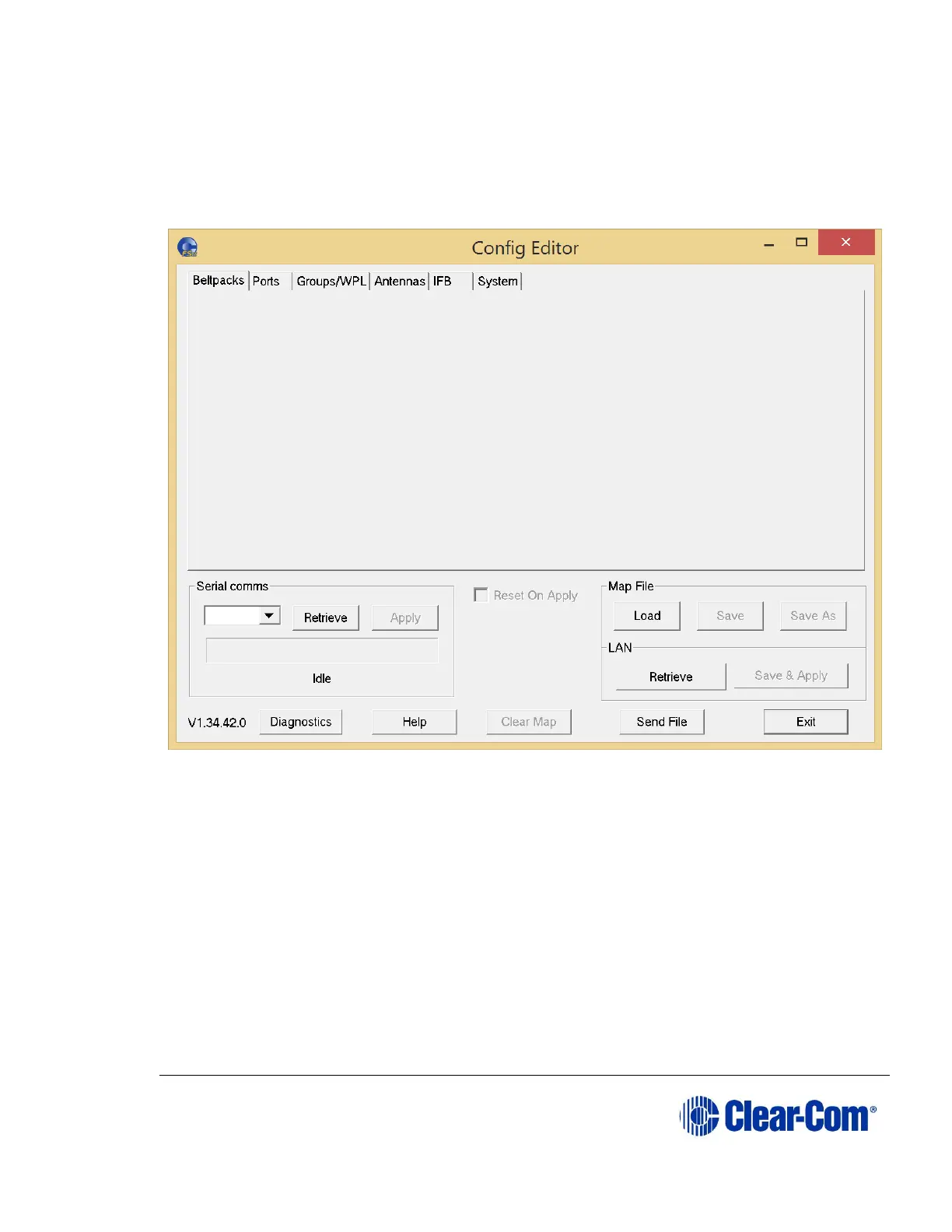
When you start the Configuration Editor the following screen appears:
Figure 10-1 Configuration Editor Initial Screen
You can either load a local configuration file from disk, or extract one from a Base
station.
10.1.1 Loading a local configuration file
To load a configuration from disk:
1) Click Load.
2) Browse on your local disk for the configuration file.
Note: Configuration files end in a .bsc extension.
3) Click Open. The configuration loads into the Configuration Editor.



 To Next Page