User Guide | FreeSpeak II™ Base station version
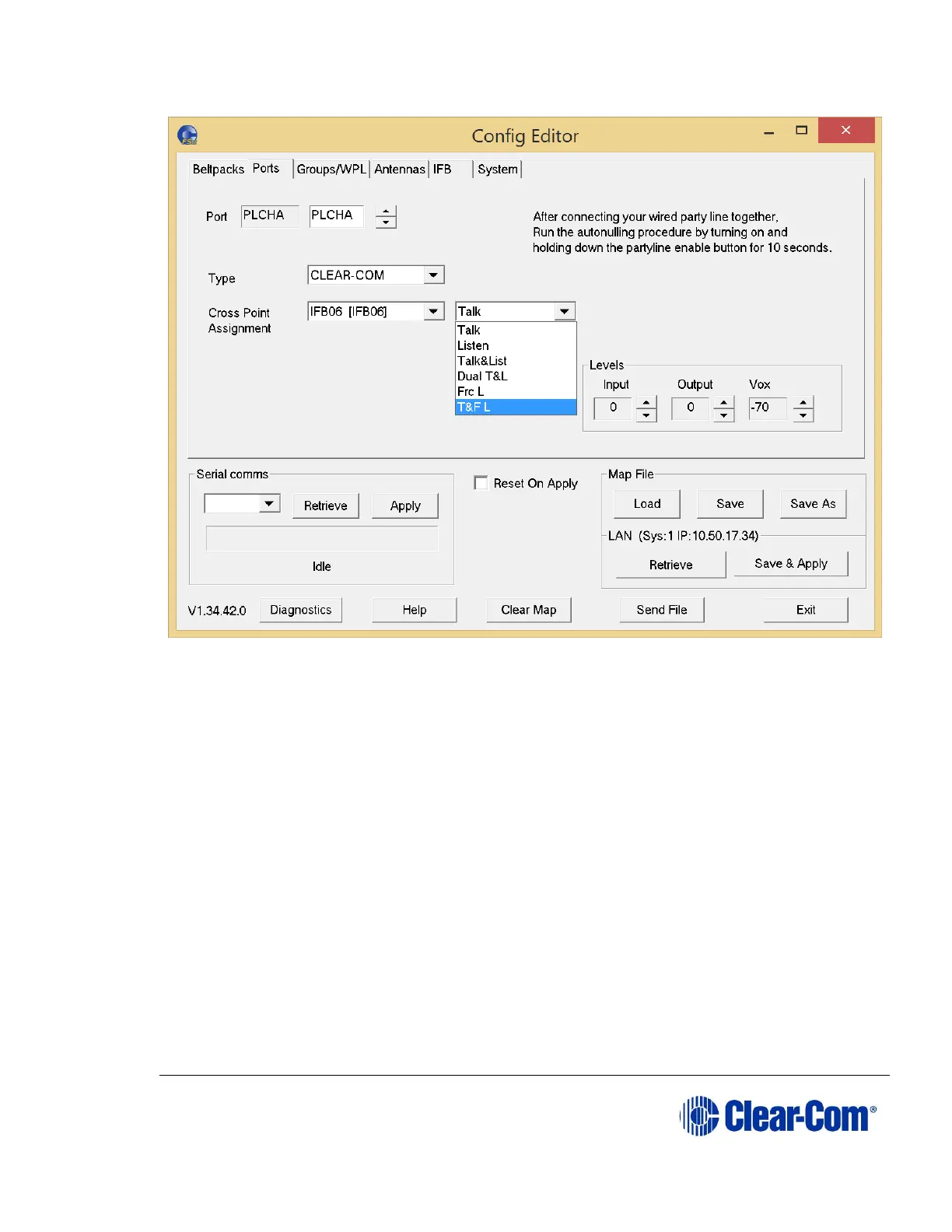
Figure 10-14 Partyline Crosspoint Type
10.5.5 Setting the input, output and VOX levels
The input level determines the level at which other users will hear a port, and the
output level determines the level at which the port hears other users.
If VOX is enabled, the VOX level specifies the audio level at which a VOX triggered
audio path is set. The VOX trigger level can be set in the range -70dB to -10dB.
To set an input, output or VOX level,
From the Input, Output or VOX list, select an input value. The values
run from 6dB to -20dB for input and output levels. For VOX level, the
values run from -10dB to -70dB.
10.6 Configuring groups and wireless partylines
From the Configuration Editor, you can use the Groups/WPL tab to:
Select and name groups*
Populate groups



 To Next Page