User Guide | FreeSpeak II™ Base station version
To set the number of beltpacks to 5, enter the following:
Parameter 1 – 0xCCF5
Parameter 2 – 0x1105
6) Save and upload the configuration map to the Base station, see 10.1
Loading configurations.
10.10 Diagnostics
You can use the diagnostics tool to view the current state of the Base station,
beltpacks and transceivers/antennas. You can also access the Event Log to view a
list of log messages, and to enter custom codes to change the number of
beltpacks that can connect to the Base station. To access the diagnostics tool:
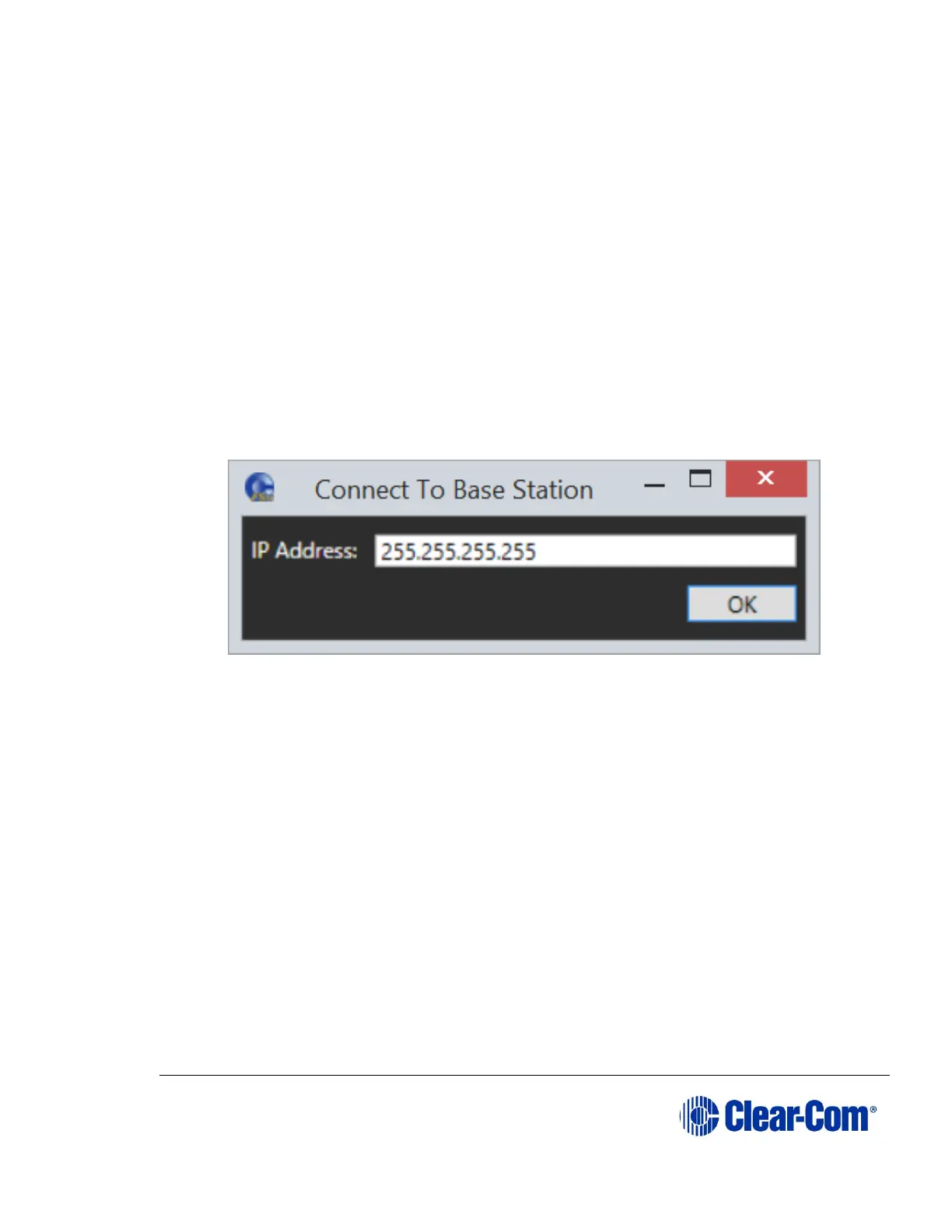
1) At the bottom of the screen, select Diagnostics. The following screen
appears:
Figure 10-23 Diagnostics connection
2) Enter the IP address of the Base station and click OK. After connection,
the following screen appears.



 To Next Page