User Guide | FreeSpeak II™ Base station version
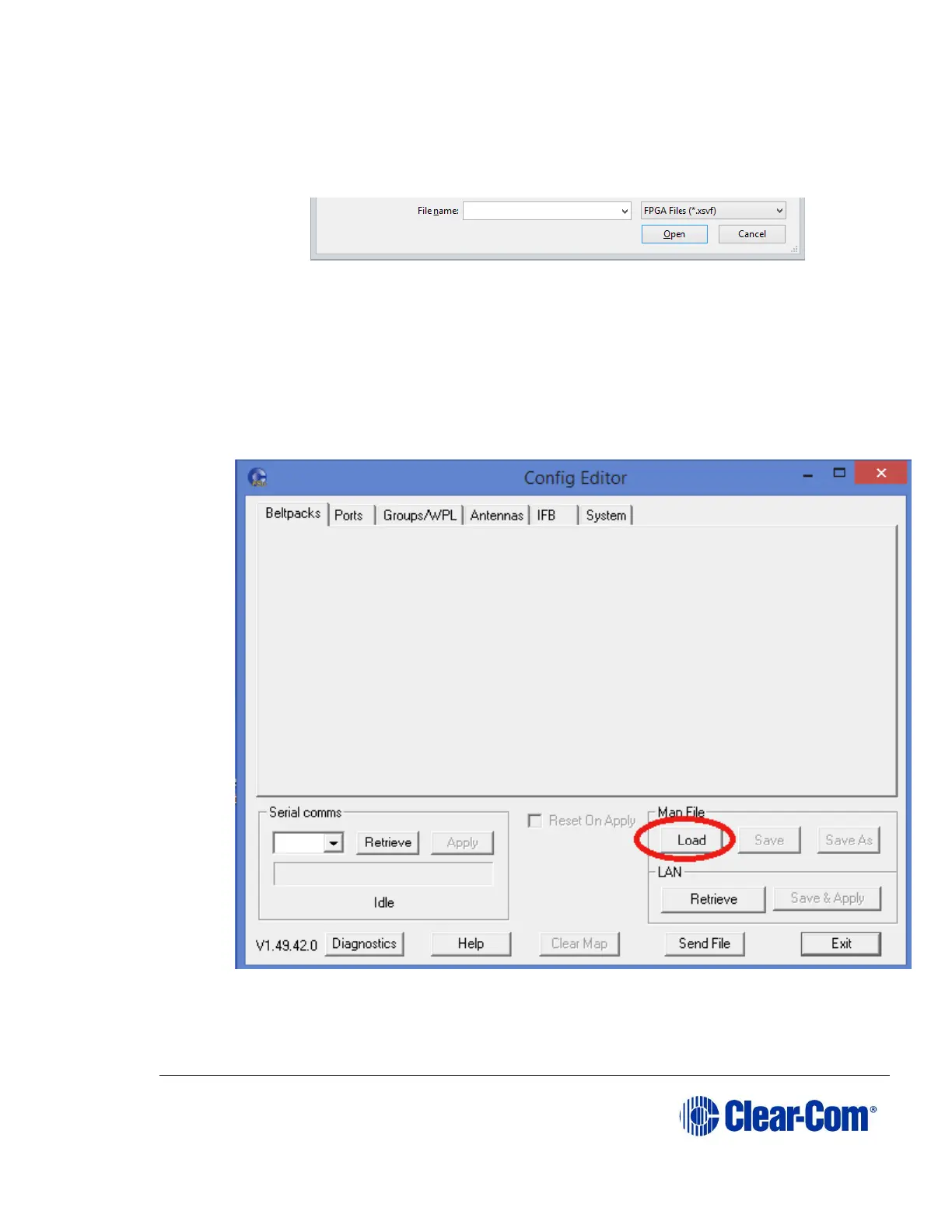
2) Navigate to the location of the upgrade file.
Note: Make sure that the drop-down list in the lower right-hand corner of
the screen is set to FPGA Files.
3) Click Open.
11.4 Loading the default map
1) From the Configuration Editor, click Load, and navigate to the location of
the default map file.
Note: The default map file has a .bsc extension.
2) Select System > Unlock SYS ID.



 To Next Page