User Guide | FreeSpeak II™ Base station version
The Live Log window shows the following details for each log:
Time
Category
Peripheral Type (Beltpack or antenna)
Port
Detail
When a log is saved, the output file is a CSV file containing the same information
shown in the log window.
10.10.2 Static log
When a static log has been generated by the beltpack, this will be shown in the Is
Log Available column of the Beltpack Status screen. To get the current log, the
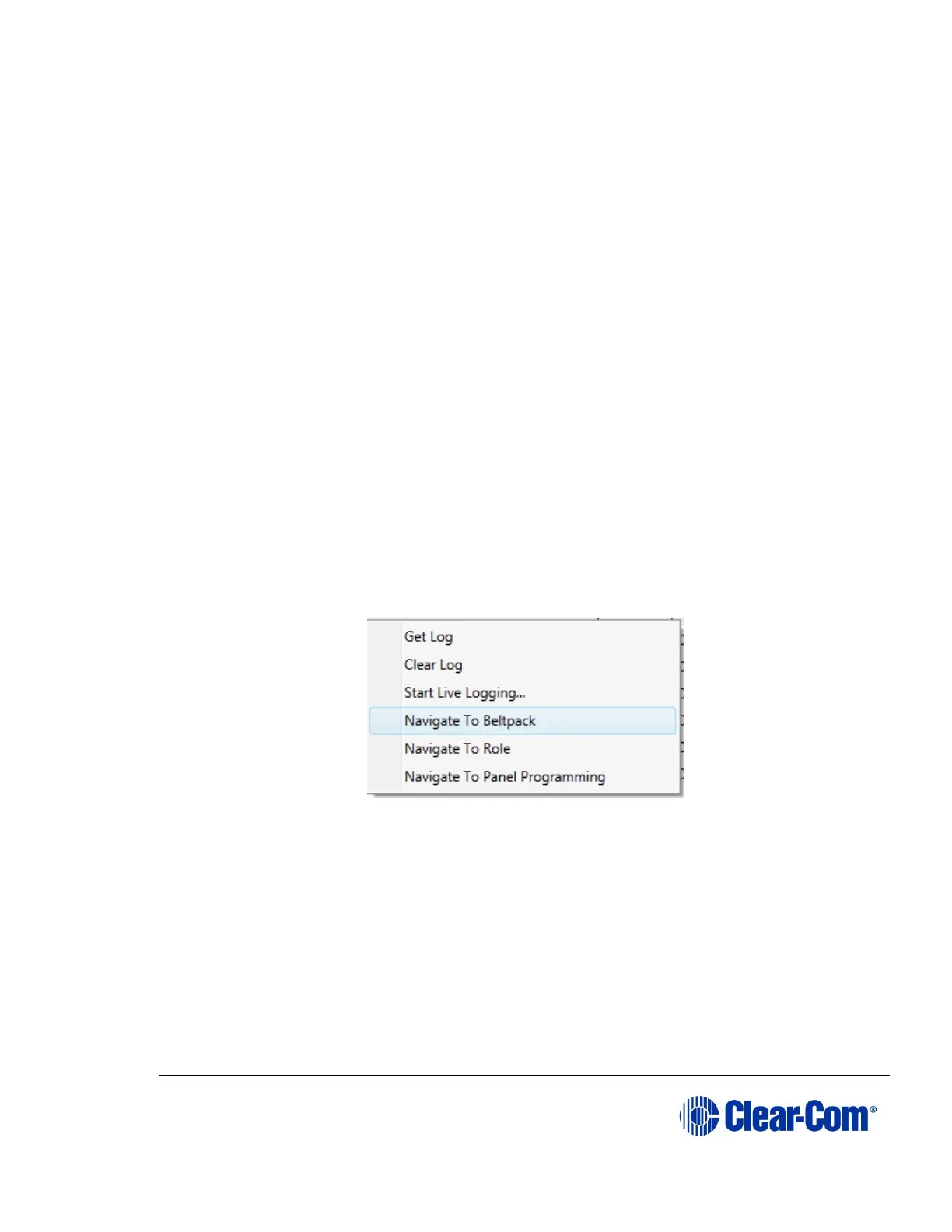
user right clicks on the beltpack and selected Get Log. A Diagnostic Log window
opens and shows the static log – users have the ability to save the log for future
reference.
The static log window shows the same details as the live log window. When a log
is saved, this is CSV format.
You can clear the log by right-clicking on the beltpack and selecting Clear Log.
You can also navigate to the Beltpack, Role and Panel Programming entries for
the role from here.
10.10.3 Antenna status
The Antenna status screen behaves in a similar fashion to the Beltpack Status
screen, however with a different set of information available for the antennas.



 To Next Page