User Guide | FreeSpeak II™ Base station version
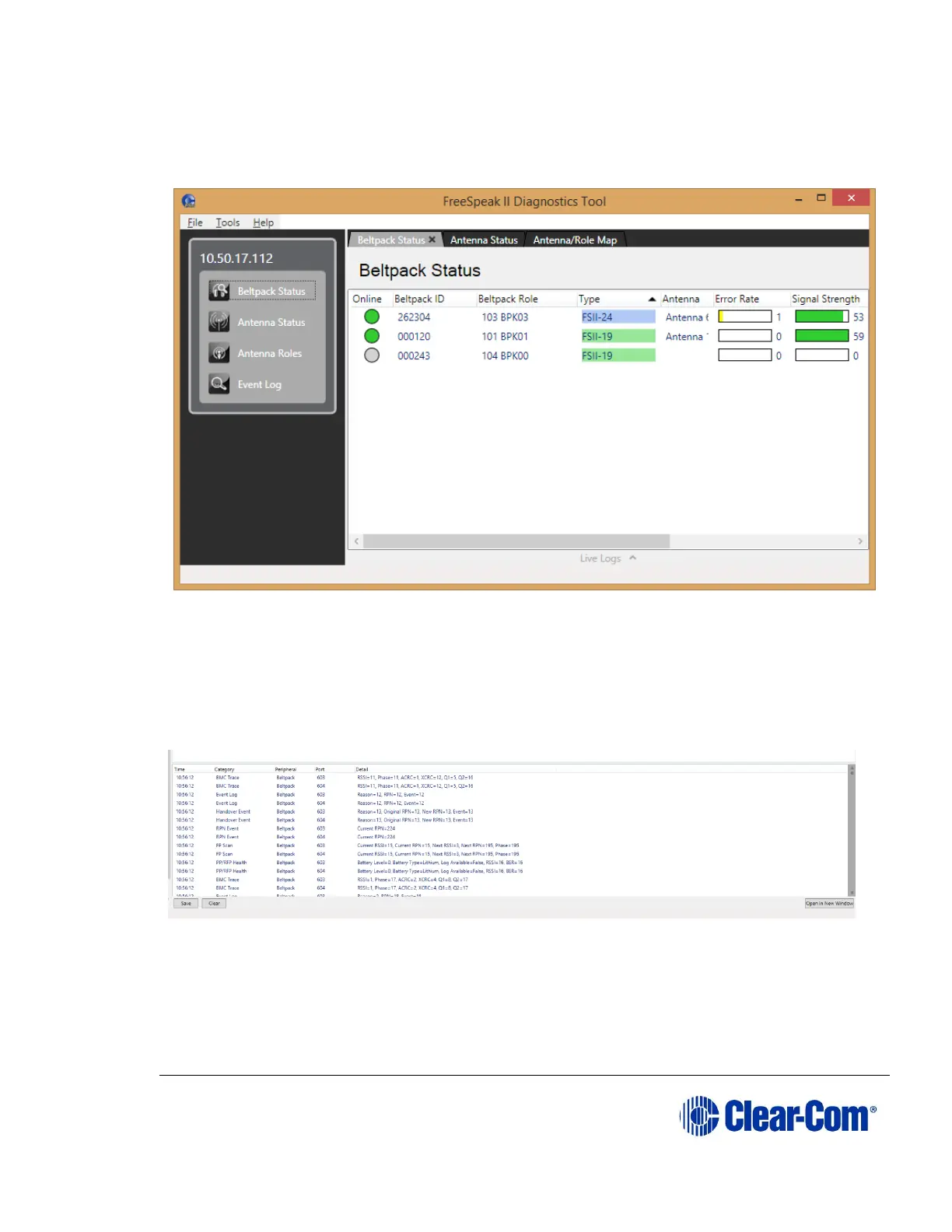
For the error rate, signal strength and battery levels, values are provided in both
graphical and text forms. The graphs for these values are colored using standard
traffic light colors to indicate good, acceptable and potentially problematic values.
Figure 10-25 Beltpack Status screen
You can right-click on an online beltpack and select live logging of a beltpack’s
status.
When live logging is turned on, the beltpacks currently live logging will be
indicated on the beltpack status and the live logging pane will appear at the
bottom of the beltpack status screen.
Figure 10-26 Live logging screen
You can save the current log, clear the values currently displayed or open the live
log in a new window:
When the live log is open in a new window, users have the option of also seeing
any live logging data for antennas that is currently being output from the matrix.



 To Next Page