User Guide | FreeSpeak II™ Base station version
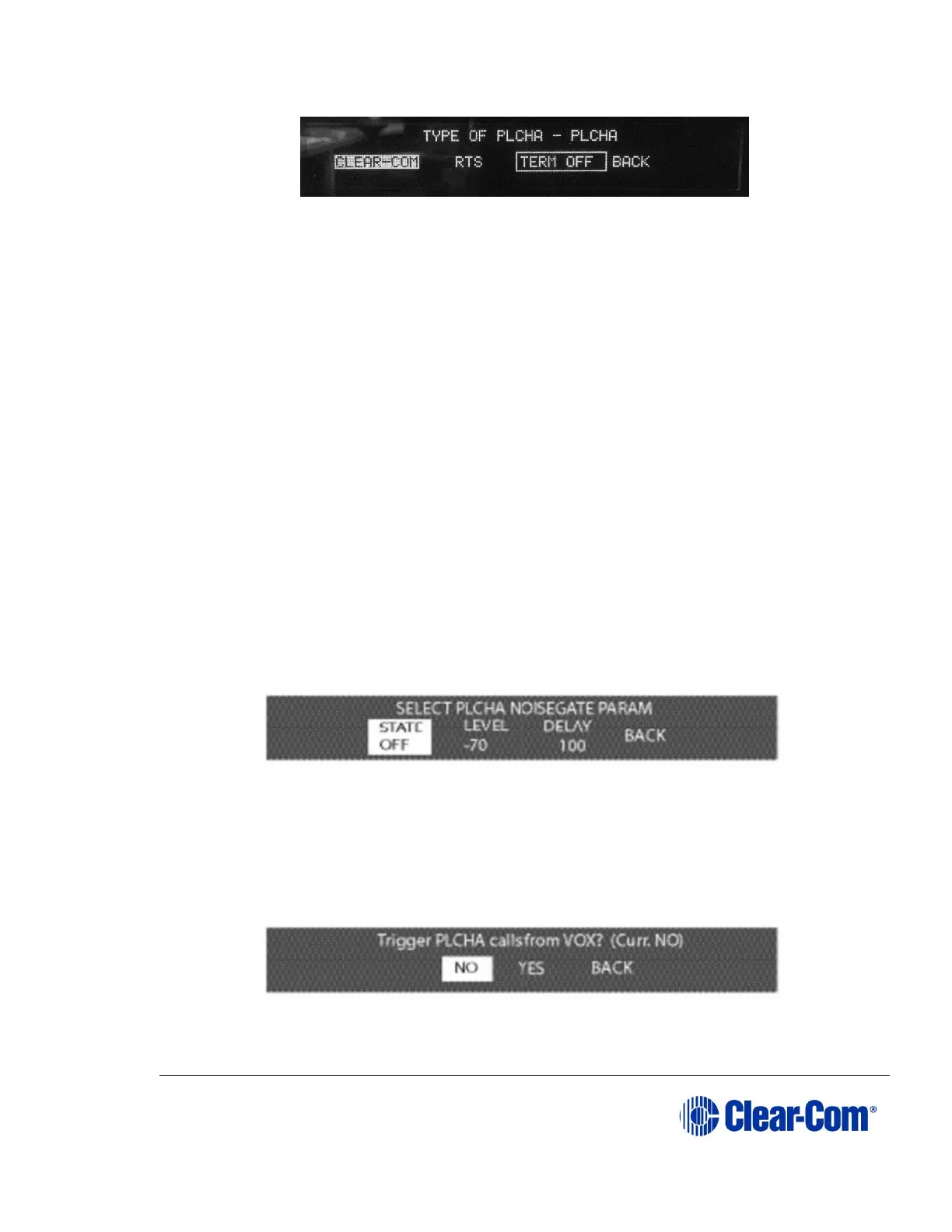
Figure 6-39 First partyline connection type menu with termination enabled
TERM OFF is outlined until a valid PL type is selected.
5) The changes are saved and applied automatically five seconds after the
last time the setup/enter encoder was pressed or turned. The front-panel
display flashes to indicate that the changes are being saved and applied.
The Base station automatically sets the port’s, gain, and call signaling options for
the selected partyline type.
6.15.2 To configure the Noise Gate for a partyline port
The noise gate sets a cutoff level below which audio input is ignored in order to
avoid transmitting low levels of background noise. The noise gate can be set to a
value in the range -70dB to -10dB when enabled.
1) Select PORTS from the main menu, then select PLCHA or PLCHB from the
AVAILABLE AUDIO port menu which appears.
2) The port configuration menu is displayed. Scroll rightwards to display the
second page of the menu.
3) Select GATE. The Noise Gate menu is displayed.
Figure 6-40 Partyline noise gate menu
4) Scroll to the ‘STATE’ option and press the setup/enter encoder to display
the noise gate state menu.
Figure 6-41 Partyline noise gate options menu



 To Next Page