User Guide | FreeSpeak II™ Base station version
See an overview of configured groups
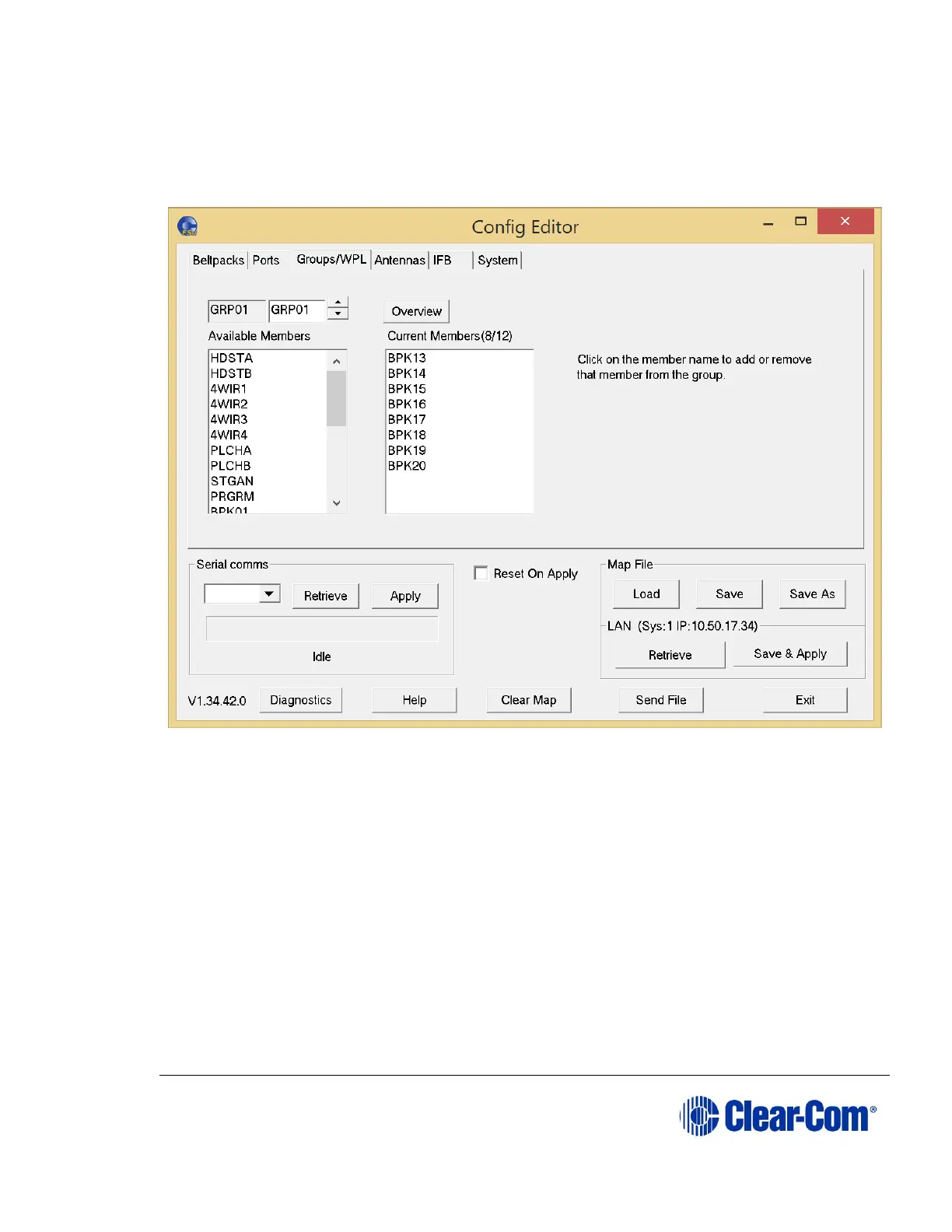
* Within the Groups tab, groups include wireless partylines (WPL).
Figure 10-15 Groups Tab
10.6.1 Selecting the group to edit
To select a group to edit:
Use the arrow buttons next to the Group edit box to make a selection.
10.6.2 Changing the label of the group
To change the group label:
Select the group to be changed, and then over-type the text in the Group
edit box.



 To Next Page