User Guide | FreeSpeak II™ Base station version
When registering beltpacks OTA, the basic steps are the same in each
context though the detail is slightly different in each case.
1) The registration process must be enabled.
2) The beltpack must be registered over the air (a radio frequency
connection must be opened between the beltpack and the antenna).
3) The beltpack registration details must be added to the software
configuration.
3.5.1 Over the air (OTA) registration of a beltpack from the
Base station
Beltpack registration mode can be registered OTA from the Base station.
Note: You can also use a previously registered beltpack to enable registration mode.
See 8.8.1 Enabling OTA registration mode.
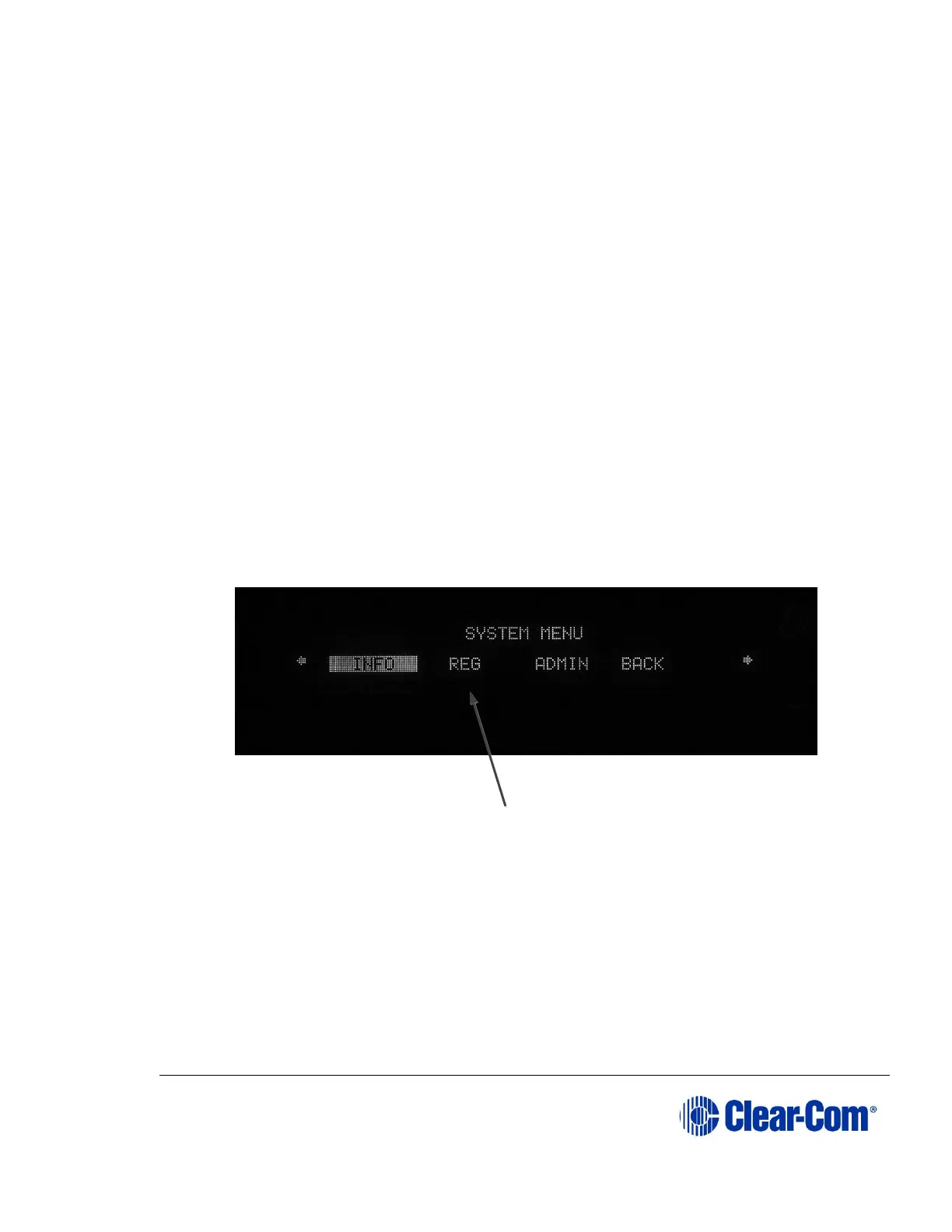
1) From the Base station menu go to MAIN MENU ->SYSTEM->REG->START
using the setup/enter rotary encoder on the front panel of the Base
station.
Figure 3-7 OTA registration from the Base station
This enables registration mode. Enable registration mode has a two
minute inactive time-out. This is so that several beltpacks can be
registered sequentially without the user having to re-enable registration
mode. It also prevents unauthorized users from registering beltpacks.
2) On the beltpack to be registered, hold the menu key for two seconds to
enter MENU options. Scroll to SYSTEM CONNECT using the rotary
controllers and select it using key D. In menu mode the D key on the



 To Next Page