User Guide | FreeSpeak II™ Base station version
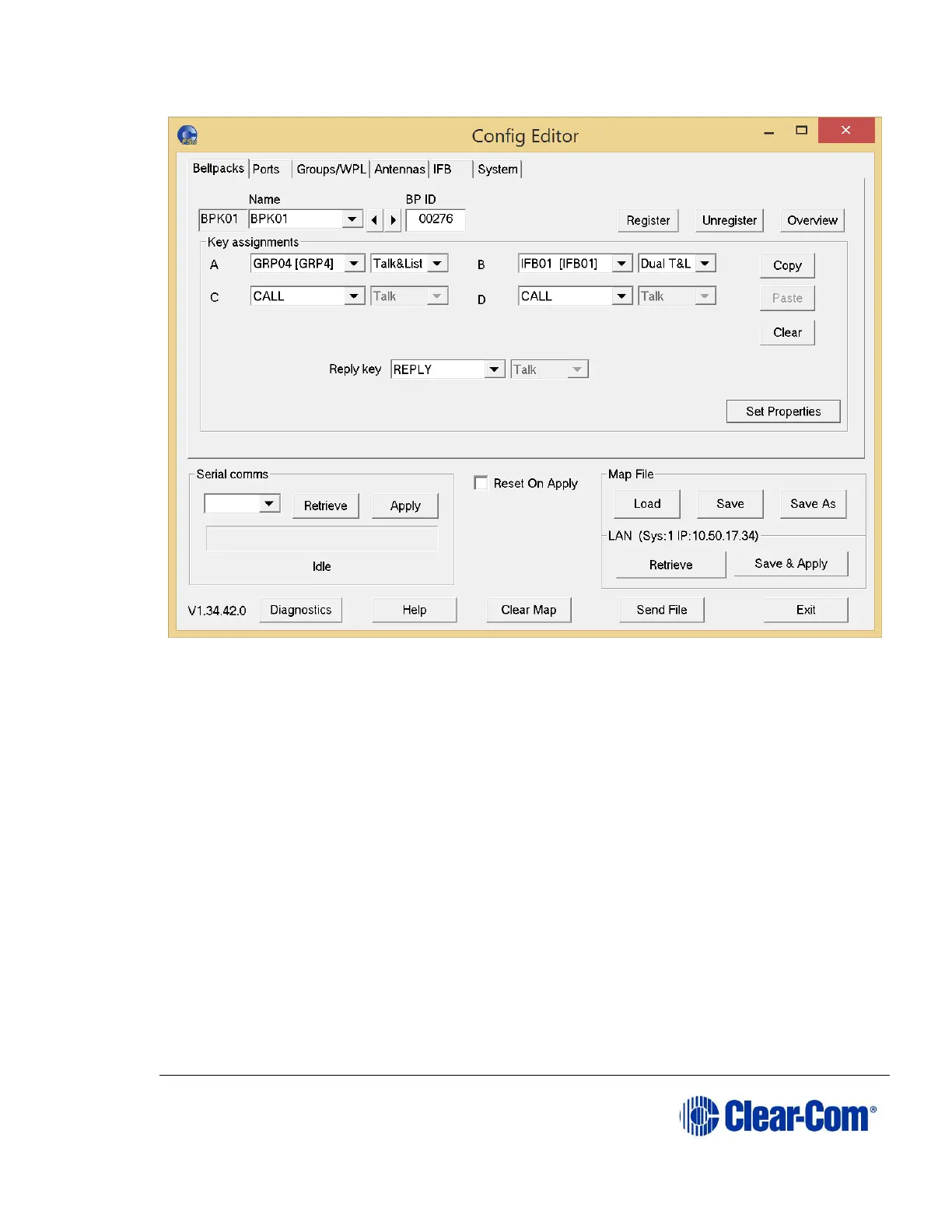
Figure 10-3 Configuration Setup
10.1.3 Loading a configuration from a Base station using
Ethernet
1) Connect the PC and the Base station to the local network and set up an IP
address on the Base station.
Note: You can set the Base station IP address in the Configuration Editor
under the System tab, and on the Base station using the System
menu. The procedure for setting the Base station IP address using
the configuration editor is described in this chapter and the
procedure for setting up the IP address on the Base station is
described in 6.20 Setting the IP address.
Note: Make sure the IP address set on the Base station matches the
address in the system tab.
2) In the LAN section of the screen, click Retrieve. A progress window
appears.



 To Next Page