User Guide | FreeSpeak II™ Base station version
If you are recharging the battery while it is still in the beltpack battery
compartment, an illuminated beltpack key (Talk key A) indicates the
charging status. The beltpack charging sequence depends on whether you
insert a powered on unpowered beltpack into the charger. The table below
shows the charging status conditions.
Displays current
percentage charge and
software version
Note: If a beltpack is powered on when placed in the charger, on
removal the RF component is re-enabled and the beltpack
attempts to reconnect to its previous connection.
Note: If a beltpack is powered off when placed in the charger, on
removal it will power off.
2) Wait until the recharging LED turns from red to green. The battery is now
fully recharged.
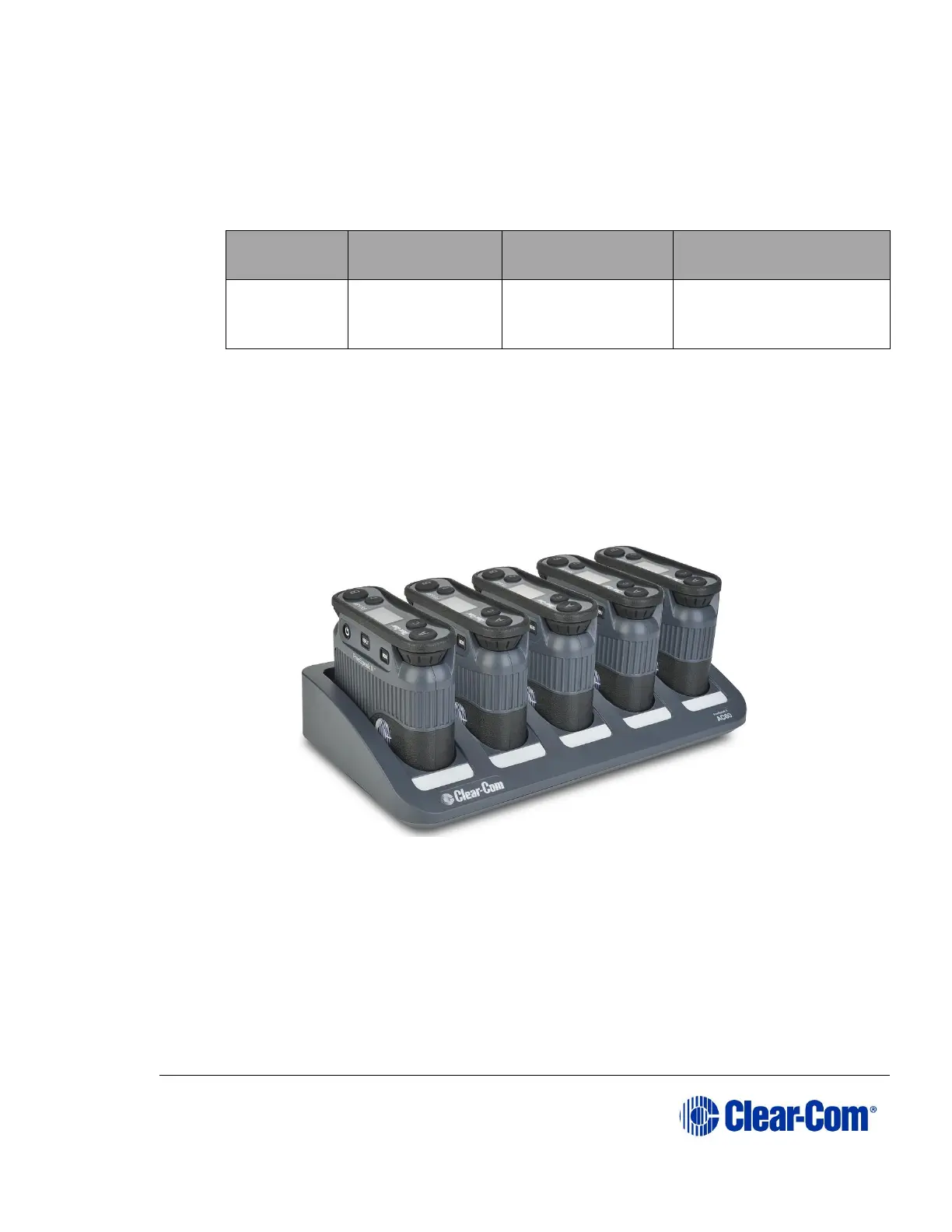
Figure 7-8 FreeSpeak II battery charger
7.3.3 Powering on the beltpack
The recessed power button is used to turn the FS II beltpack on and off. Press
and hold the button for about three seconds to turn the beltpack on. To turn it off,
press and hold the button for about three seconds.



 To Next Page