User Guide | FreeSpeak II™ Base station version
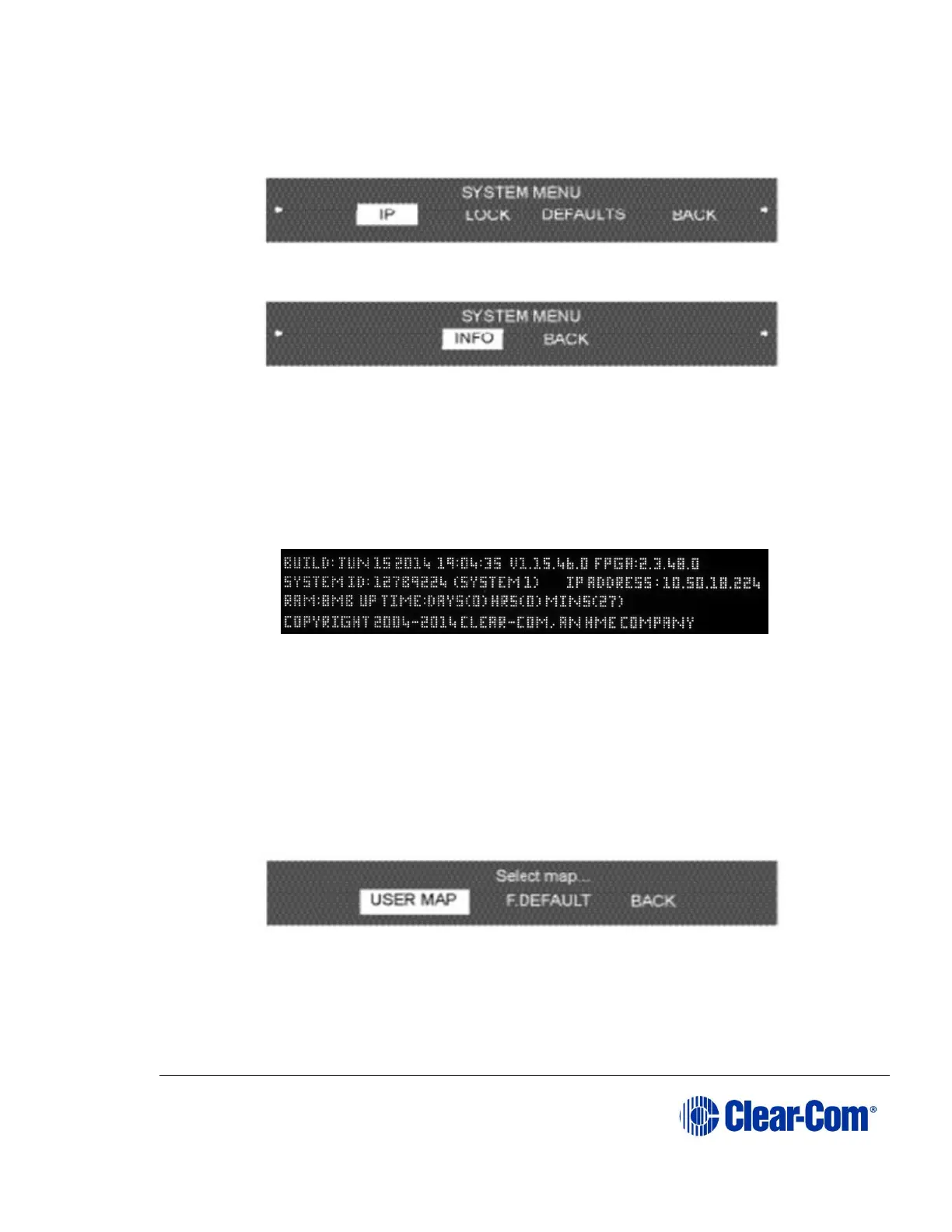
Rotate the setup/enter encoder clockwise to scroll through the list and display
further options.
Figure 6-50 System menu 2
Figure 6-51 System menu 3
The following sections describe the items on this menu.
6.17 System Info
When Info is selected the screen displays the system’s current firmware version,
system ID (for registering beltpacks), and if applicable, IP address.
Figure 6-52 System info menu
To return to the SYSTEM menu, press the setup/enter button.
6.18 Restoring the Defaults
When F.DEFAULT is selected the factory default map is loaded into memory, the
IP address is set to 172.30.3.100 and the IP mask is set to 255.255.0.0
Note: The F.DEFAULT feature will only work on Base stations that have been upgraded
by Clear-Com or a qualified Clear-Com representative.
Figure 6-53 Restore defaults menu
6.19 Antennas
When Antennas is selected the display shows the status of the active antennas
that are connected to the Base station, and shows the slots on each antenna that



 To Next Page