User Guide | FreeSpeak II™ Base station version
11 Upgrading the Base station from FS to FS II
This section explains how to upgrade a FreeSpeak/CellCom Base station to
FreeSpeak II using the Configuration Editor.
Note: Not all FreeSpeak-Base or Cellcom-Base units can upgrade to make use of
FreeSpeak II Transceivers. If the base currently shows 20 Beltpacks on the blue
menu display then you will be able to upgrade. If the base only shows up to 10
beltpacks on the display, please provide the serial number to the support team
who can check through the production logs. Any Base station with a serial number
above 1761 or with a seven digit serial number can be upgraded to FSII. Any
base station with a serial number less that 1761 cannot be upgraded.
11.1 Setting the Base station IP address
1) Power up the Base station, and select SYSTEM > IP.
2) Enter the IP address for the Base station.
3) Reboot the Base station. The Base station is now configured for the new IP
address.
4) Install and start the Configuration Editor.
11.2 Upgrading the Base station firmware
1) From the Configuration Editor, click Send File, and ensure that the
correct Base station IP address is present.
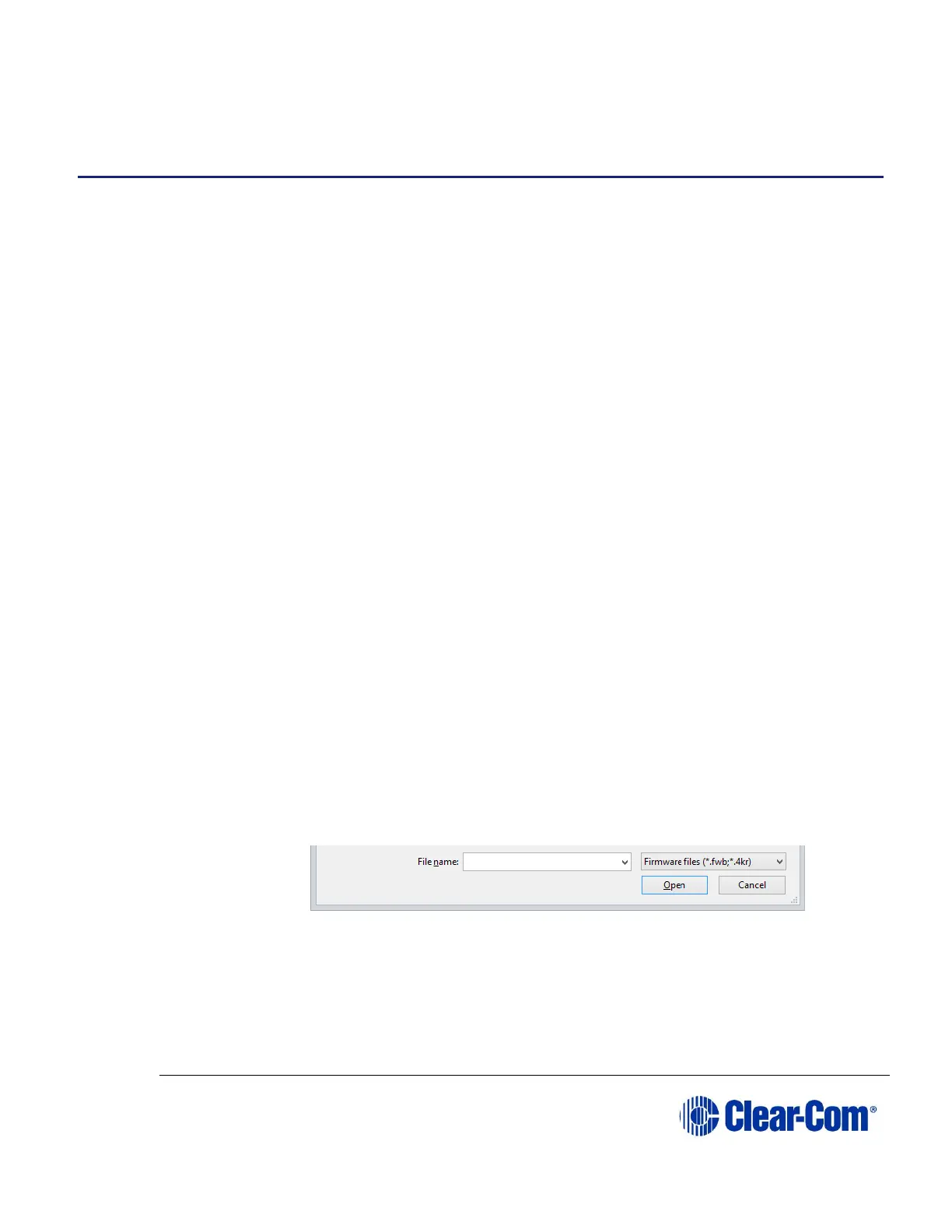
2) Navigate to the location of the upgrade file.
Note: Make sure that the drop-down list in the lower right-hand corner of
the screen is set to Firmware files.
3) Click Open.
11.3 Upgrading the Base station FPGA
1) From the Configuration Editor, click Send File, and ensure that the
correct Base station IP address is present.



 To Next Page