5.2 Understanding Front-Panel Operation
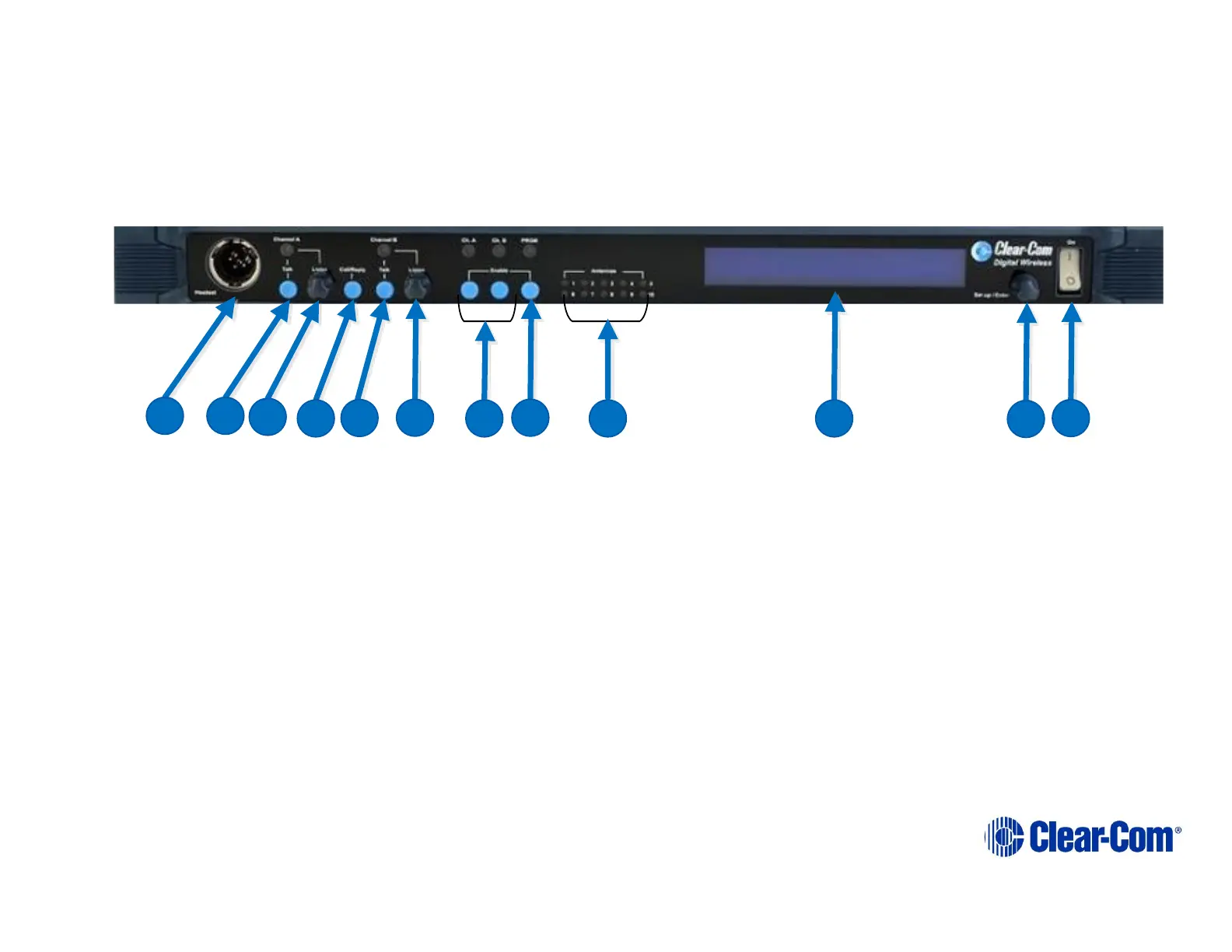
Figure 5-1 FS II Base station Front Panel
5.2.1 Call Channel A
Pressing buttons (B) & (D) together will send a call signal to the port, group or wireless partyline (WPL) assigned
under headset channel A. The Talk button (B) must be engaged momentarily before the Call/Reply (D).
5.2.2 Call Channel B
Pressing buttons (E) & (D) together will send a call signal to the port, group or WPL assigned under headset channel B.
The Talk button (E) must be engaged momentarily before the Call/Reply (D).



 To Next Page