User Guide | FreeSpeak II™ Base station version
1) Connect the beltpack to the computer.
2) Switch on the beltpack.
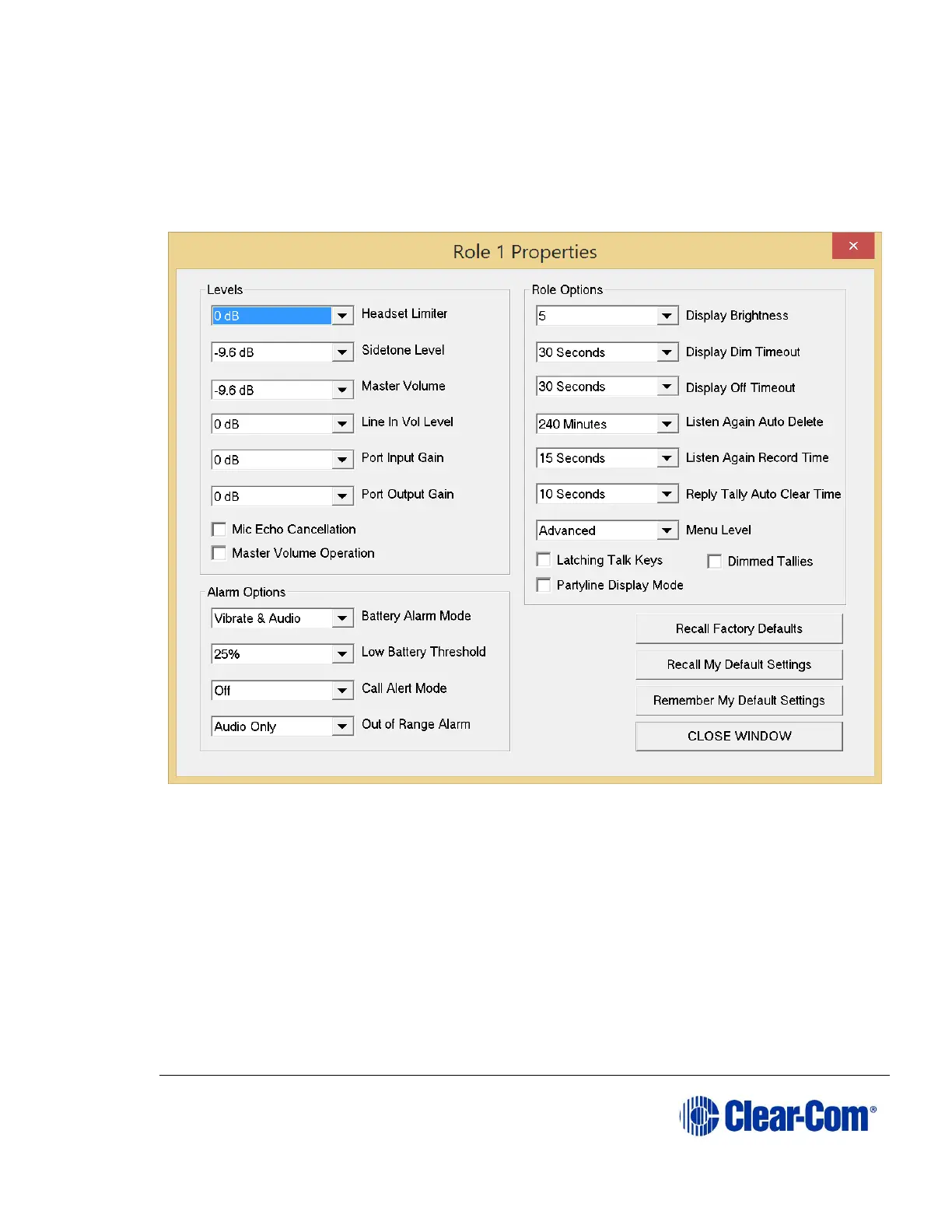
3) Click Set Properties. The Properties window appears.
Figure 10-9 Beltpack properties
10.4.4.1 Recalling default settings
Recall defaults resets the properties to a previously stored set of values saved
using Remember My Default Settings.
Click Recall My Default Settings to read back and display the default
settings stored on your PC.
Note: The settings read back are NOT the same settings entered via the beltpacks menu
options.



 To Next Page