User Guide | FreeSpeak II™ Base station version
The AVAILABLE BELTPACKS screen is displayed.
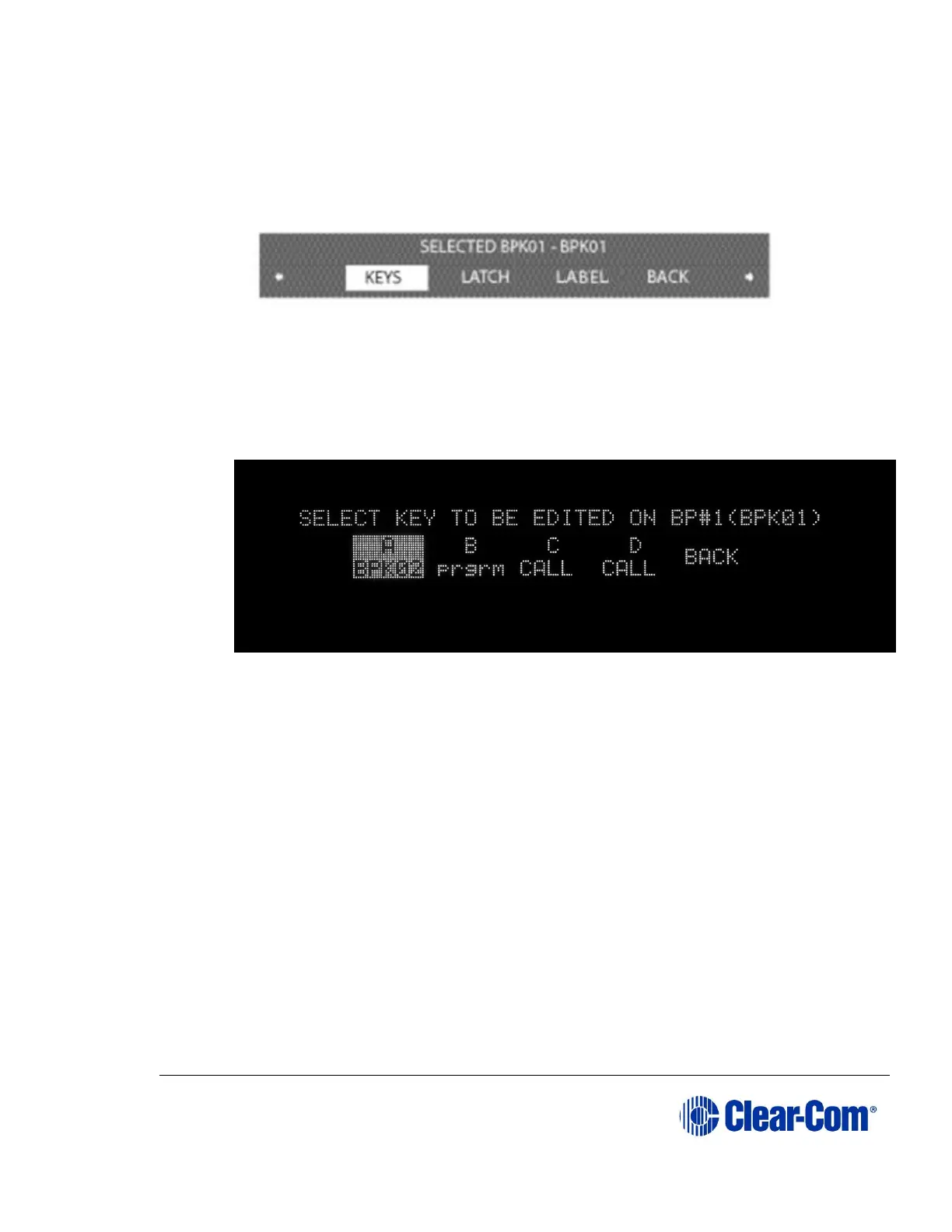
2) Select the required beltpack. The BELTPACK menu is displayed. Scroll
through the screens to KEYS.
3) Select KEYS. The KEY EDITING screen appears,
4) A list of the audio routes and groups available for selection is visible.
Select the beltpack key to assign communication to (A, B, C or D). See
Figure 6.17 below.
Figure 6-17 Select beltpack key
5) A screen appears with a list of available sources and destinations to assign
to this key. This list will include:
Headset A and B
4 wire ports 1-4
Stage announce
Program feed
Beltpacks 1-20
Groups 1-5
Wireless partylines 1-5
Interruptible foldback (IFB) 1-10



 To Next Page