User Guide | FreeSpeak II™ Base station version
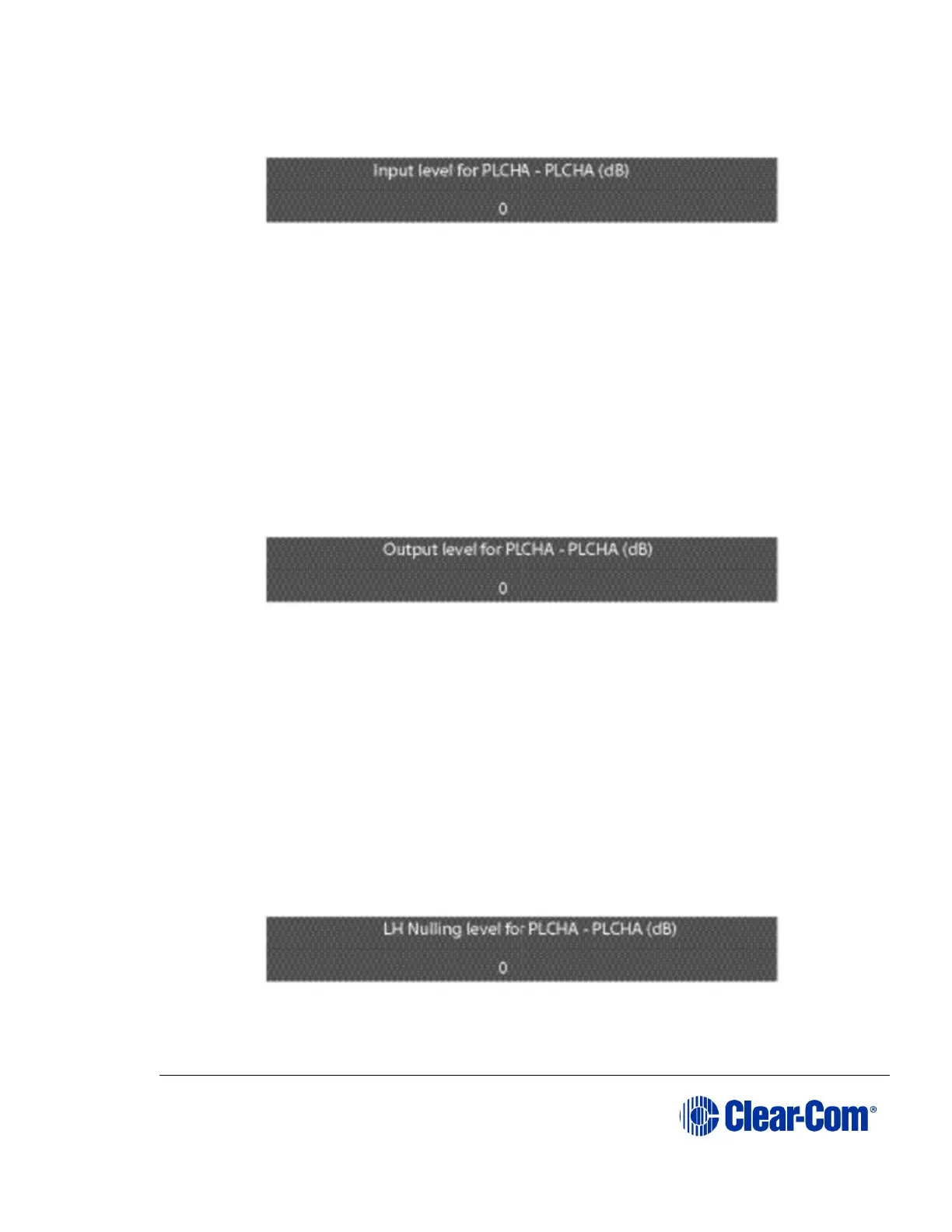
2) Select the ‘INPUT’ item to display the input level setup menu.
Figure 6-45 Partyline input level
3) Rotate the setup/enter encoder clockwise or counter clockwise to increase
or decrease the level in 1 dB increments between -20dB and +6dB.
4) When the desired audio level appears on the screen, press and release the
setup/enter encoder to select it,
5) The changes are saved and applied automatically five seconds after the
last time the setup/enter encoder was pressed or turned. The front-panel
display flashes to indicate that the changes are being saved and applied.
6) Select the ‘OUTPUT’ item to display the output level setup menu.
Figure 6-46 Partyline output level
7) Rotate the setup/enter encoder clockwise or counter clockwise to increase
or decrease the level in 1 dB increments between -20dB and +6dB.
8) When the desired audio level appears on the screen, press and release the
setup/enter encoder to select it.
9) The changes are saved and applied automatically five seconds after the
last time the setup/enter encoder was pressed or turned. The front-panel
display flashes to indicate that the changes are being saved and applied.
10) Select the LoNULL item to display the output level setup menu.
Figure 6-47 Partyline LoNULL level



 To Next Page