121
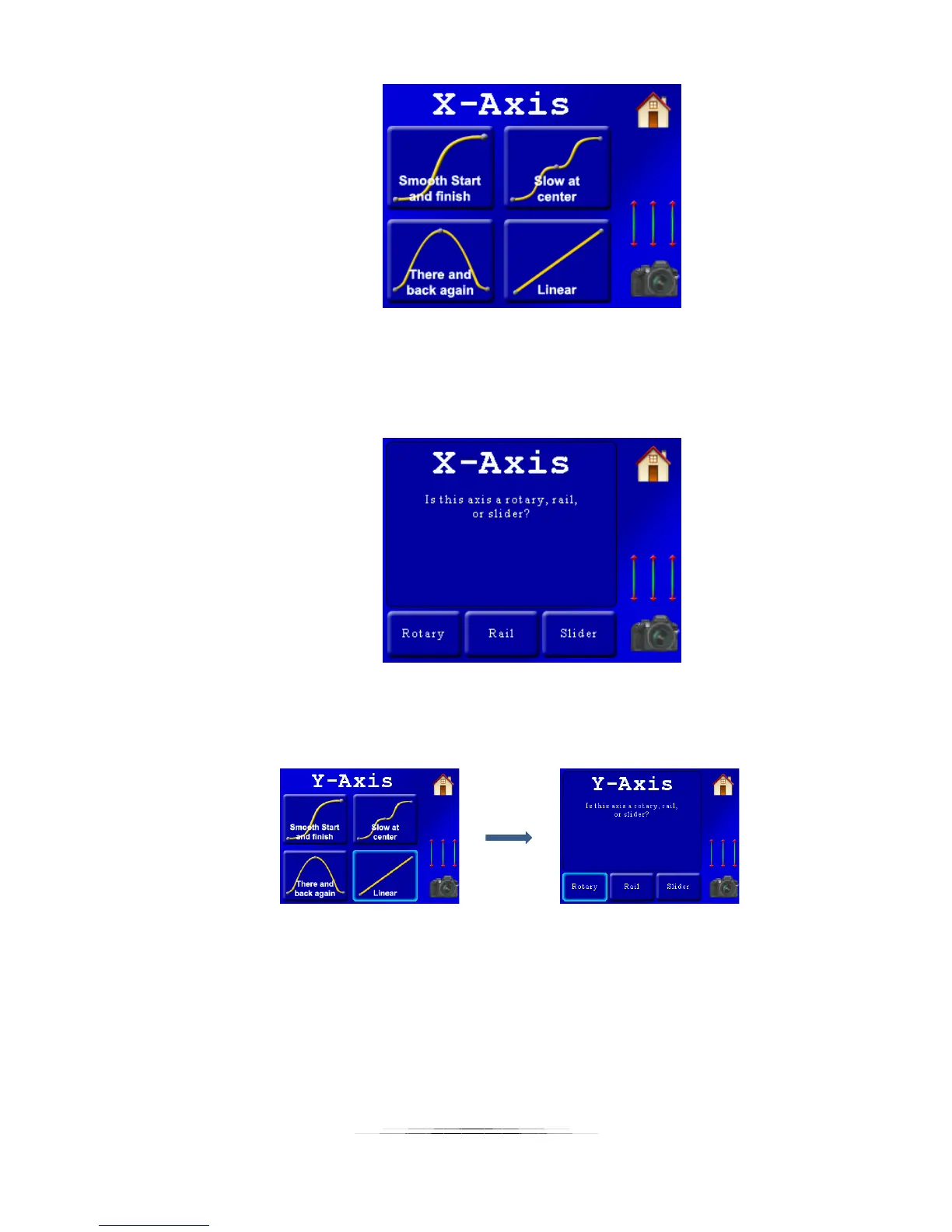
Here the controller is asking us what type of motion profile to use. In this example
we’re going to go with “Linear” so that the movement from one frame to the next will
be identical. Press the “Linear” button to set that motion profile. We’re then asked
what type of motorized gear is attached to the X-axis:
We’re doing a pan on the X-axis, so we press the “Rotary” button. We’re then asked the
same questions for the Y-axis (tilt) – which will also be a linear motion profile and a
rotary table:
Now our two axes have their motion profile and gear selected – it’s time to choose
some start and end positions. Once we select the last axis we’re prompted with the
following:



 To Next Page