122
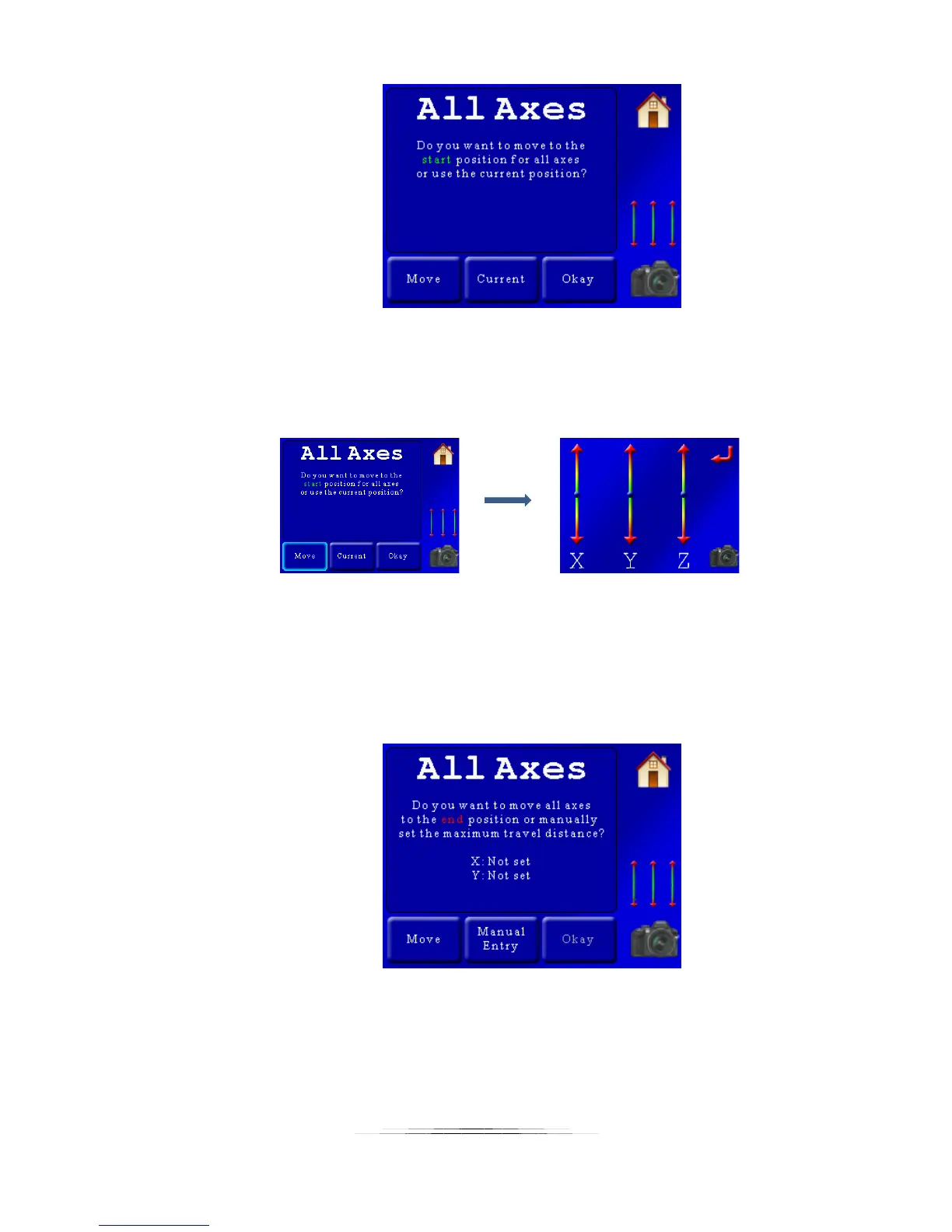
Here we have two options: “Move” where we can move everything to the starting
position, or “Current” which will use the current position of the gear for the start. We’re
not quite where we want to be for this, so we’ll press the “Move” button. This will bring
up the 3-axis control:
The sliders for the X-axis and Y-axis are pressed to get the start position to right where
we want it. When happy, the red return button is pressed to get us back to the previous
screen. We’re once again presented with the “All Axes” start position screen. Since
we’re good to go, we press the “Okay” button.
We’re then asked for the end position:
The end positions for the X-axis and Y-axis aren’t set quite yet. In this example, we
know we want the X-axis to pan for 20 degrees. The Y-axis, however, isn’t so obvious. Is
it 5 degrees, or 10? We’d rather not take the “try and fly” approach – after all we’re
going to have two hours invested in this shoot. Let’s first set the X-axis to 20 degrees.



 To Next Page