1010
Connecting to an external device
Installation
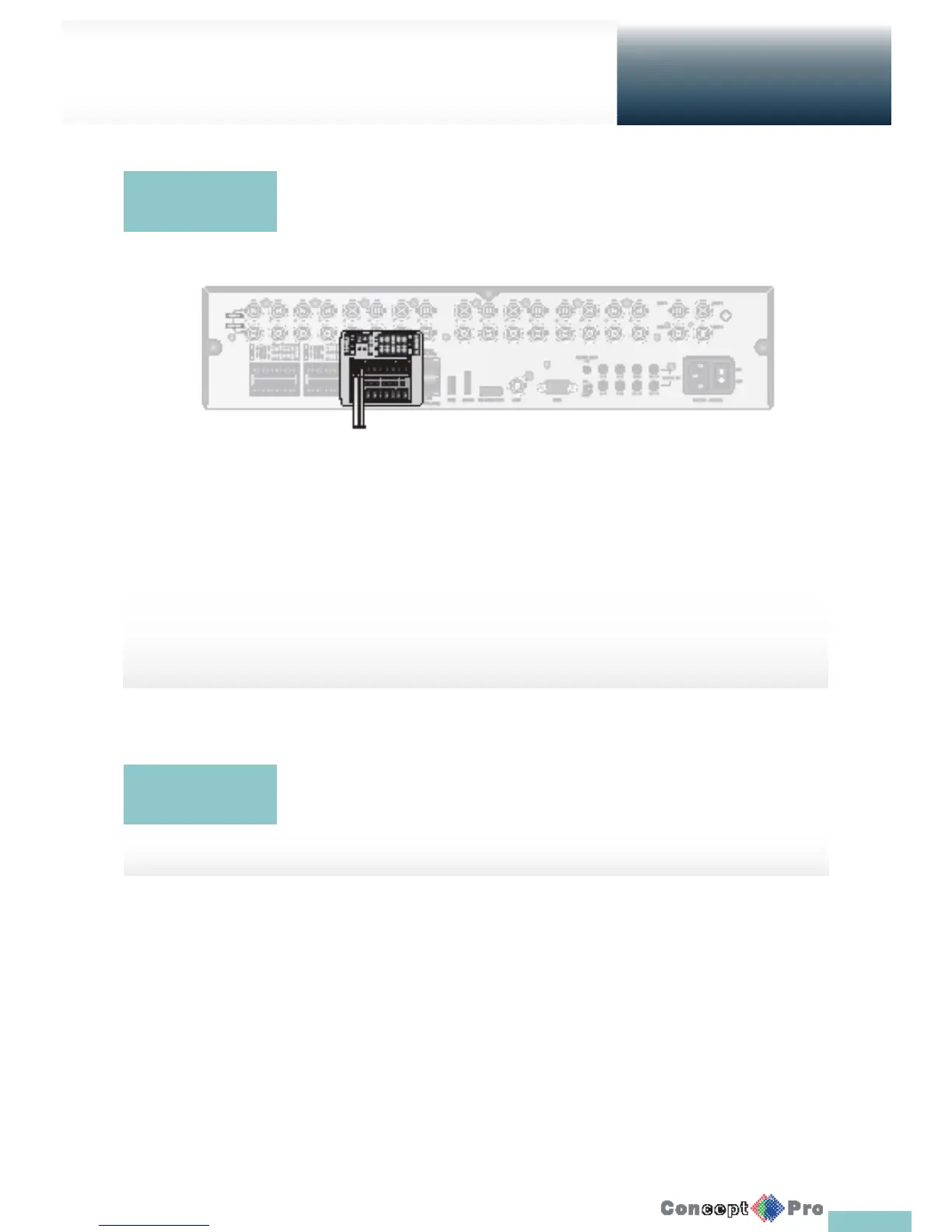
RS-485 Connection
Connect a PTZ Camera or Keyboard Controller.
After connecting the control device, be sure to match the connection settings between DVR and device.
Communication settings are in <Control Device>. (page 46)
1. Use a signal cable to connect the [D+] port of the terminal block plug and the [D+] port of the keyboard controller.
2. Connect the [D+] port of the terminal block plug and the [D+] port of the keyboard controller.
3. Connect the [GND] port of the terminal block plug and the [GND] port of the keyboard controller.
R For RS-485 communication con guration, refer to the user’s manual of the applicable PTZ camera or
keyboard controller.
You can connect an audio output device such as speaker ampli er.
Connect the audio input device such as microphone to the rear Audio In port, connect the audio
output device such as speaker ampli er to the Audio Out port.
Communication
Port
Audio Device
Connection



 To Next Page