21
Live Screen at a glance
Getting
Started
Scan / Tour
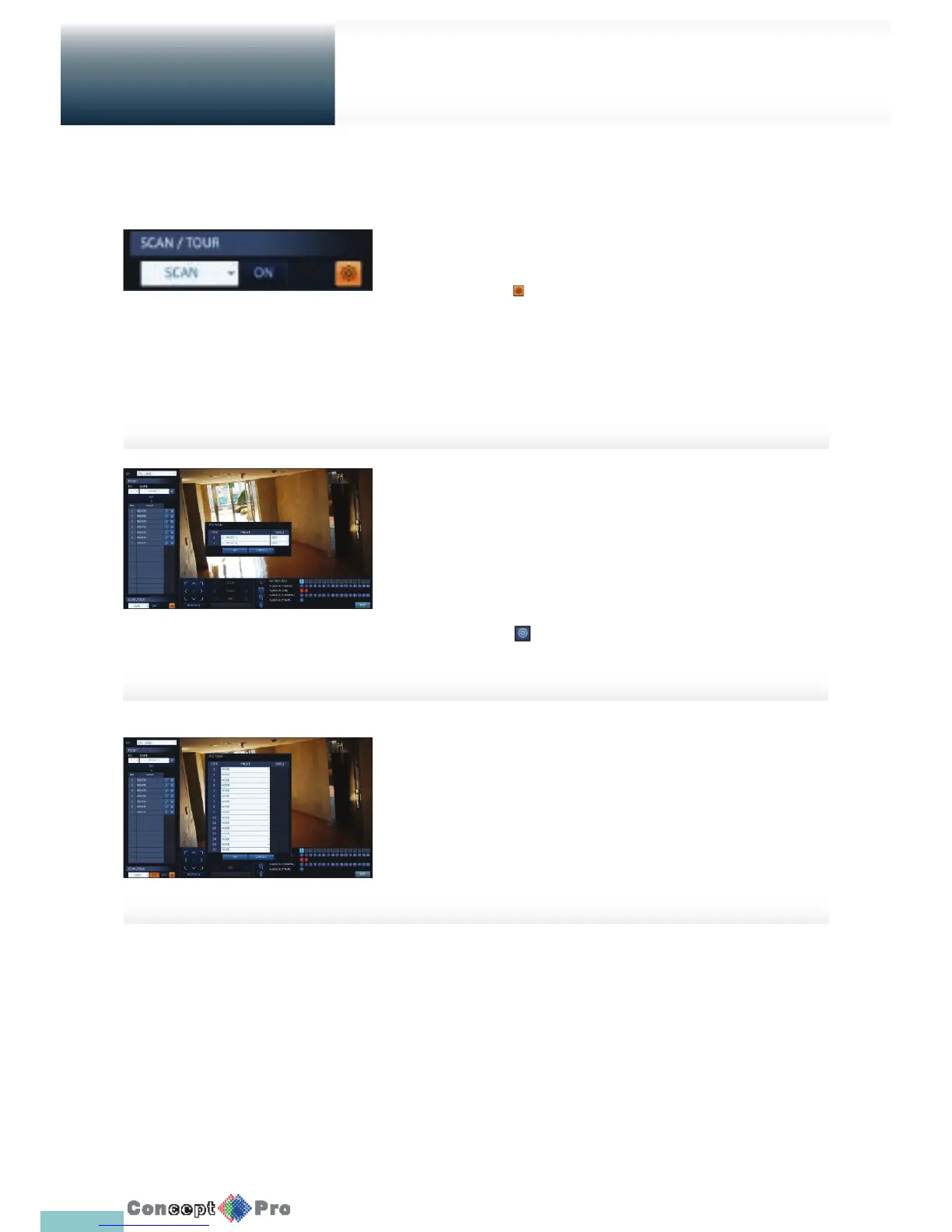
1. Select <SCAN> and click the <ON> button.
2. Click the < > icon.
3. Select a user-de ned preset and register it.
> DWELL: Sets the dwell time of 00 seconds before
moving to the next preset location.
R <SCAN> function patrols two preset positions at the speci ed
speed and interval for back-and-forth monitoring.
4. Select <TOUR> and click the <ON> button.
5. Click the < > icon.
6. Select a user-de ned preset and register it.
> DWELL: Sets the dwell time of 00 seconds before
moving to the next preset location.
R <TOUR> function patrols multiple presets in order
(PRESET 1 ; PRESET 2 ; PRESET 3 ;…) for automated
patrolling monitoring.



 To Next Page