41
Email
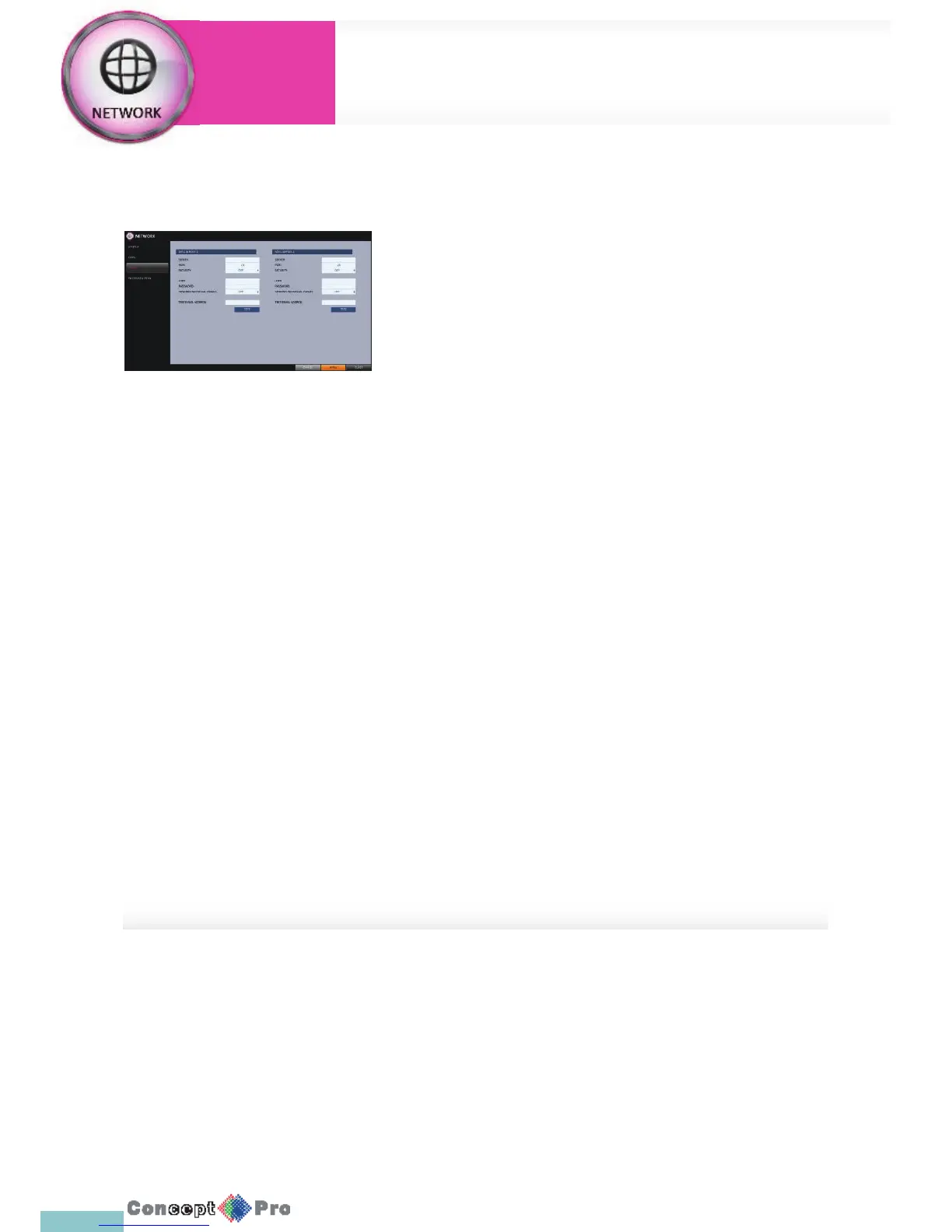
You can register and test an two email address so that an email noti cation
is delivered at a speci c interval or if an event occurs.
1. From <SYSTEM SETUP> - <NETWORK>, select <EMAIL>.
2. Use the [pqtu/ENTER] buttons on the remote control or use the
mouse to specify the use of email and select a server.
> SERVER: Set up the mail server.
Set the mail server that will be used for noti cation for the
VXH960.
Use the virtual keyboard to enter your mail settings.
> PORT: Enter the mail server port.
> SECURITY: If it is set to <ON>, the email will be transferred to a
server that does not support SSL.
> USER: Provide the email account (ID) of the sender
> PASSWORD: Provide the password of the sender.
> TEST EMAIL ADDRESS: Enter an email address for the test
purpose.
> TEST: Send a test email and check if the test email is delivered
normally.
3. To apply the change, click <APPLY > in the bottom of the screen.
4. When done, press the [EXIT] button on the remote control or click
<CLOSE> in the lower screen. The con rmation message appears and
you will return to the previous menu.
Network Setup
System
Settings



 To Next Page