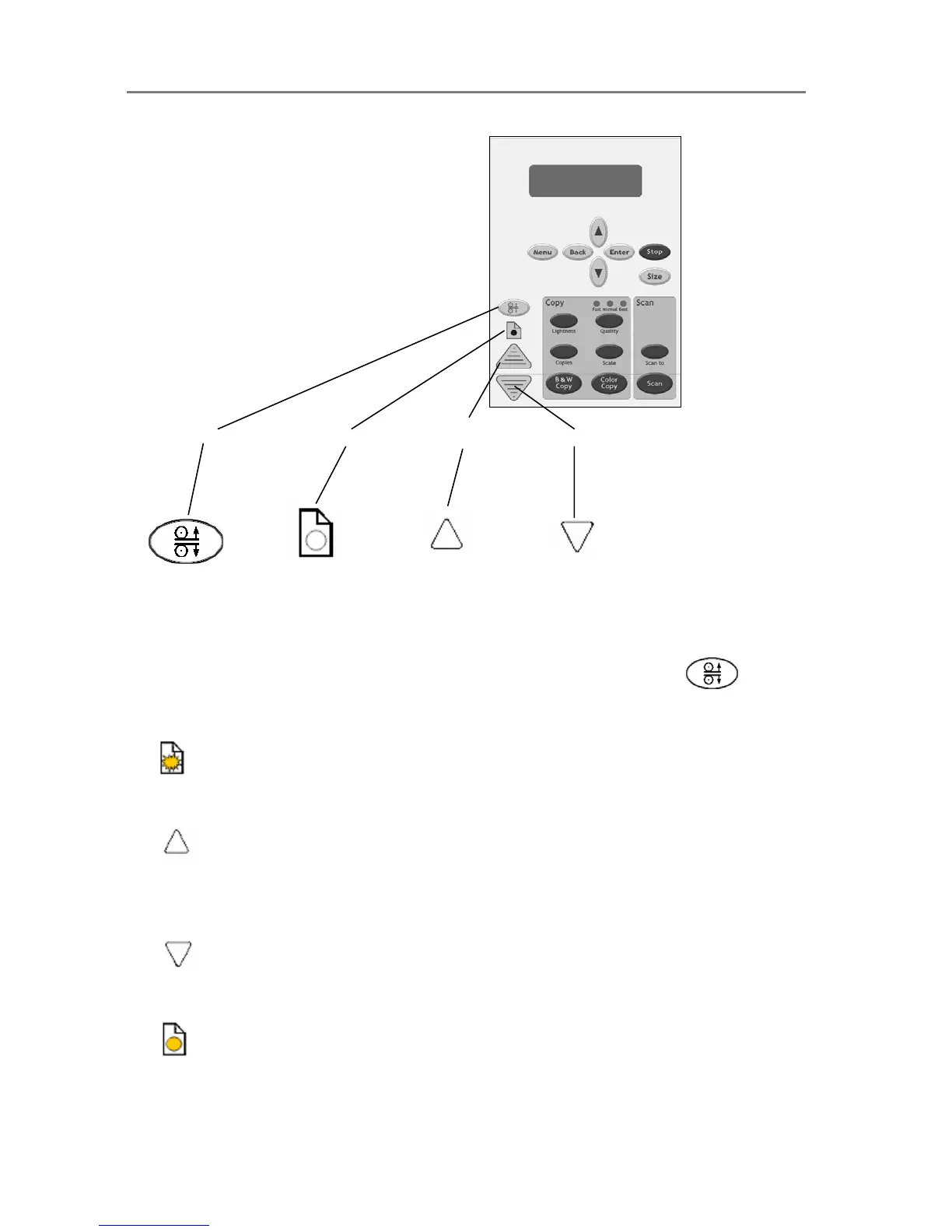
er Reverse
Adjusting the insertion slot for thick media with ATAC:
1. Press the ATAC key on your iJET Panel to set the scanner in ATAC mode.
2. The Paper Ready Indicator blinks yellow indicating the scanner is in ATAC mode but not yet
ready, i.e., the pressure-platen is not yet positioned on the thick original.
3. Press and hold the Paper Forward key (arrow up) key to raise the pressure-platen until
there is room to insert the thick original.
4. Insert the thick original evenly for a straight scan path.
5. Press and hold the Paper Reverse (arrow down) key to lower the pressure-platen until the
pressure-platen stops on its own.
6. The Paper Ready indicator will turn yellow (stop blinking) when the pressure-platen is
positioned correctly and is ready for thick media scanning.













 To Next Page