Using the scanner, how do I …? 5-7
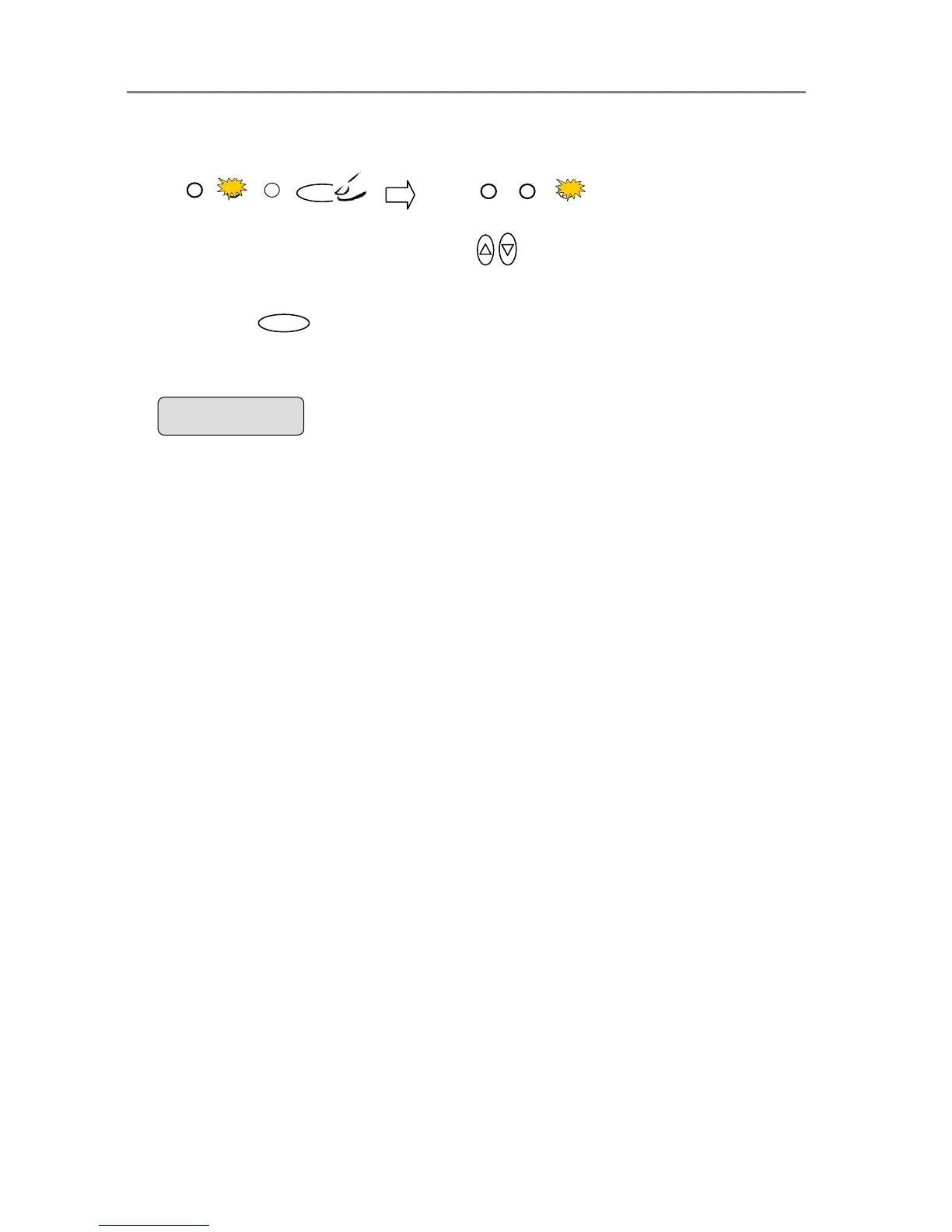
The LEDs above the Quality button will show the active setting.
6. Or…press the arrow up/down buttons
to change the Lightness value. With
these you can step both forward and backward in the Fast, Normal, Best quality list.
7. Press the
Enter
button to accept the selected value. The “>” marker will move up to
the Menu level indicating that the value is set and you can step on through the menu
options if needed. The new Quality value will be applied every time you press the B&W
Copy or Color Copy button until you repeat the steps above to change it.
Fast Normal Best
Fast Normal Best
Quality
The ”>” marker is on the Menu level. You can continue
navigating the menu options with the arrow up/down
buttons.
> Quality
Best













 To Next Page