EasyManua.ls Logo

Contex GX67D - Page 179

Contex GX67D
192 pages
Print Icon
To Next Page IconTo Next Page
To Previous Page IconTo Previous Page
Loading...
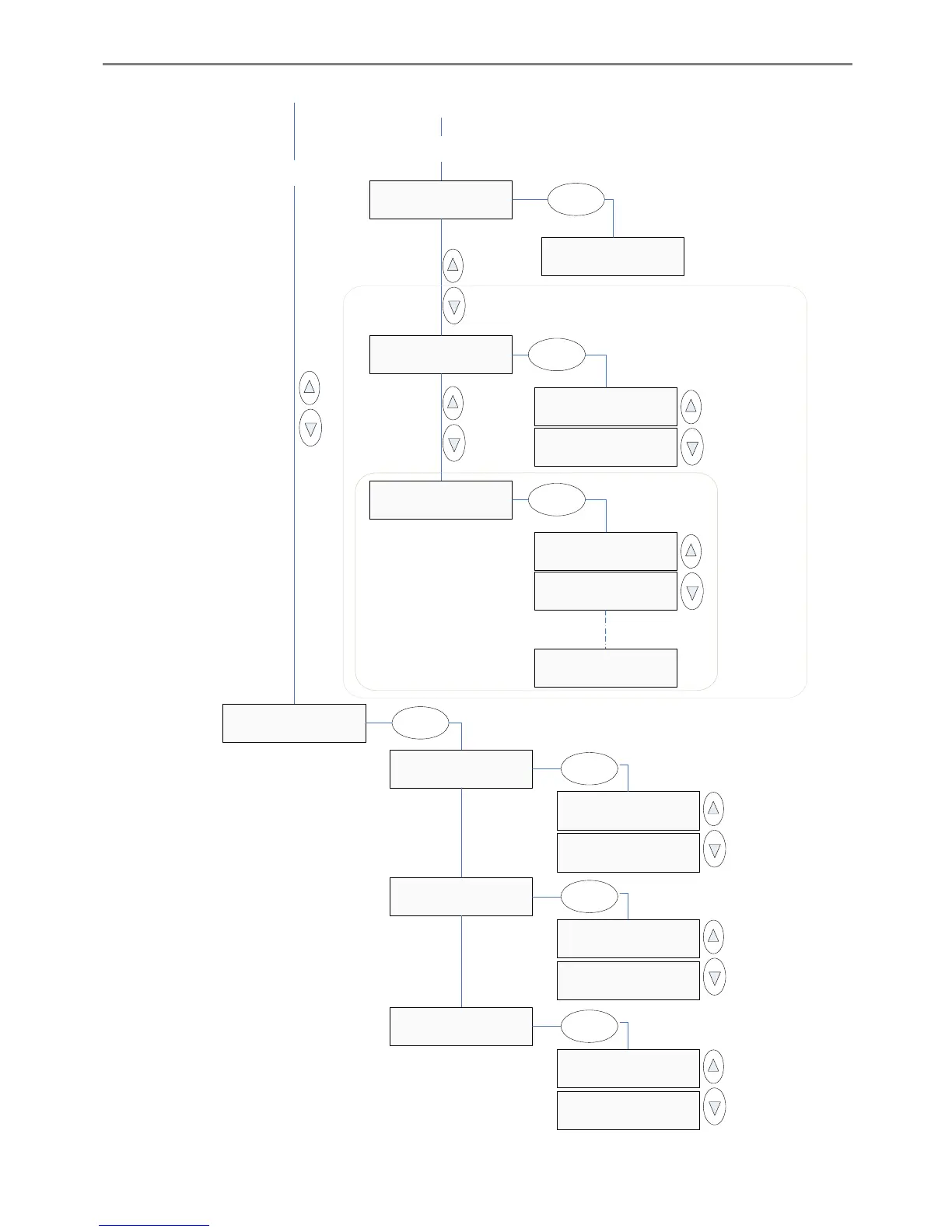
iJET Panel Quick Reference Guide 10-14
From ’Options’
(previous page)
>Language
English
Language
>English
Enter
Load Delay
>1000
From ’Paper Series’
(previous page)
>Media Handling
Auto Load
Media Handling
>Auto Load
Enter
Media Handling
>Manual Load
>Load Delay
0
Load Delay
>0
Enter
Load Delay
>1
>Service
...
’Load Delay’ only
active if ’Auto Load’
Selected
’Media Handling’ and ’Load Delay’
options are not available on flatbed
scanners
>Replace Lamp
No
Replace Lamp
>NO
Enter
Replace Lamp
>YES
Enter
>Reset Lamp Cnt.
No
Reset Lamp Cnt.
>NO
Enter
Reset Lamp Cnt.
>YES
>Print Settings
No
Print Settings
>NO
Enter
Print Settings
>YES
Press ’Enter’ to
activate
Press ’Enter’ to
activate
Press ’Enter’ to
activate

Table of Contents

Related product manuals