EasyManua.ls Logo

Contex GX67D - Page 180

Contex GX67D
192 pages
Print Icon
To Next Page IconTo Next Page
To Previous Page IconTo Previous Page
Loading...
iJET Panel Quick Reference Guide 10-15
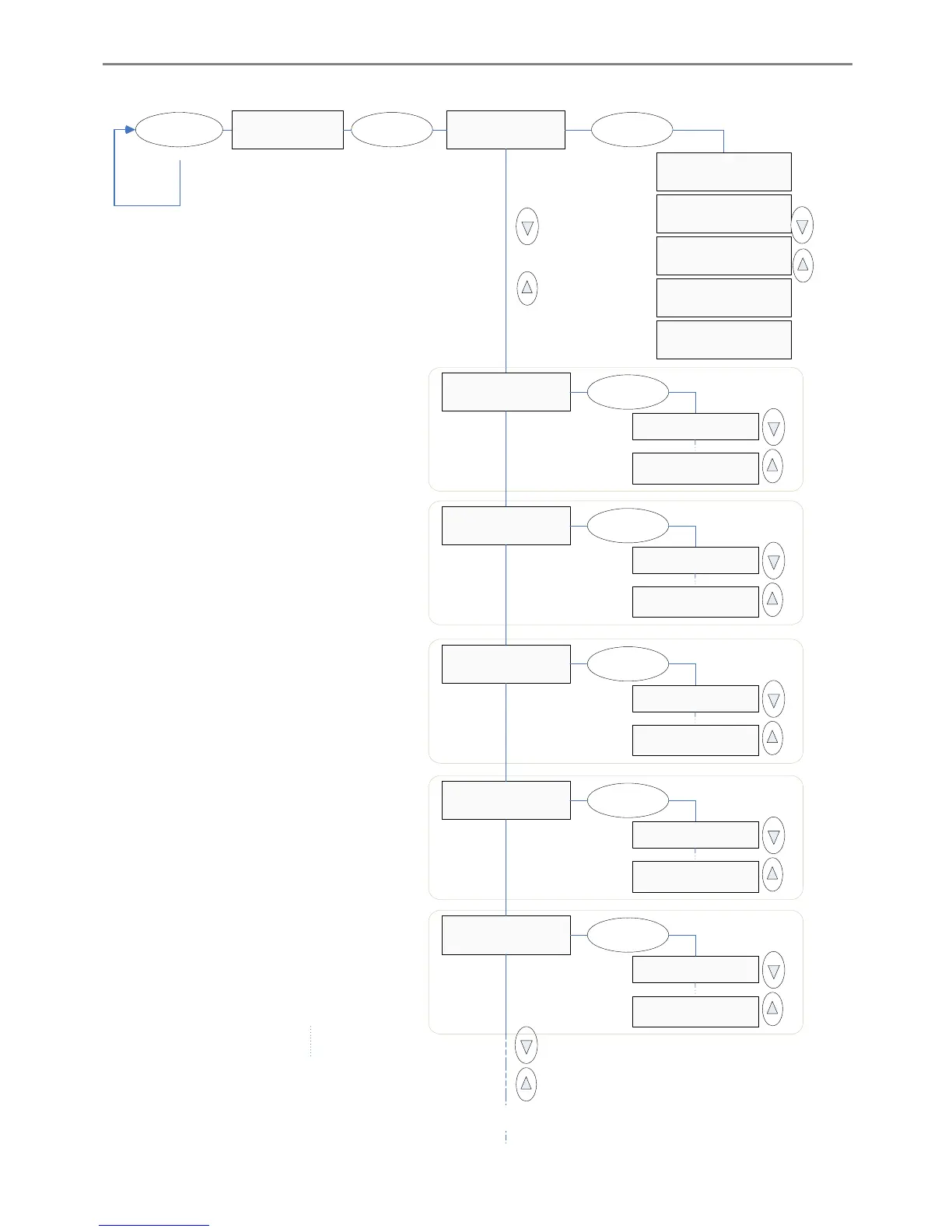
‘Scan to’ button – Scan-to-file Settings
Scan Mode
>B&W threshold
> Scan Mode
24 – bit Color
Scan Mode
>B&W Adaptive
Scan Mode
>B&W Copy Adaptive
Scan Mode
>Graytone
Enter
Level
>0
Continue to ’Resolution’
(next page)
Scan to
Repeat pressing
’Scan to’ button
until
the right ’Scan to’
target
is displayed.
Scan Mode
>24-bit Color
Enter
Scan to
PC-office-8
>Level
151
Enter
Active if
’B&W Threshold’
selected
Level
>255
Level
>0
>Level
0
Enter
Active if
’B&W Adaptive’
selected
Level
>255
Level
>0
>Level
0
Enter
Active if
’B&W Copy
Adaptive’
selected
Level
>255
Gamma
>1.0
>Gamma
1.0
Enter
Active if
’Graytone’
selected
Gamma
>3.0
Gamma
>1.0
>Gamma
2.2
Enter
Active if
’24-bit Color’
selected
Gamma
>3.0

Table of Contents

Related product manuals