Configuration and Setup 3-11
9 Turn on the Scanner
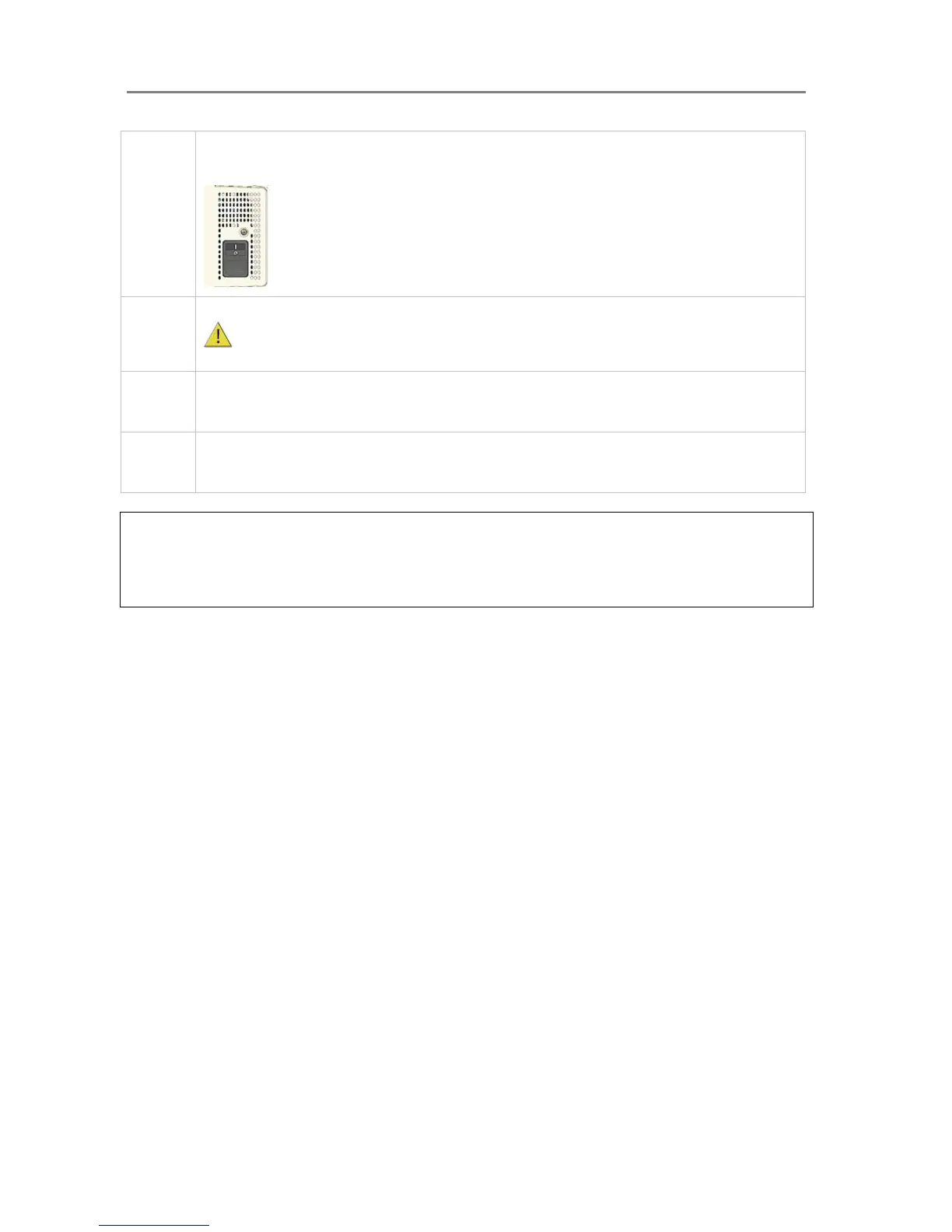
To turn on the scanner - at back of the scanner, plug in the power cable and flip the Outlet Switch to ON.
The scanner starts the init and self test sequence.
Power outlet and switch is found at the back of the scanner
10 Turn on the PC
Make sure the PC connected to the scanner is likewise power-connected to a grounding-type power
outlet with a three-wire (pin) grounding type plug.
11 Verify installation of new hardware
Double click on the WIDEsystem scanner icon on the Windows system tray. The program should detect a
Selected Scanner in the dialog.
12 Run preliminary Scanner Maintenance - Maintenance program
Left click on the WIDEsystem scanner Icon and select Launch Scanner Maintenance from the menu.
Follow the instructions on your screen.
NOTE: On Windows Compatibility - Your scanner and drivers are tested and developed to
support the most current active Microsoft Windows version OS systems. Drivers and interface
support in regard to specific Windows versions will follow the Microsoft Support Lifecycle Policy.
The compatibility specifications can therefore change accordingly. The most current OS
compatibility specifications and drivers will be available on your manufacturer’s website.













 To Next Page