Secon 5 - Engineer’s Program
5.10.2 Bill Validator
This enables an MDB Bill Validator (note reader) to be selected.
5.10.3 Onboard Card Reader
This Enables / Disables an Onboard card reader built in card swipe on the front of the
machine that plugs directly into the Atlas controller at J42.
Crane Onboard cashless interfaces with other online systems so in many cases we can
accept credit and other cards College, work id etc., eliminang the need for a second card
reader.
It is possible to have two MDB card readers or one MDB and one Onboard reader in the
machine at the same me. An example would be a college where you accept both credit
cards and a college ID cards that are ed to students accounts.
5.10.4 Card Reader A
This enables an MDB Card Reader to be selected.
5.10.5 Card Reader B
This enables a second MDB Card Reader (if ed) to be selected. The opons are the same
as for Card Reader A
Note: When two card readers are being used one must be pre-programmed to communicate
as Card reader B this is not be dened by the machine Failure to adhere to this rule will result
in the card systems failing to operate.
If any card readers are Enabled the following features will be seen
Cash Discount Sengs
This enables a discount to be given if all the transacon is in cash
This menu shows your current discount for cash.
This only applies to onboard cashless transacons. – The Cash Discount can not
be changed at the machine. – The Cash Discount currently can only be set to
10 cents.
When enabled, Cash Discount applies to all products in the machine.
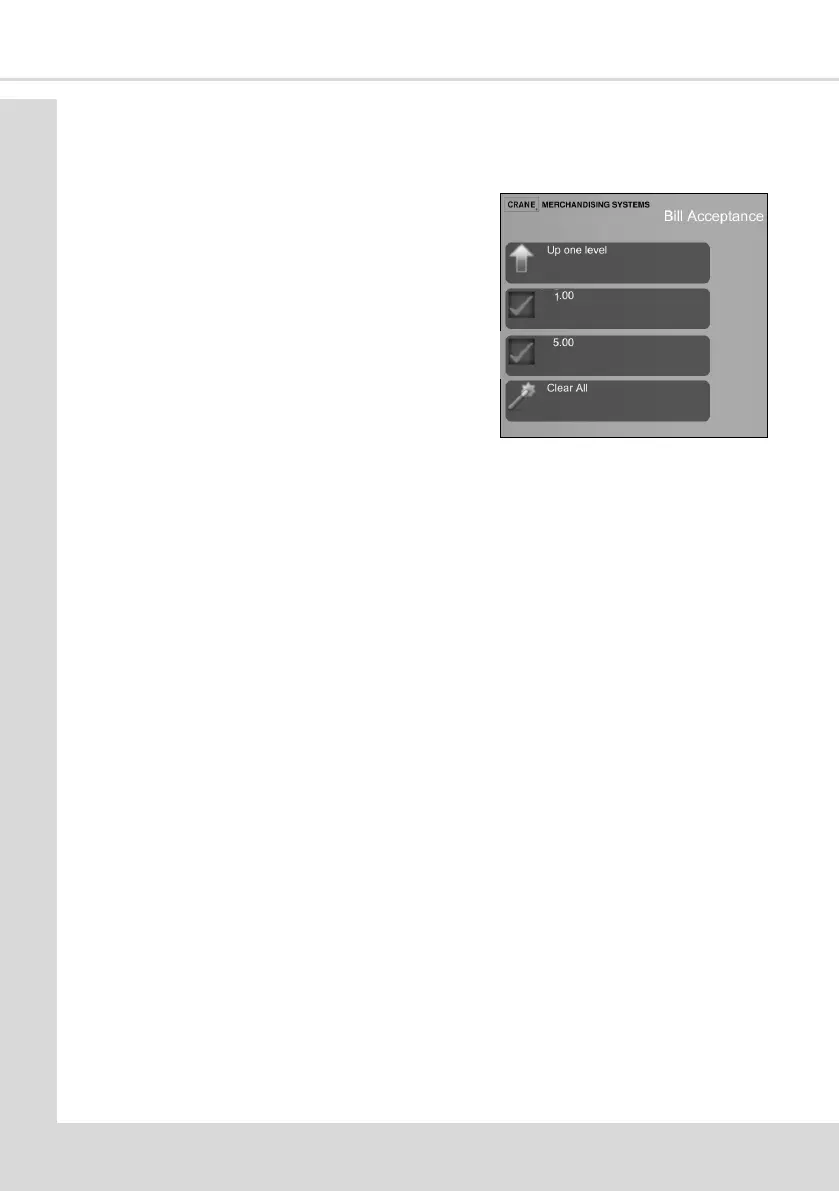
1. This opon allows you to select which Bills
are to be accepted



 To Next Page