Secon 5 - Engineer’s Program
Technical Manual
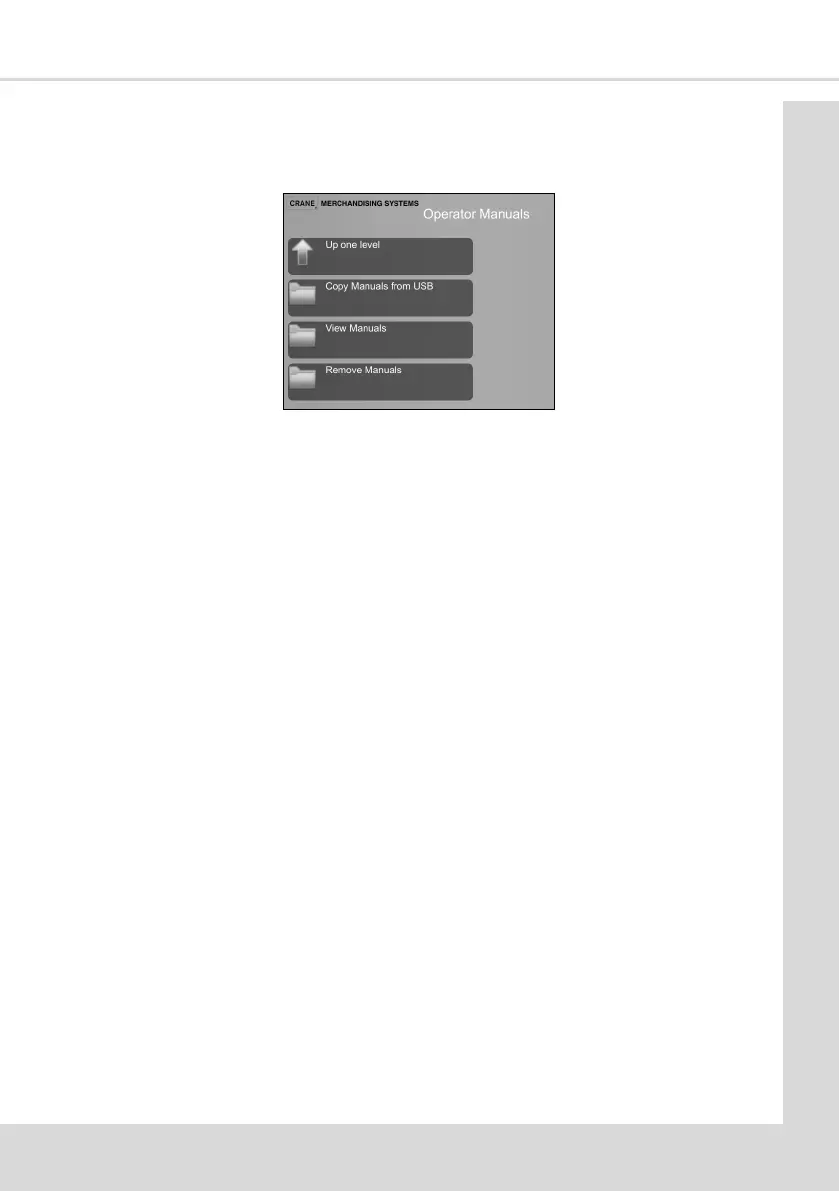
5.11.1 Operator Manuals
This enables manuals which can be shown on the screen to be added, viewed and
removed.
5.11.2 ADA Mode
See secon 4.16
5.11.3 Machine Informaon
This enables details of the machine and contact informaon to be entered for individual
machines.
1. Show/Hide Machine Informaon - if set to Show and the machine develops a fault the
machine will display the Contact and Asset Numbers informing the customer who to
contact for maintenance.
2. Contact Number - this enables a contact phone number to be entered.
3. Asset Number - each individual machine can be given a name/number to help with
idencaon. As well as being shown on the screen in a fault condion (if Show has
been selected) this informaon is also shown in the DEX report.
4. Machine Locaon - the locaon of the machine can be added to help with
idencaon and is shown in the DEX report.
5. Custom Conguraon Name, Manufacturer ID, Machine Model and Board Serial
Number are displayed non editable elds, it is informaon displayed on screen and
in printouts and telemetry and idenes the machine.
6. Machine Model - the machine model can be selected from a list of opons to be shown
in DEX and Telemetry reports.
7. Machine Serial Number - this can be entered for reference purposes
5.11.4 Machine Id
This idenes the machine by the conguraon of drink types it is setup to vend and
consist s of leers and numbers. The leers idenfy the mixing systems posions and
brewers, the numbers idenfy the canister layout and available menu.
I xx - Instant machine
S xx - Freshbrew machine using a single Oltre brewer
D xx - Freshbrew machine using two Oltre brewers.



 To Next Page