Secon 4 - Customising the User Interface
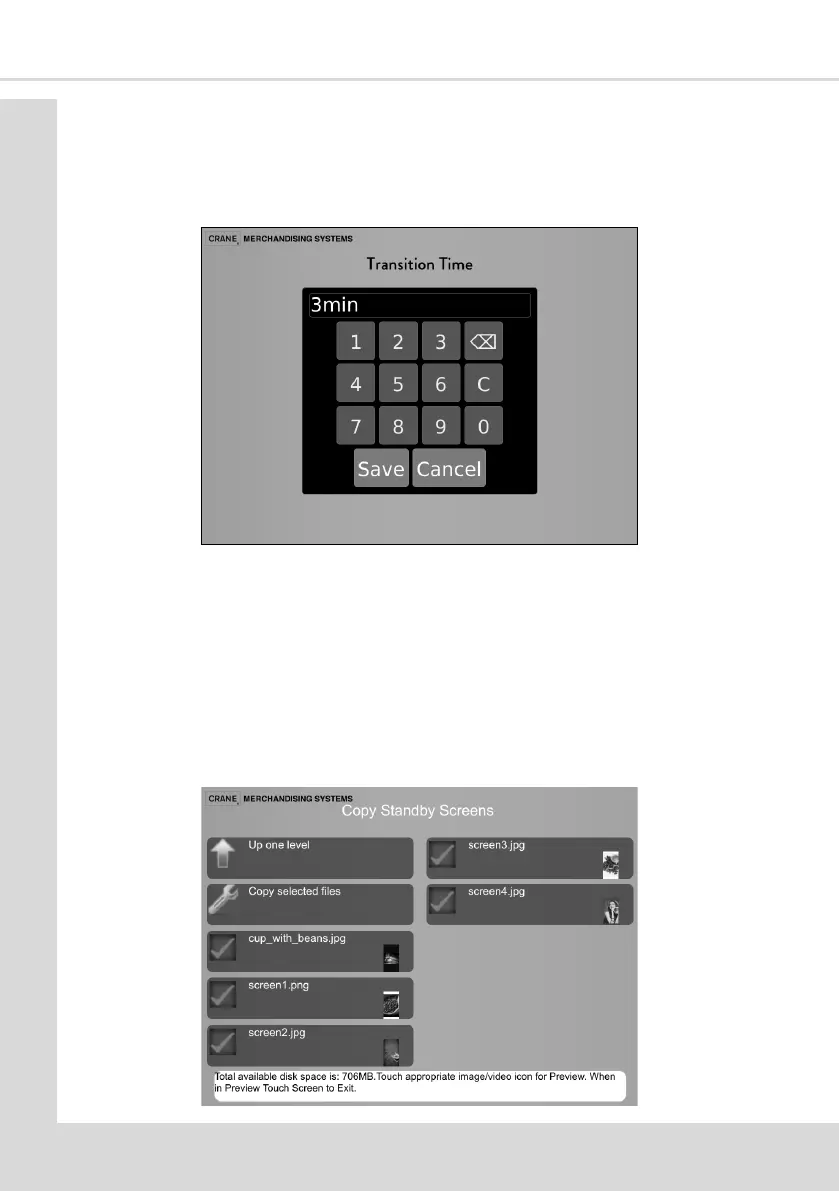
4.10.2 Transion Time
Select this opon to enter a me in minutes that the machine can remain idle before the
Standby Screen is displayed.
A numeric keypad is displayed, enter the me and press Save.
4.10.3 Copy Standby Screens
To use the Standby Screens they must rst be copied onto the machine.
1. Copy the required Standby Screen les onto a USB sck, refer to Secon 4.6 for details
of accepted le types, size and address.
2. Insert the USB sck into the USB socket on the Atlas H Board.
3. Select Copy Standby Screens (a preview of the screen can be seen by selecng the
thumbnail of the image, touching the screen will exit the preview)
4. Select the required les to be copied and then select Copy selected les.



 To Next Page