Secon 4 - Customising the User Interface
Technical Manual
5. A Copy conrmaon screen is displayed with the opons Yes or No, select Yes to copy
across the selected les.
4.10.4 Edit Standby Screens
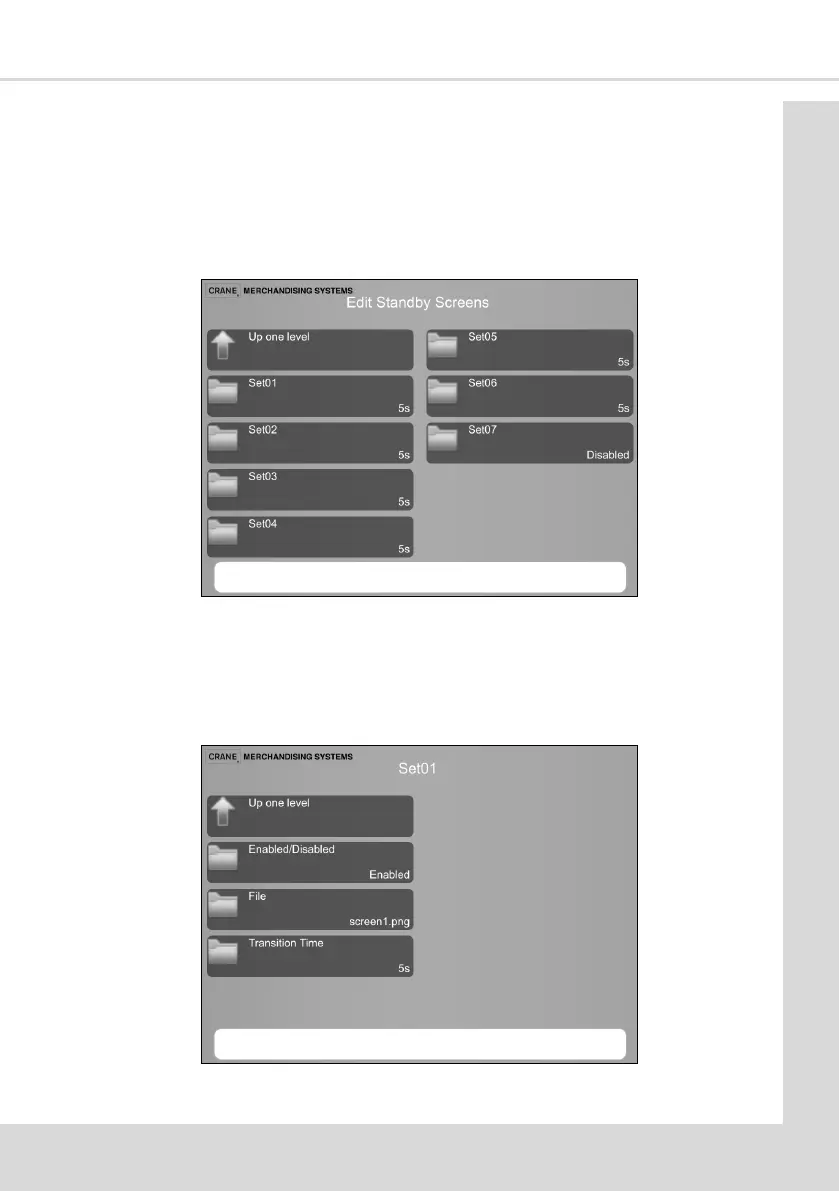
This enables the selecon of the images to be displayed when the machine is at Standby. Up
to seven images or videos can be used. as required
1. Select Edit Standby Screens to display the following screen.
2.
2. Each screen is displayed for a set me or in the case of a video le for its duraon
before the next set is displayed. It is not necessary to use all seven available Sets but it
is preferred to use at least two.
3. Select a Set icon to display the following screen.
4. Enable or Disable this Set.



 To Next Page