Secon 4 - Customising the User Interface
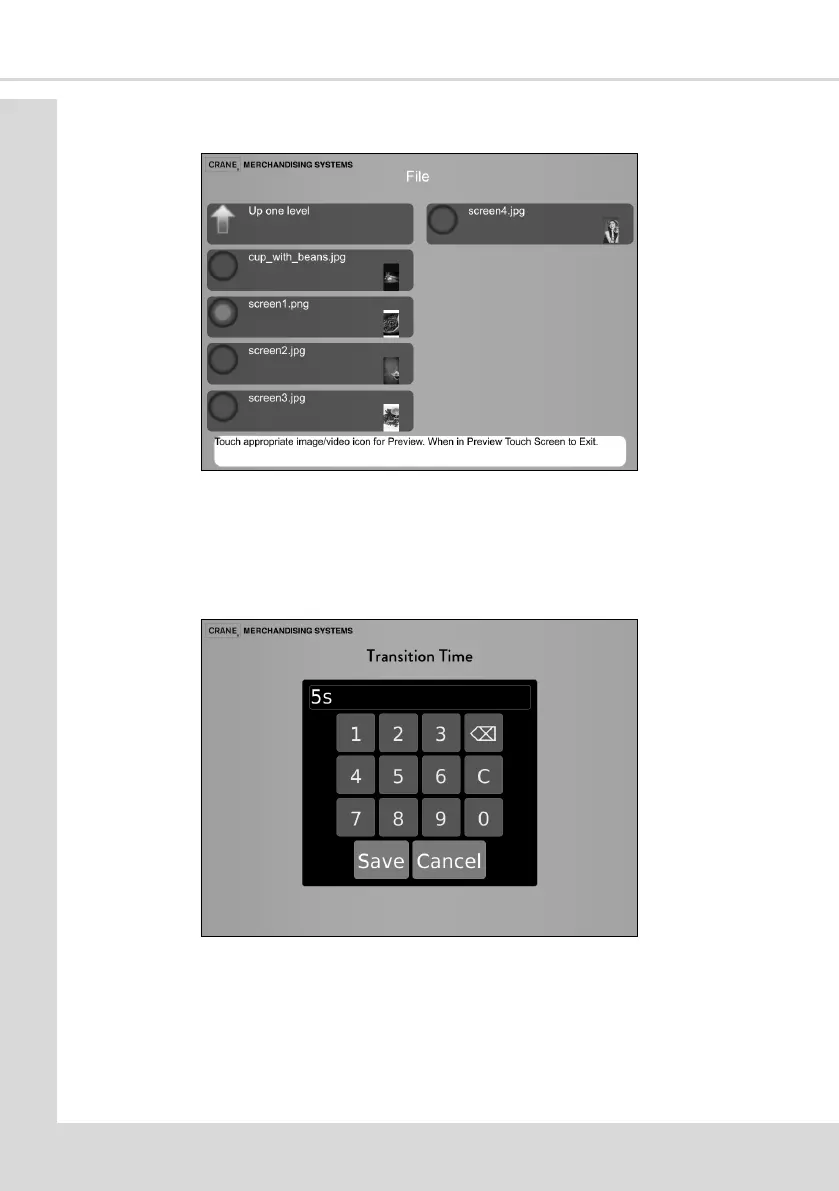
5. Select File to display the available Standby images as on the following screen.
6. Select the required image and then Up one level to return to the Edit Standby Screen.
7. Repeat the above process for each Set, selecng one image per Set.
8. The Transion Time opon enables a specic me a Standby image is displayed. A
numeric keypad is displayed where the me in seconds is entered. (when showing a
video this me should be set to its run me).
9. The selected images will be shown in turn each me the machine returns to idle mode.
10. When all images Sets have been set up select Up one level to return to the Standby
Screen menu.



 To Next Page