Secon 4 - Customising the User Interface
Technical Manual
4.10.5 Remove Standby Images
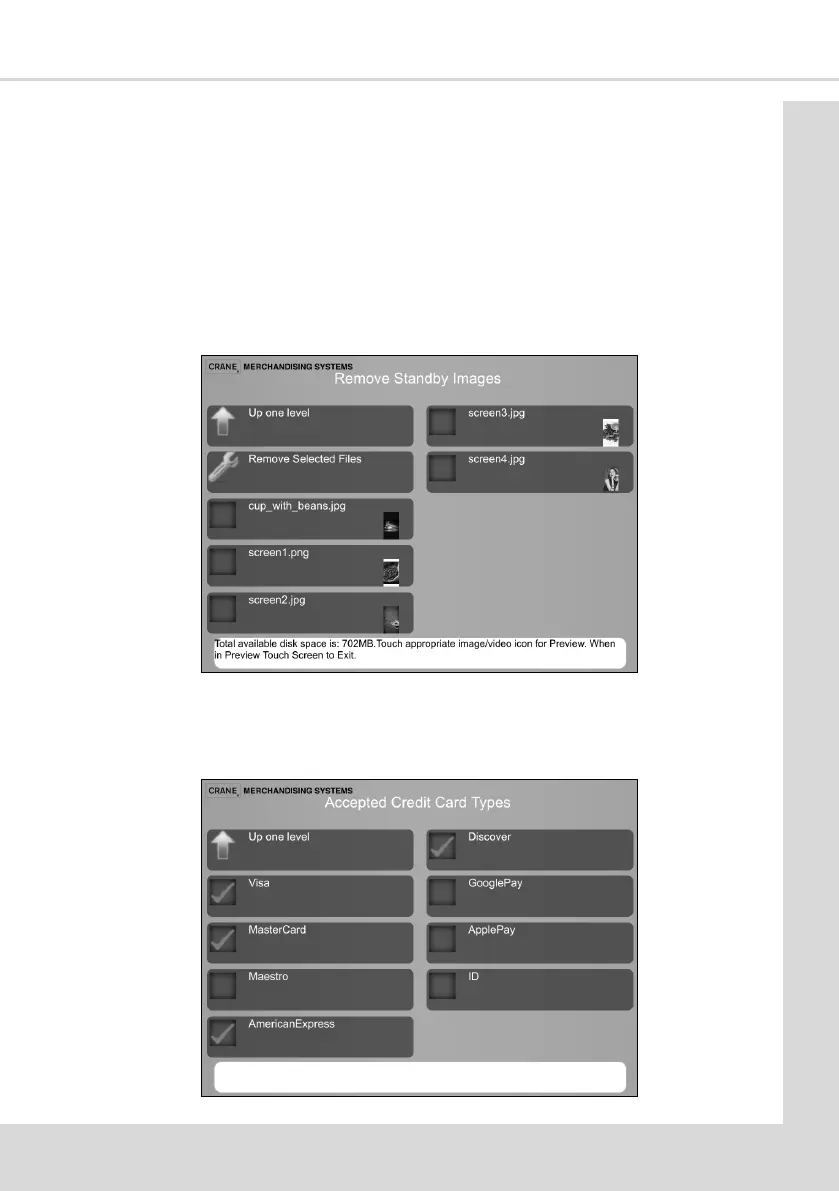
This enables images to be removed and free up memory.
1. Select Remove Standby Images to display the following screen.
2. Select the images to be removed and select Remove Selected Files, aer conrming
you wish to delete the les select Up one level to return to the Standby Screen menu.
4.10.6 Accepted Credit Card Types
This feature enables images of Credit Cards to be selected for display on the customer user
interface. This does not set which cards the reader can accept, it only displays the possible
opons to the customer once a card reader is ed to the machine.
1. Select Accepted Credit Card Types to display the following screen.
2. Select the required opons and then Up one level to return to the Standby Screen
menu.



 To Next Page