Secon 4 - Customising the User Interface
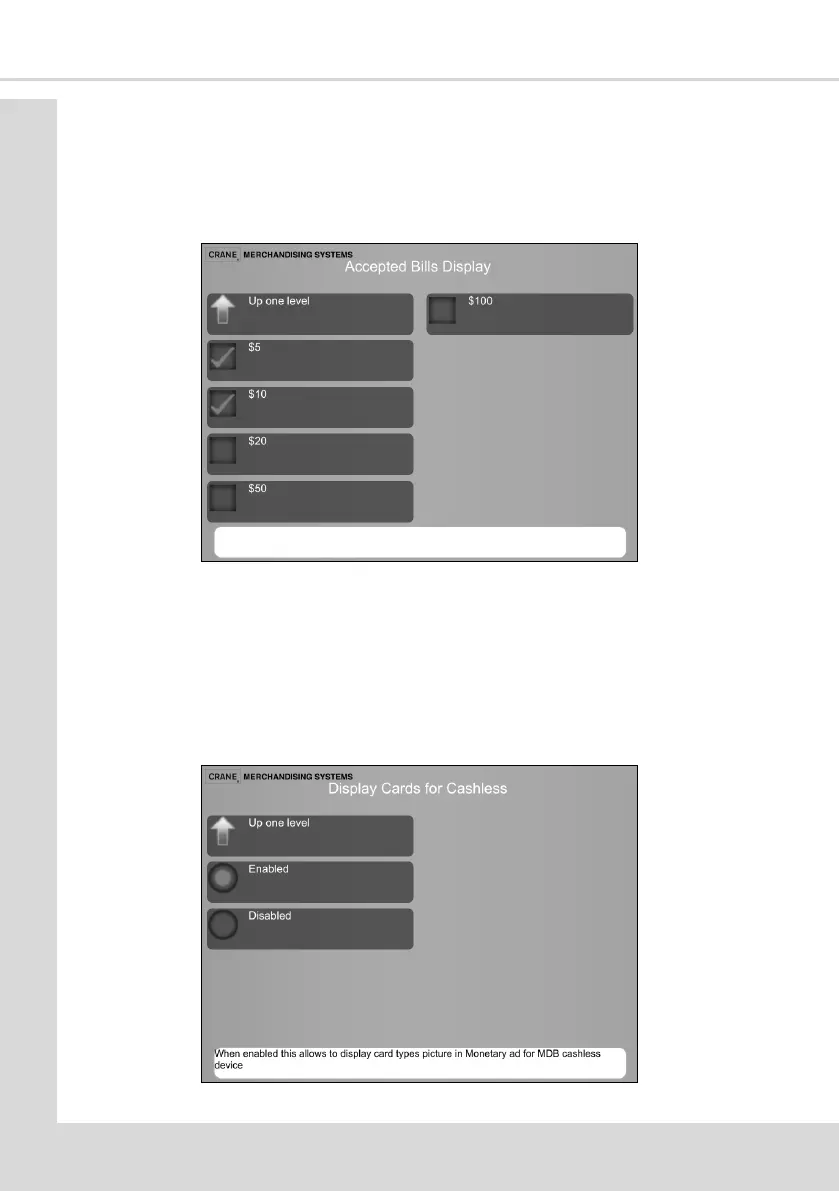
4.10.7 Accepted Bills Display
This opon enables the bills that can be used to purchase a drink to be selected. The
opons are displayed on the User Interface for the consumer to see.
1. Select Accepted Bills Display to display the following screen.
2. Select the required Notes and then Up one level to return to the Standby Screen menu.
4.10.8 Display Cards for Cashless
This opon enables images of the Card types to be displayed when the machine is in
cashless mode.
1. Select Enabled to display images selected in 4.12.6 Accepted Credit Card Types.
2. Select Disabled to disable this opon and remove images of acceptable credit cards
from the User Interface.



 To Next Page