Secon 5 - Engineer’s Program
Technical Manual
5.7.10 Custom Selecon Names
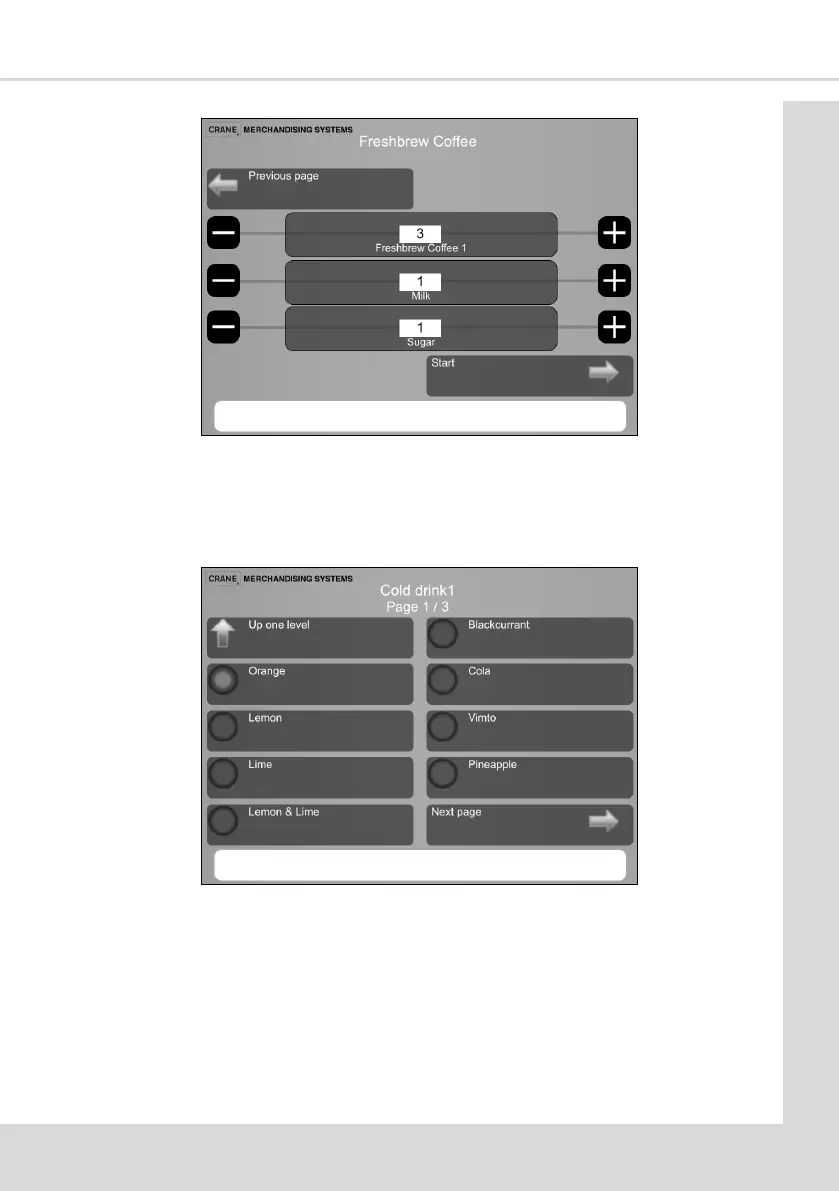
This menu enables you to choose from a list, the name of the soup or syrup based drink to
be displayed on the selecon screen. If for example you are vending Orange.
1. Select Cold drink 1 to display a list of cold drinks.
2. Select the type of cold drink, in this example Orange.
3. Orange will now be shown on the drink selecon screen.
Note: Remember it is possible to rename any drink to your own product using the Change
products informaon (see secon 4.7)



 To Next Page