Secon 5 - Engineer’s Program
Technical Manual
more mes. If these aempts fail the consumer’s money is returned and the message “Out
of Cups” is displayed.
To clear the message and return to standby mode, open the door.
Note: you must check and if necessary clear the obstrucon from cup drop unit and ensure
correct operaon before leaving the machine.
5.7.16.2 Cup Mechanism
This enables the cup drop unit to be switched On or O. If user’s own cups are always to be
used, set this to O to disable the cup drop unit. SureVend
TM
can sll be used to monitor
the dispense area and will not dispense drinks without a cup in the dispense area.
5.7.16.3 Cup Staon Sensor
This enables the cup in posion sensor to be enabled or disabled
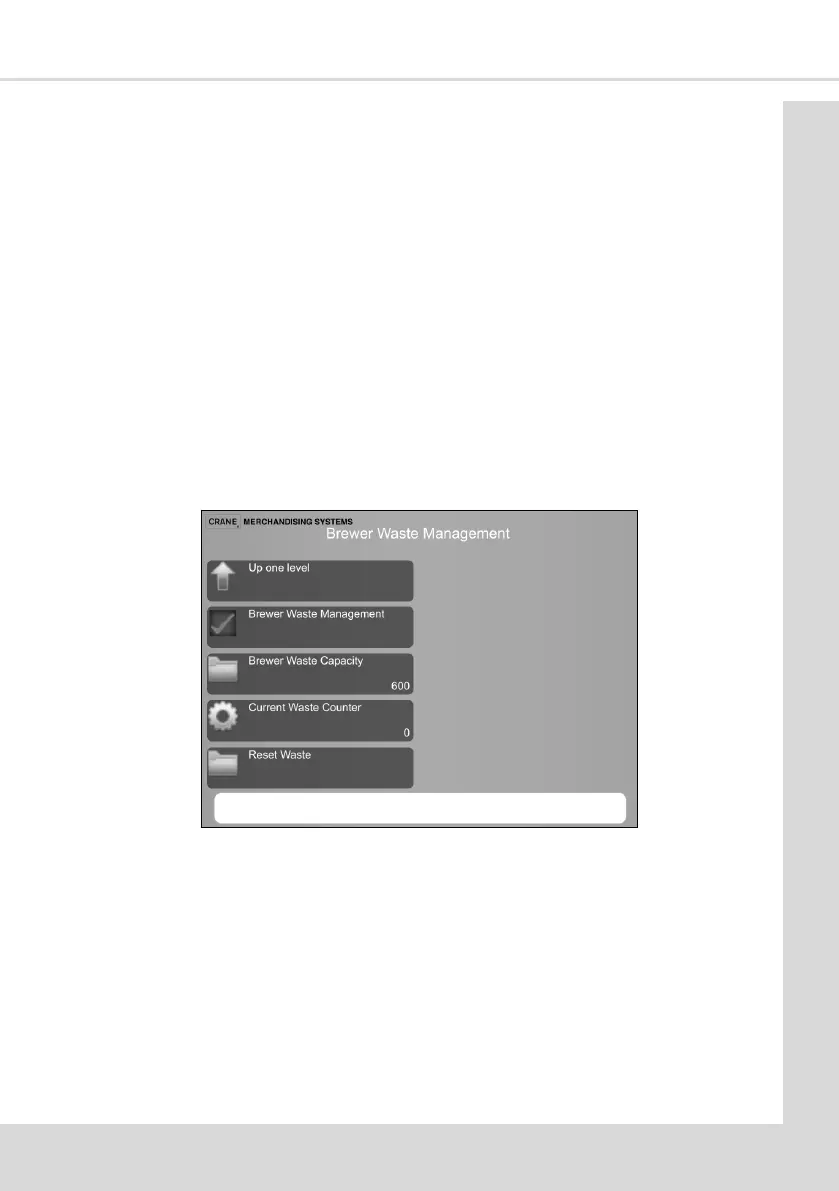
5.7.17 Brewer Waste Management
If this feature is On it enables the number of fresh brew drinks dispensed to be limited
before the brewer waste bucket is emped ensuring the bucket does not overow.
1. Brewer Waste Management - check this box to enable.
2. Brewer Waste Capacity - enter the number of vends before all fresh brew drinks are
disabled / removed from the menu.
3. Current Waste Counter - this indicates the number of fresh brew drinks dispensed.
4. Reset Waste – this resets the counter but only aer a conrmaon box is selected
Note: If this feature is turned on the operator must press buon 12 on the Service Keypad
every me the brewer waste bucket is emped.
Note: It is highly recommended that this feature is enabled on LINEA machines.



 To Next Page