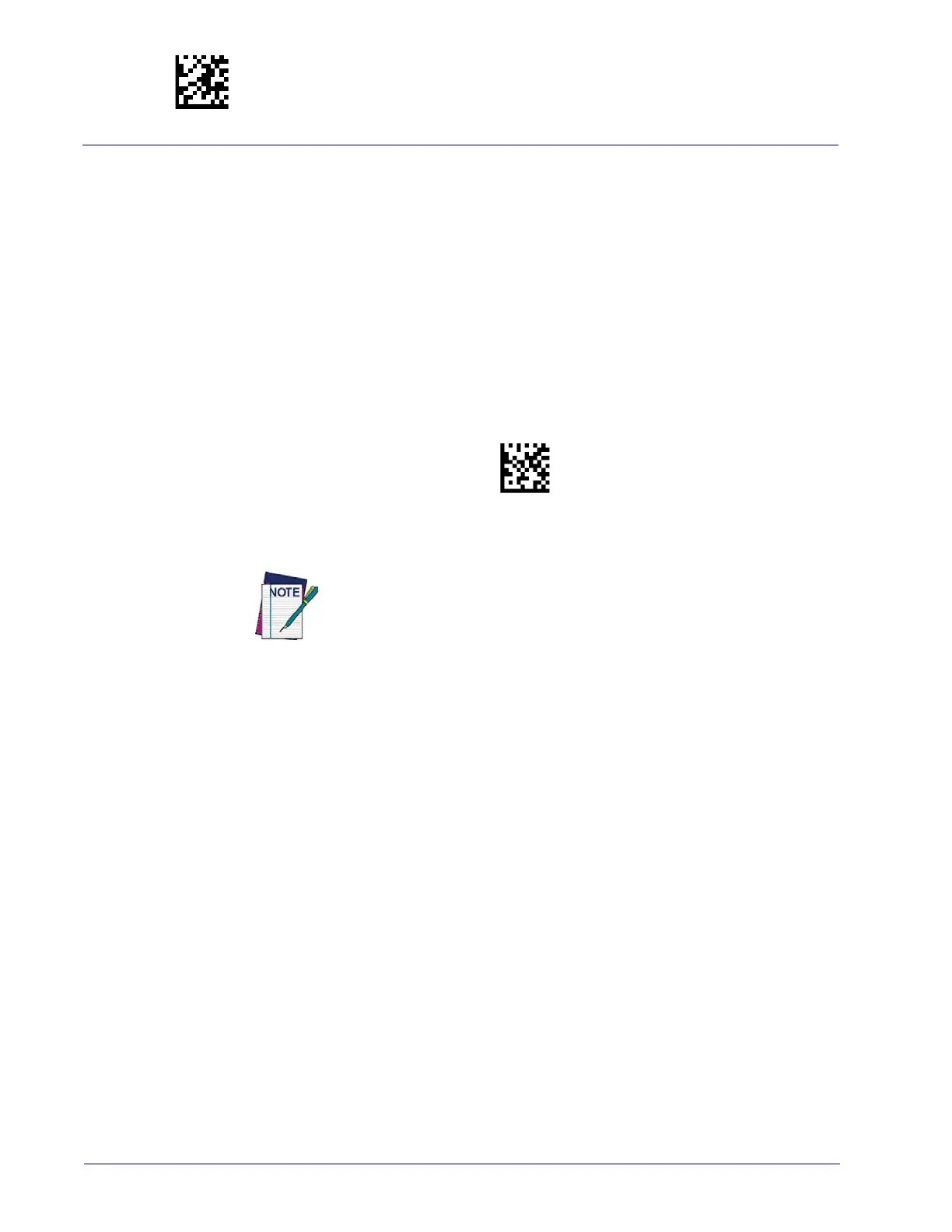
Enter/Exit Programming Mode Disable All Symbologies
110
Gryphon™ I GD44XX
/
GBT4400/GM440X
DISABLE ALL SYMBOLOGIES
Use this feature to disable all symbologies.
1. Scan the ENTER/EXIT PROGRAMMING Mode bar code.
2. Scan the Disable All Symbologies bar code.
3. Complete the programming sequence b
y scanning the ENTER/EXIT PROGRAM-
MING bar code.
Disable All Symbologies
This does not disable the reading of programming labels.



 To Next Page
 Loading...