230
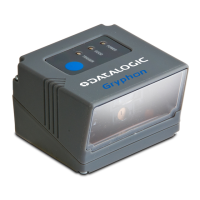
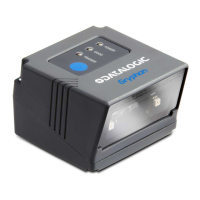
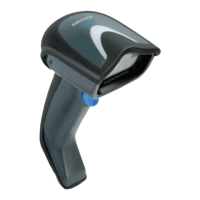
Gryphon™ I GD44XX
/
GBT4400/GM440X
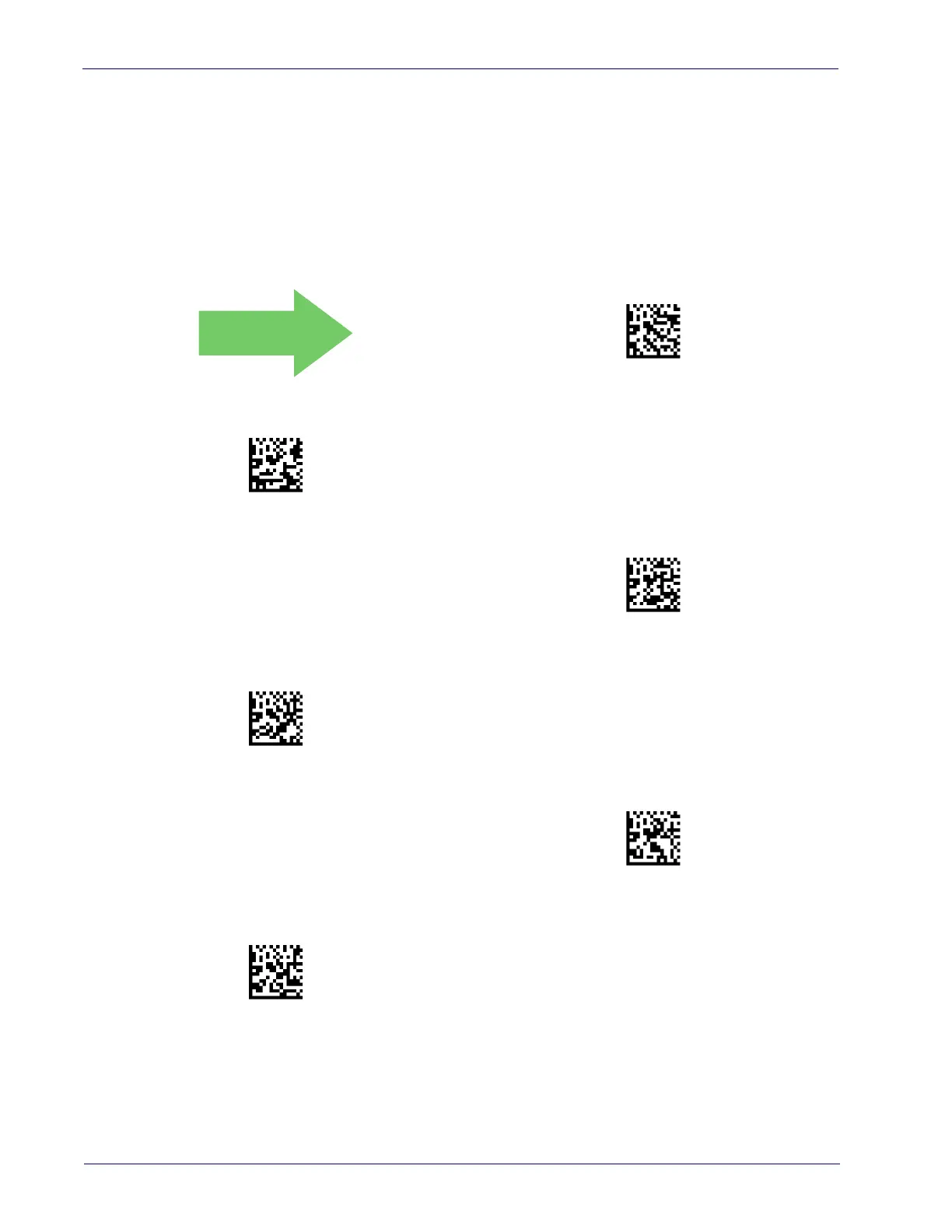
Postal Code Selection
Enables/disables the ability of the scanner to decode labels of a specific postal symbology.
• Disable All Postal Codes •Australia Post
•Postnet • Japan Post
•Planet •IMB
•Royal Mail •Sweden Post
•Kix •Portugal Post
Postal Code Selection = Disable All Postal Codes
Postal Code Selection = Enable Postnet
Postal Code Selection = Enable Planet
Postal Code Selection = Enable Royal Mail
Postal Code Selection = Enable Kix
Postal Code Selection = Enable Australia Post
DEFAULT



 To Next Page
 Loading...