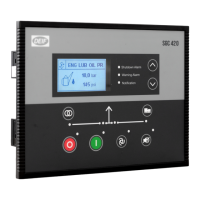
Configure the output
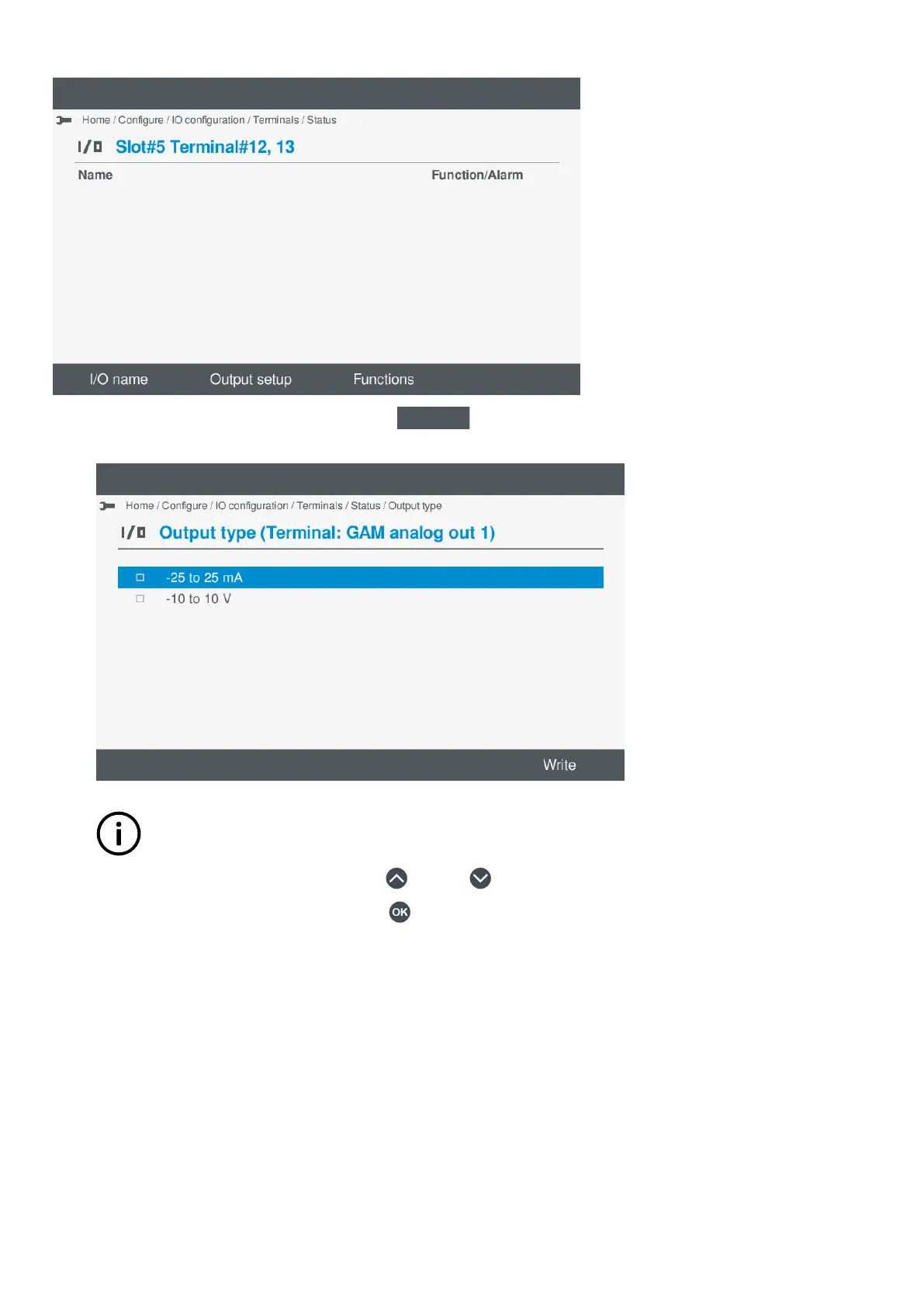
1. To configure the Output setup, select Output setup
.
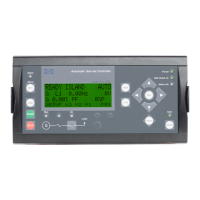
• A list of available output types are shown on the display.
•
INFO
This is the y-axis.
2. Highlight the required output type, by pressing Up or Down .
3. Select the highlighted output type, by pressing OK .
• The selected output type is marked with a solid box.
OPERATOR'S MANUAL 4189341099G UK Page 82 of 130



 To Next Page