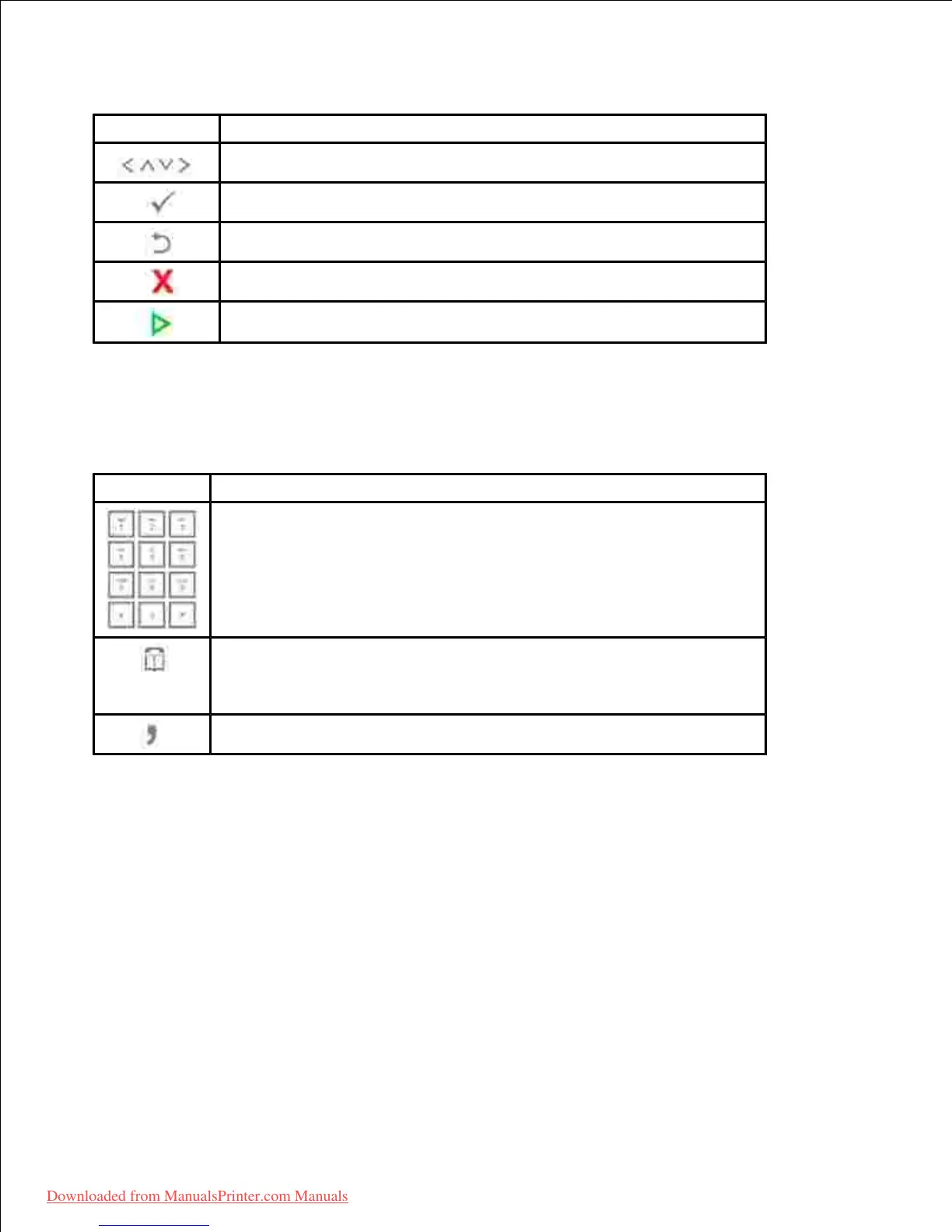
Scroll through available options.
Confirm the selection on the display.
Return to the upper menu.
Stop an operation at any time, or return to main menu.
Dial/Enter number or enter alphanumeric characters.
Store frequently used fax numbers in memory or search for stored fax
numbers or email addresses.
It also allows you to print a Phonebook list.
Insert a pause into a fax number in edit mode.
Understanding the Status LED
When the problem occurs, the Status LED indicates the machine's condition by the light color of it's action.
Downloaded from ManualsPrinter.com Manuals













 To Next Page