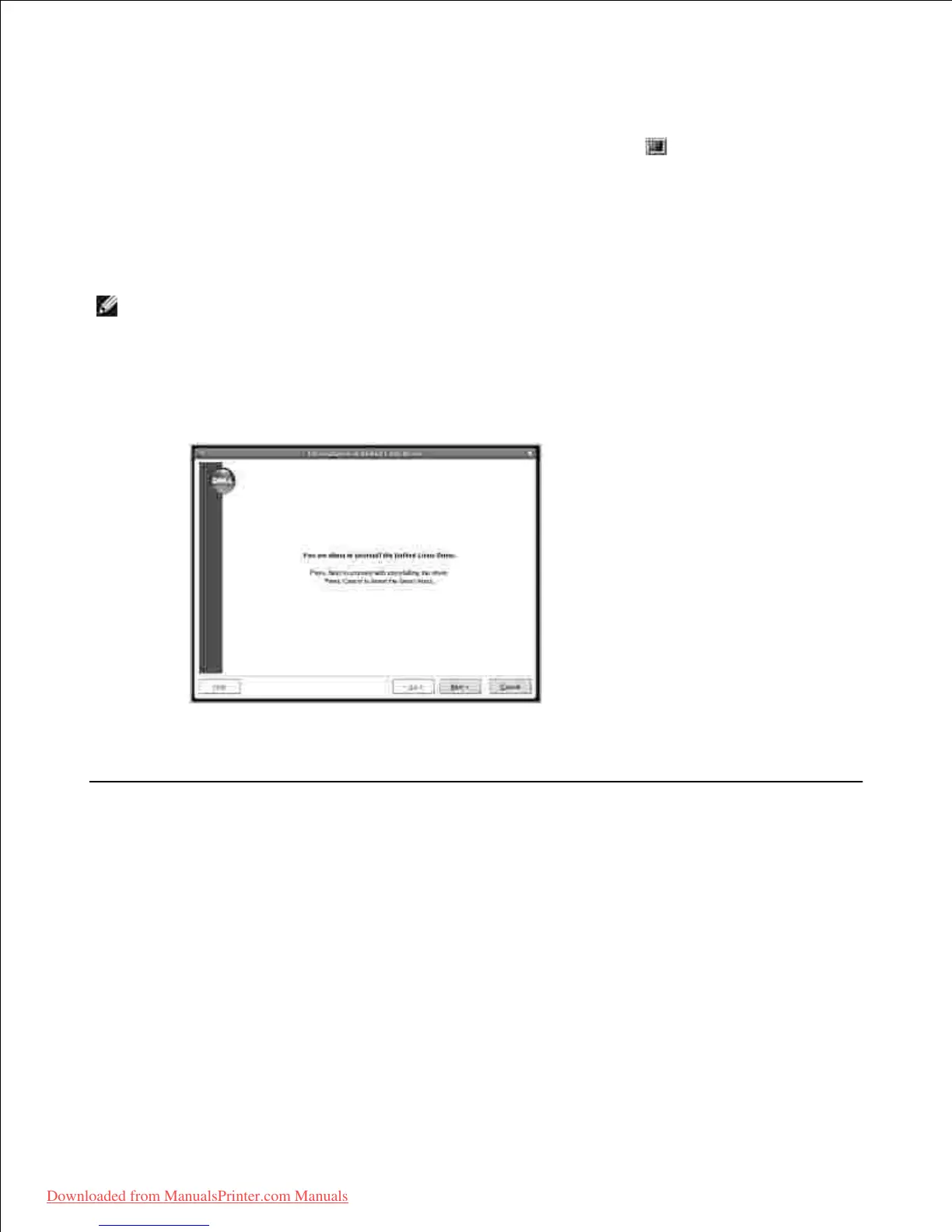
Insert the DRIVERS AND UTILITIES CD. The DRIVERS AND UTILITIES CD will automatically run.2.
If the DRIVERS AND UTILITIES CD does not automatically run, click the icon at the bottom of the
desktop. When the Terminal screen appears, type in:
[root@localhost root]#mount -t iso9660 /dev/hdc /mnt/cdrom
[root@localhost root]#cd /mnt/cdrom/Linux
[root@localhost root]#./uninstall.sh
NOTE: The installation program runs automatically if you have an autorun software package installed
and configured.
Click Uninstall.3.
Click Next.4.
Click Finish.5.
Using the Unified Driver Configurator
Unified Driver Configurator is a tool primarily intended for configuring MFP devices. Since an MFP device
combines the printer and scanner, the Unified Driver Configurator provides options logically grouped for
printer and scanner functions. There is also a special MFP port option responsible for the regulation of access
to an MFP printer and scanner via a single I/O channel.
After installing the MFP driver, the Unified Driver Configurator icon will automatically be created on your
desktop.
Opening the Unified Driver Configurator
1.
Downloaded from ManualsPrinter.com Manuals













 To Next Page